1-7
1
1
Detailed Settings
Setting the Administrator Password, LAN, IPv6,
DNS, etc. (Network)
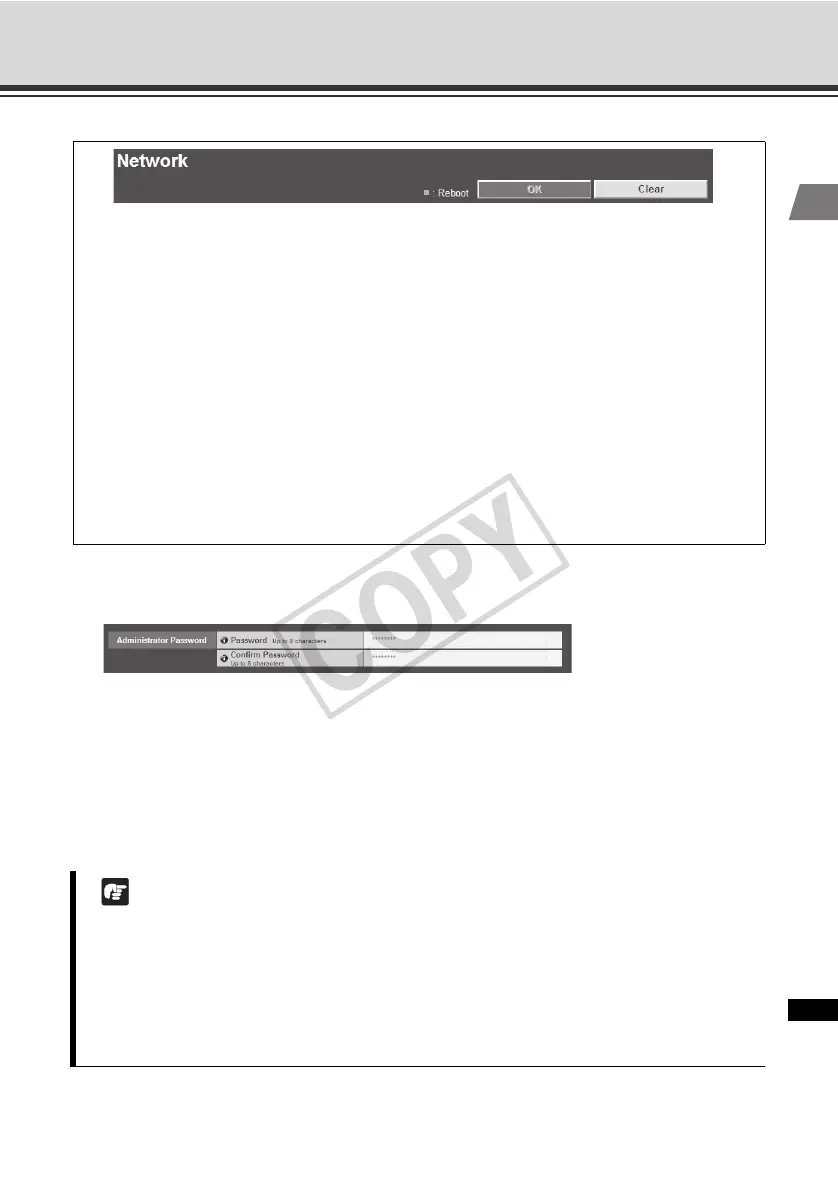
Administrator Password
(1) [Password]
Set the Administrator password. You can use up to eight (single-byte) ASCII characters
(space or printable characters). The factory setting is "VB-C60." If Admin Viewer or VBAdmin
Tools is connected, change the password after terminating the connection.
(2) [Confirm Password]
Enter the same password for confirmation.
You can set the following items.
z Administrator Password
Set the Administrator password.
z LAN
Set the IP address and other items needed to establish LAN connection.
z IPv6
Set IPv6.
z DNS
Set the name server address, host name and DDNS.
z SNMP
Set the SNMP.
Note
z Be sure to change the default Administrator password to ensure security of the system.
Don't forget the new password.
z If you have forgotten the Administrator Password, press the reset switch to initialize the
settings. See "Initializing with the Reset Switch on the Camera" ( P. 5-21). Take note,
however, that this will reset all settings of the camera, except for time and date, to their
factory settings.



 To Next Page