2-12
Panorama Creation Tool
Registering/Deleting Panorama Images
When the panorama image has been captured, send it to this camera. The image will be reflected
upon registration.
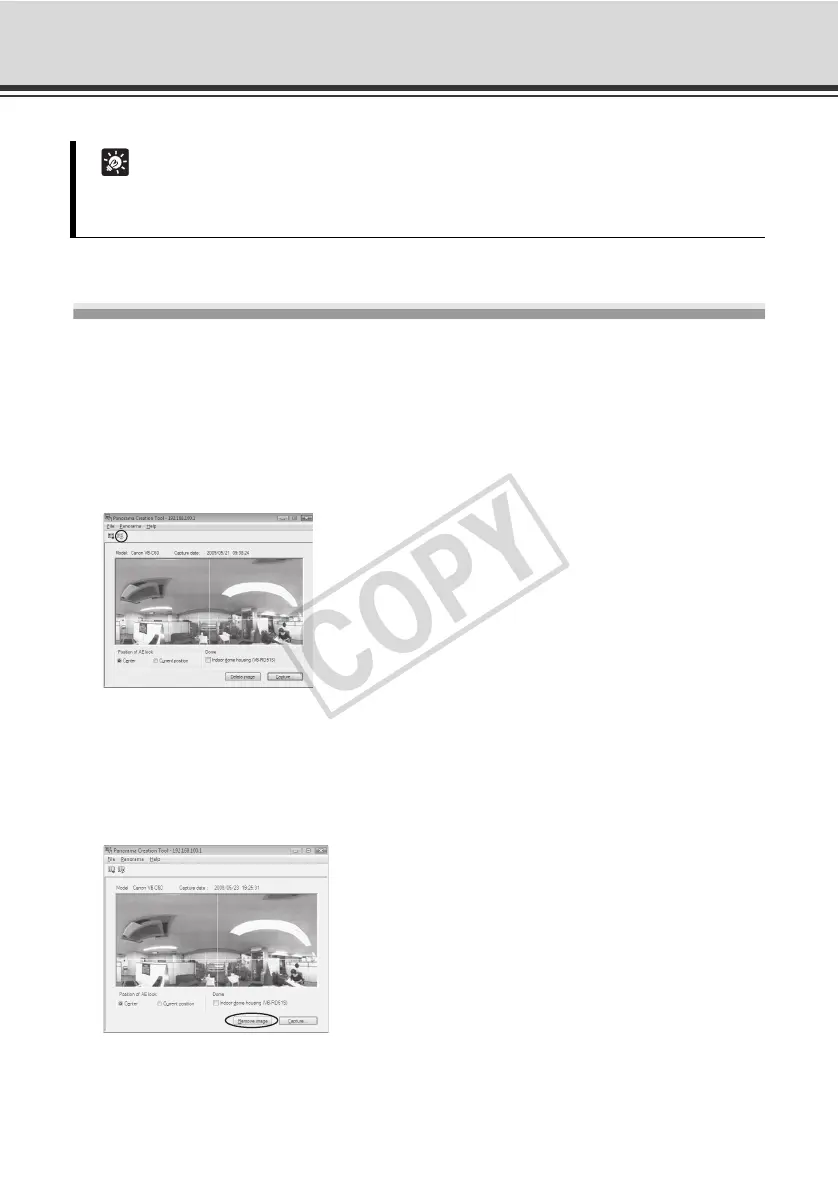
How to Register
Click the [Register panorama image] button.
The panorama image is registered.
How to Delete
To delete the panorama image you have captured, click the [Remove image] button and then click
the [Register panorama image] button.
The panorama image saved in the camera is deleted.
Tip
While a panorama image is being captured, the image stabilizer function is temporarily
disabled.



 To Next Page