2-2
Overview of VBAdmin Tools
VBAdmin Tools consists of multiple applications for [Panorama Creation Tool], [View Restriction
Setting Tool], [Preset Setting Tool], [Motion Detection Setting Tool], [Log Viewer] and [Admin
Viewer]. You can remotely set the camera, view privileged images, check the operating condition,
acquire logs, and perform other operations with ease.
VBAdmin Tools (P. 2-6)
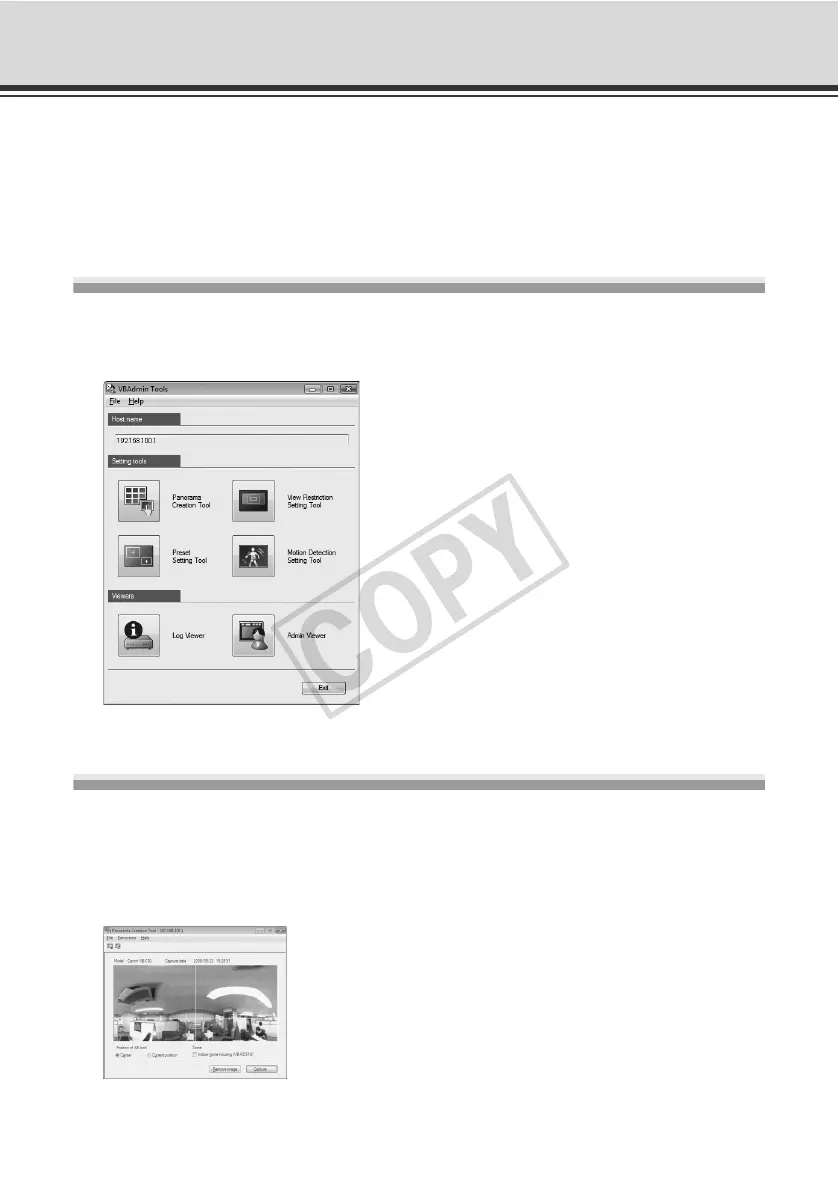
This is the main panel for VBAdmin Tools. You can start each tool from this panel. First, install
VBAdmin Tools. See "Install the Necessary Software" (Start Guide).
Panorama Creation Tool (P. 2-9)
A panorama image capture/creation tool that displays the entire area that can be captured by this
camera. When a panorama image is captured and registered, it is displayed in the panorama
display area of VB-C60 Viewer. When setting view restrictions and presets, you can see at a
glance which part of the entire area is occupied by the set area.



 To Next Page