3-8
Launching VB-C60 Viewer
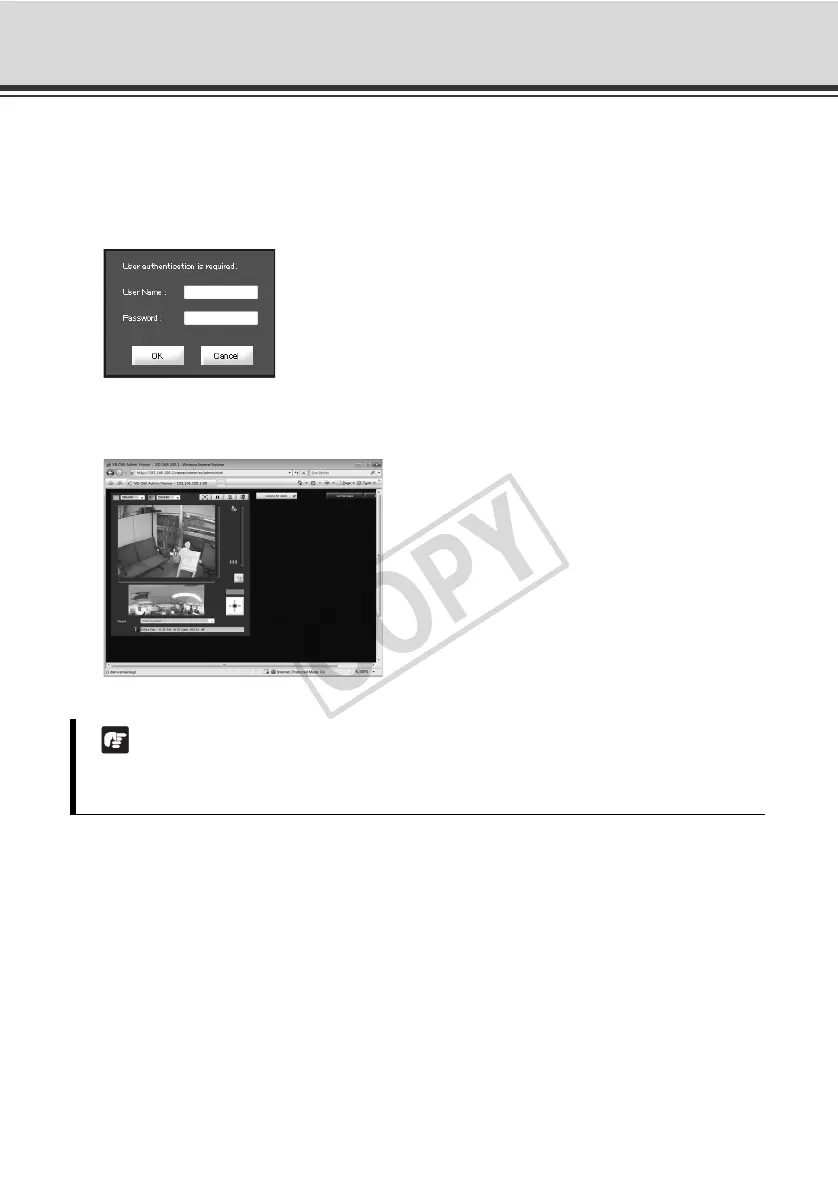
3. Enter the user name and password.
The factory settings are specified below ( P. xiv):
User Name: root
password: VB-C60
The user name "root" is the Administrator account for the camera.
* The password is "VB-C60." Be sure to change them on the [Network] setting page ( P. 1-7).
4. Admin Viewer launches in the web browser.
Note
If a wrong user name or password is entered, the camera cannot be connected. Connect the
camera by entering the correct user name and password.



 To Next Page