5-11
List of Log Messages
Appendix
A137 Invalid upload setting (E-mail notification) [notice]
A138 Invalid upload setting (E-mail notification authentication mode) [notice]
A220 Video input warning detected [warning]
A230 Video input warning detected [warning]
A270 Upload image buffer overflowed [warning]
A271 E-mail communication buffer overflowed [warning]
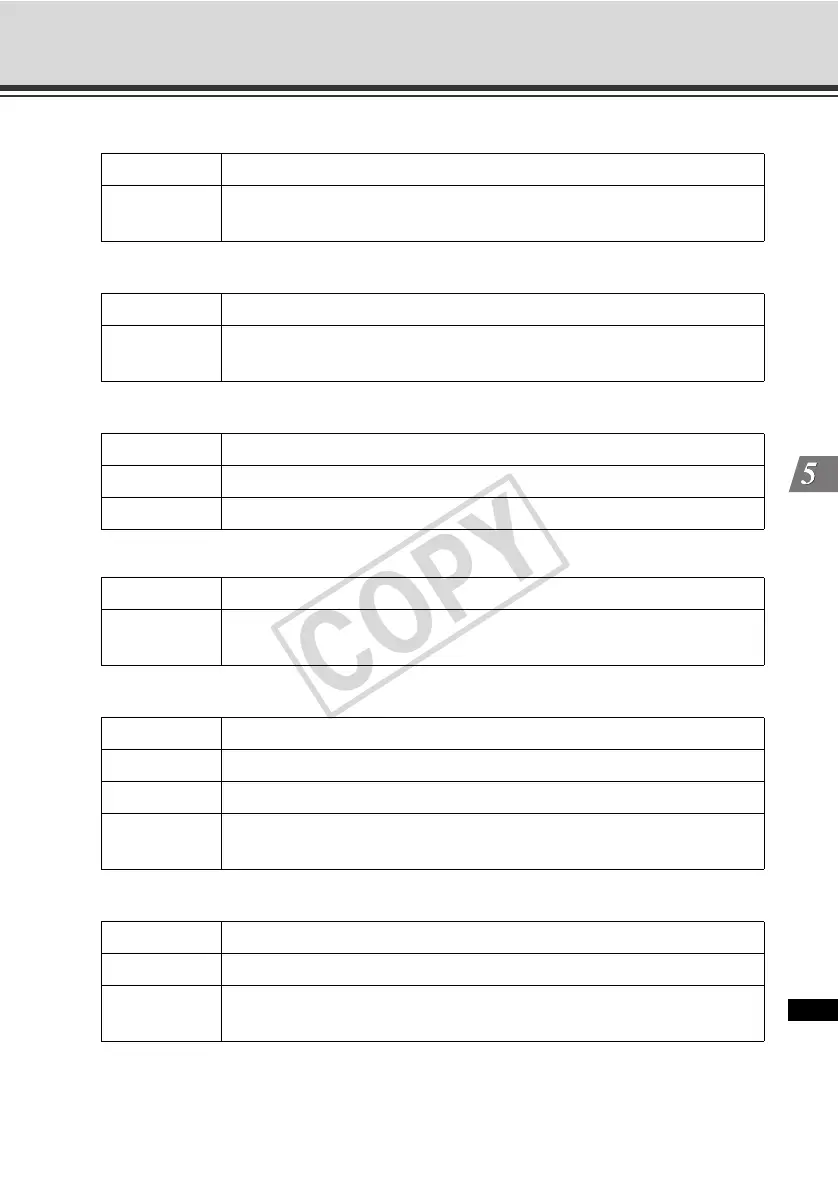
Description mode invalid. uploader set <none> forcibly (A137)
Meaning
The e-mail notification setting is invalid. E-mail notification was forcibly
disabled.
Description authentication mode invalid. uploader set <smtp auth> forcibly (A138)
Meaning
The setting for e-mail notification authentication mode is invalid.
"SMTP_AUTH" was forcibly set.
Description video%1 warning - <Cause of error> (A220)
%1 Video input number
Meaning An error that permits recovery of the video input system was detected.
Description stream buffer overflowed (A230)
Meaning
The image buffer for stream recording overflowed and the application
began discarding images.
Description %1 images are lost due to upload buffer overflow (A270)
%1 Number of discarded upload images
Meaning Upload images overflowed from the image buffer.
Countermeasure
Make adjustments to reduce the number of event occurrences. Also adjust
the upload quality, image size and frame rate.
Description mail queue is full (A271)
Meaning E-mails overflowed from the communication buffer.
Countermeasure
Make adjustments to reduce the number of event occurrences. Also adjust
the upload quality and resolution.



 To Next Page