5-18
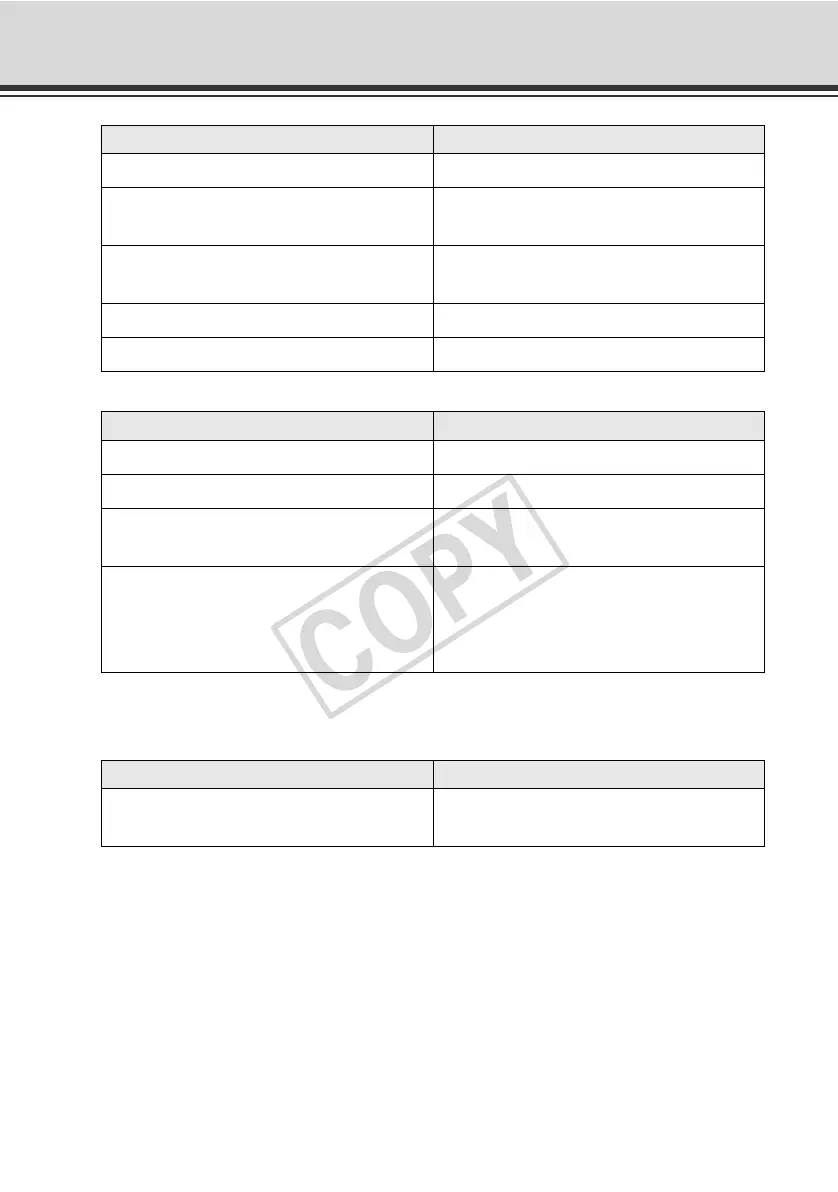
List of VB-C60 Viewer Messages
Warning Messages
Switches on/off camera control privileges. Start Control button
Centers the camera's image on the clicked
position.
Video Display area
Displays a panorama image. The camera
can also be controlled.
Panorama Display area
Moves the camera to preset positions. Preset
Displays information. Information Field
Message Explanation
Connection closed by the camera. The camera was disconnected.
{n}fps Pan : {p} Tilt : {t} Zoom : {z} Communicating with the camera normally.
{n}fps Pan : {p} Tilt : {t} Zoom : {z} IS :
{Image Stabilizer value}
Communicating with the camera normally.
Audio connection has been closed.
The video session has continued after the
audio session was disconnected
(applicable to both transmission and
reception).
Message Explanation
Your web browser is not supported.
Image was displayed in an unsupported
web browser.
Message GUI part



 To Next Page