1-13
Setting the Date and Time (Date and Time)
1
1
Detailed Settings
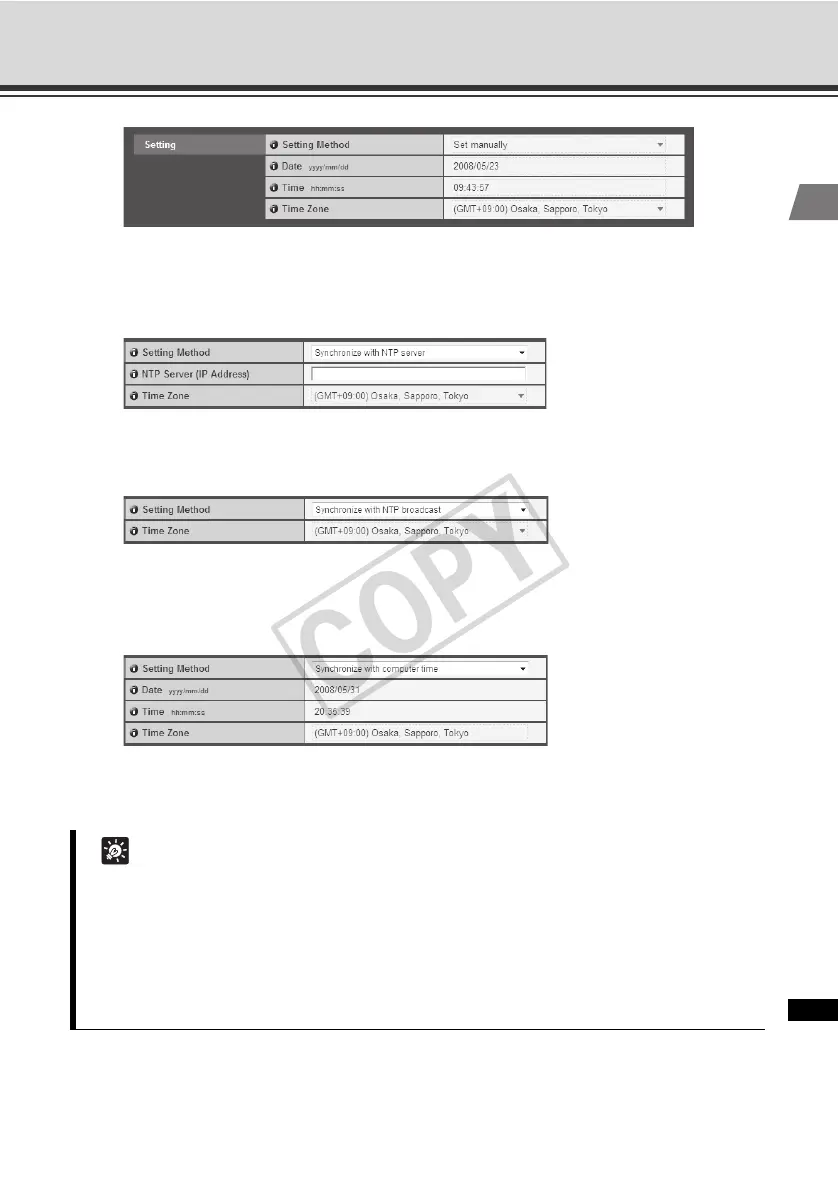
[Synchronize with NTP server]
The camera will synchronize with that time of the NTP server. Enter the IP address of the
NTP server.
[Synchronize with NTP broadcast]
The camera will synchronize with the NTP broadcast time.
[Synchronize with computer time]
The camera will synchronize with the date and time of the computer currently accessing
the camera. The time zone will also be selected automatically.
(3) [Time Zone]
Select from the list an applicable time difference from the Greenwich Mean Time.
Tip
z If you select [Synchronize with computer time], clicking the [Apply] button to apply the
setting will set the setting shown under [Setting Method] to [Set manually].
z If [Synchronize with NTP Server] is selected, the date and time will not be changed when
the IP address of the NTP server is wrong or otherwise the NTP server cannot be
connected.
z The camera's NTP does not support IPv6.



 To Next Page