1-49
Setting the Items Requiring Rebooting (Reboot Item)
1
1
Detailed Settings
Note
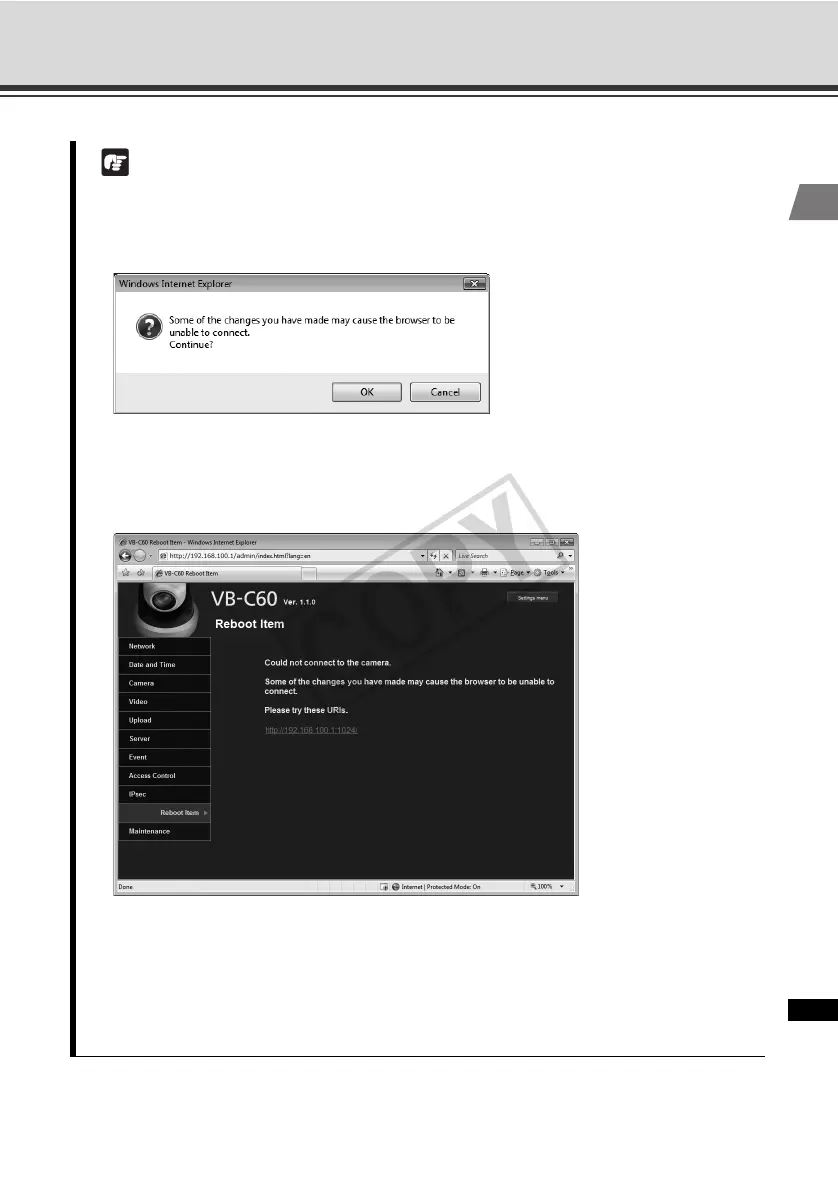
These settings relate to network connection. If any setting is changed to a value that may
disable camera connection from the active browser, the following dialog box appears and
alerts the user.
To apply the new setting, click [OK].
Depending on the new setting, it may not be possible to connect to the camera again after
rebooting. In this case, a candidate URI is displayed as shown below,
If you want to connect to the camera again, try using the displayed URI.
If the camera cannot be connected using the displayed URI, contact your System
Administrator.
* In the [Reboot Item] menu, the [IP Address Setting], [IP Address], [Subnet Mask], [Default
Gateway Address] and [HTTP Port] settings relate to network connection.



 To Next Page