2-18
View Restriction Setting Tool
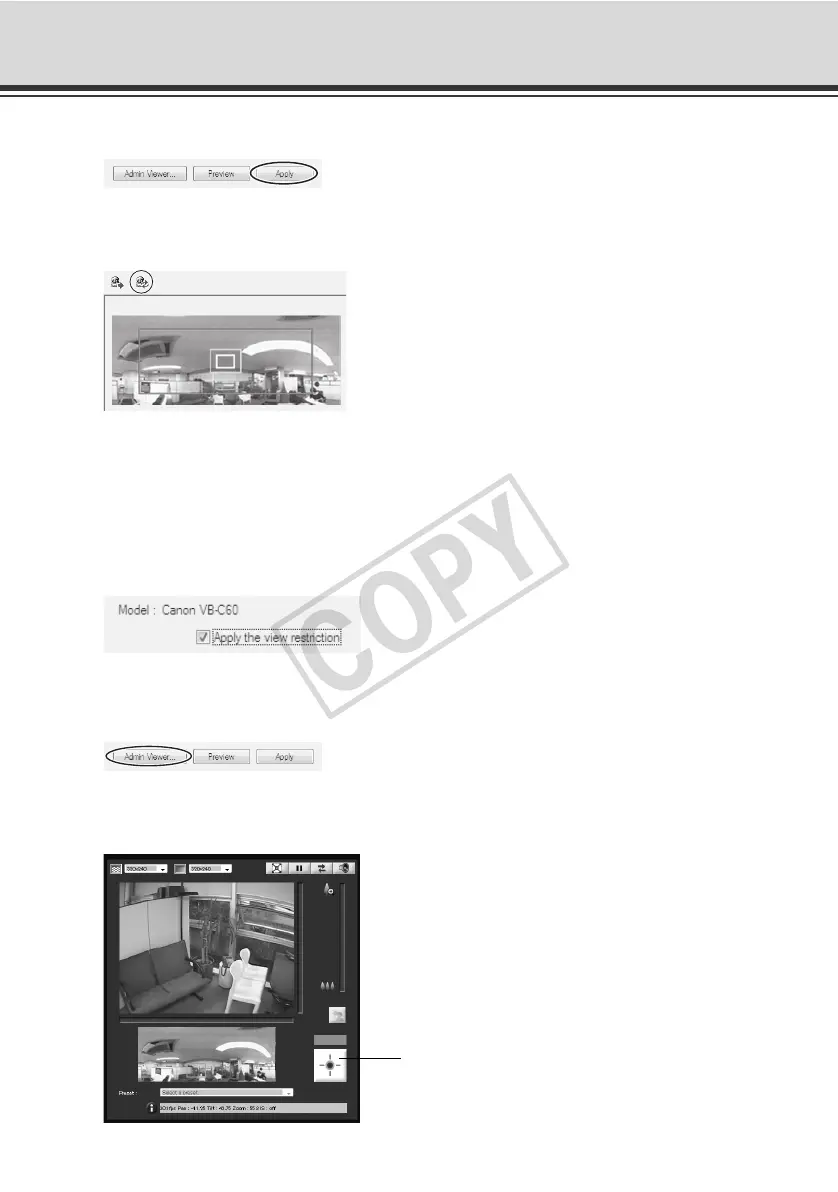
3. Click [Apply].
Confirm on the status list that the settings have been applied correctly, and then click the
[Save view restriction settings] button to save the settings in the camera.
Changing Settings from Camera Angle in Admin Viewer
Launch Admin Viewer and set each view restriction while checking the position on the image.
How to Set
1. Select the [Apply the view restriction] check box.
2. Click the [Admin Viewer] button to launch Admin Viewer.
User authentication is required to access Admin Viewer ( P. xiv).
3. Click "Obtain/release Camera Control" button on Admin Viewer to obtain the control privileges
of the camera.
"Obtain/release Camera Control" button



 To Next Page