Chapter 3 Creating Your Address Book
3-2 Corex Technologies
1
To begin scanning business cards:
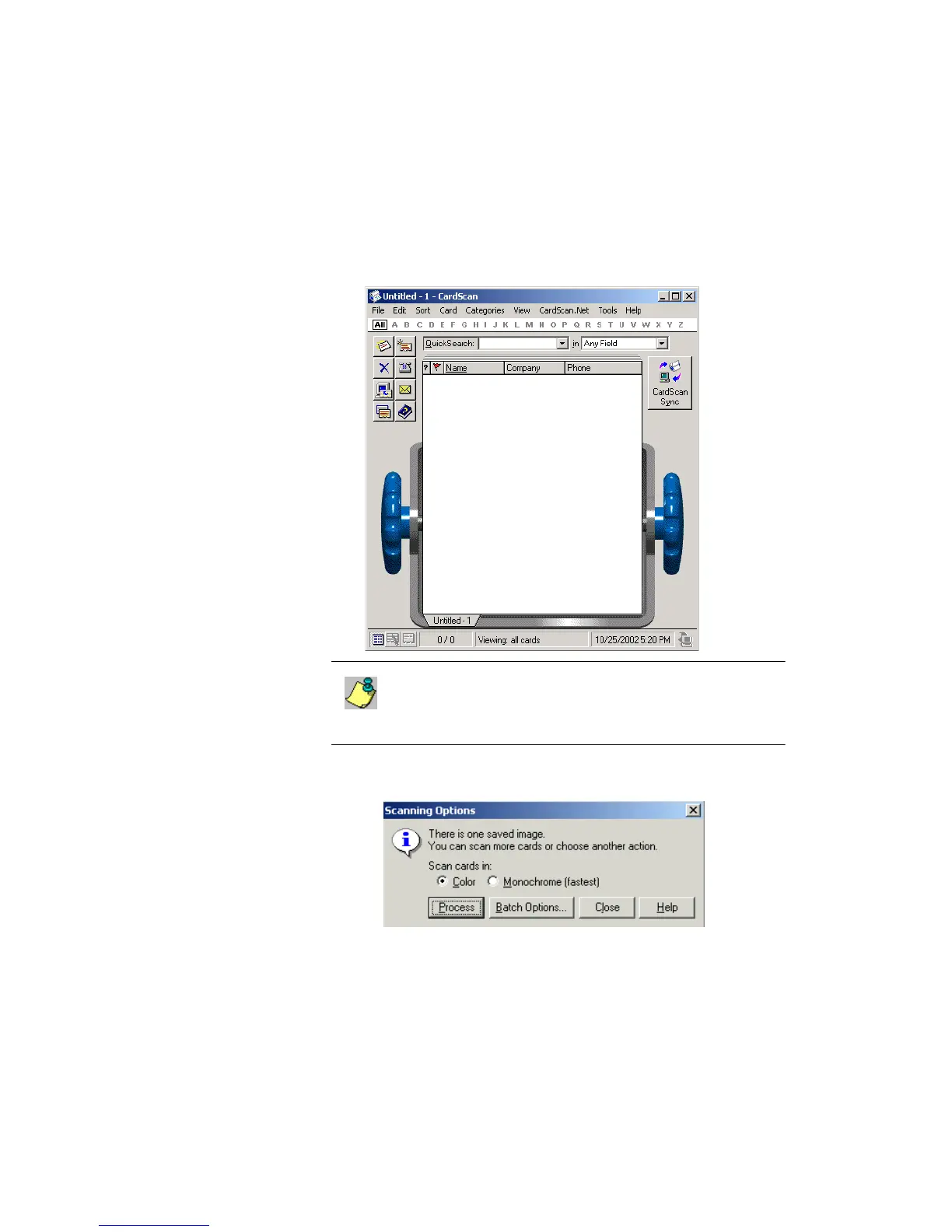
1. On the desktop, choose Start→Programs→CardScan to open
CardScan.
When you open CardScan for the first time, it creates a file
named “Untitled-1”. Therefore, when you scan and process the
contact information, it is collected in “Untitled-1”, until you save
the file with an informative name.
2. Insert a card in the scanner, with the front side facing up. The card is
pulled through, and the Scanning Options dialog appears.
Picture: Untitled-1



 To Next Page