Chapter 8 Synchronizing with Palm OS™ Devices
8-2 Corex Technologies
1
To set up the Conduit for Palm, follow these steps:
1. If you don’t have a CardScan file to synchronize, create one and save
it.
Always synchronize with the same CardScan file. This prevents
CardScan from adding, deleting, or modifying cards
unintentionally.
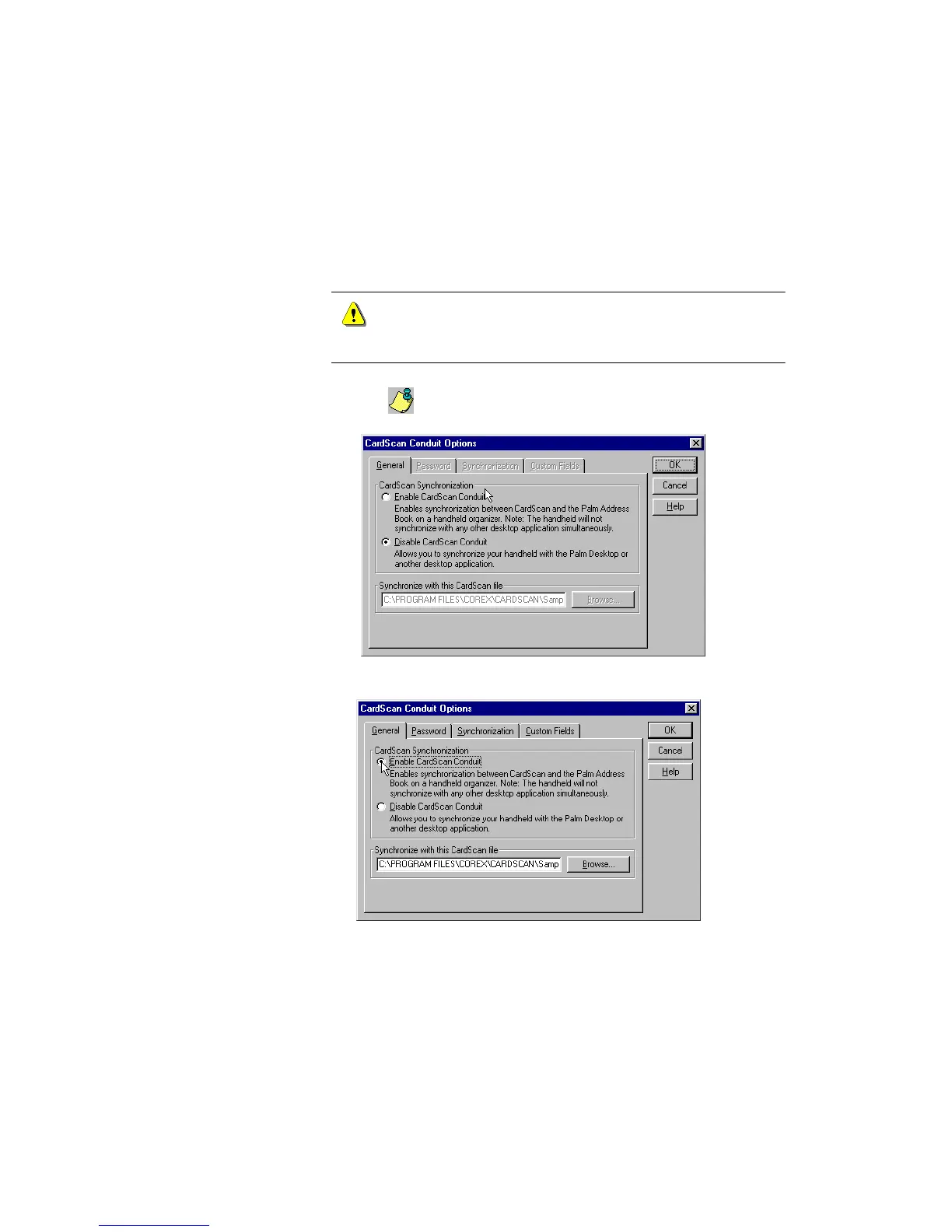
2. Choose File→Data Exchange→Conduit for Palm from the CardScan
window. If the Data Exchange Wizard appears, choose the option for
Conduit for Palm. The following dialog appears:
3. Choose E
NABLE CARDSCAN CONDUIT.
The path to the CardScan file is activated.



 To Next Page