X-Ray Remote Control Overview
CS 9300C User Guide (SM750)_Ed 01 2–7
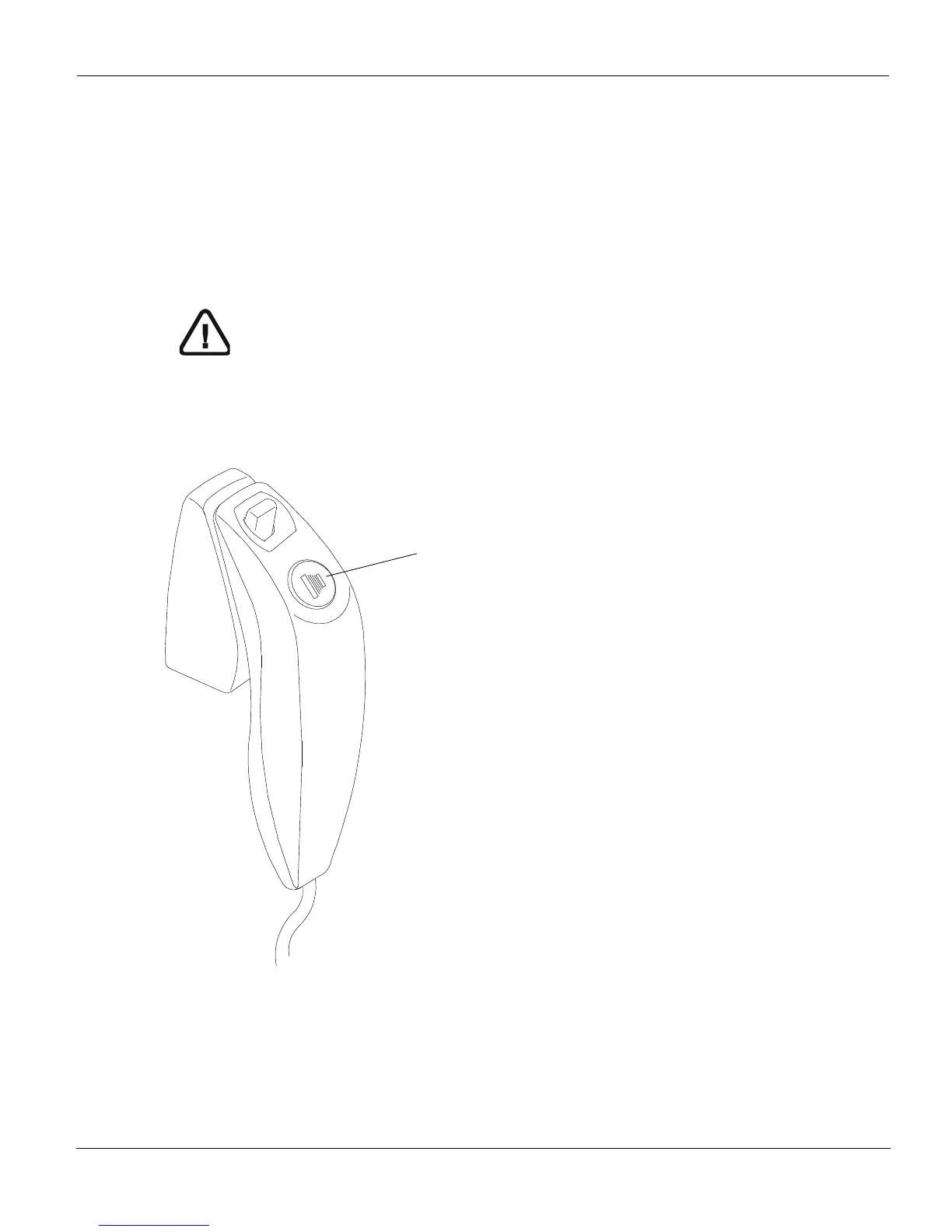
X-Ray Remote Control Overview
The x- ray remote control enables you to launch a radiological image acquisition via the
exposure button from outside the X-ray room. You must press and hold the exposure
button until the end of acquisition.
Figure 2–6 X-Ray Remote Control
WARNING
Premature release of the exposure button will interrupt the
acquisition.
1 Exposure button: launches image acquisition.











 To Next Page