Cephalometric Acquisition Interface
3–6 IMAGING SOFTWARE OVERVIEW
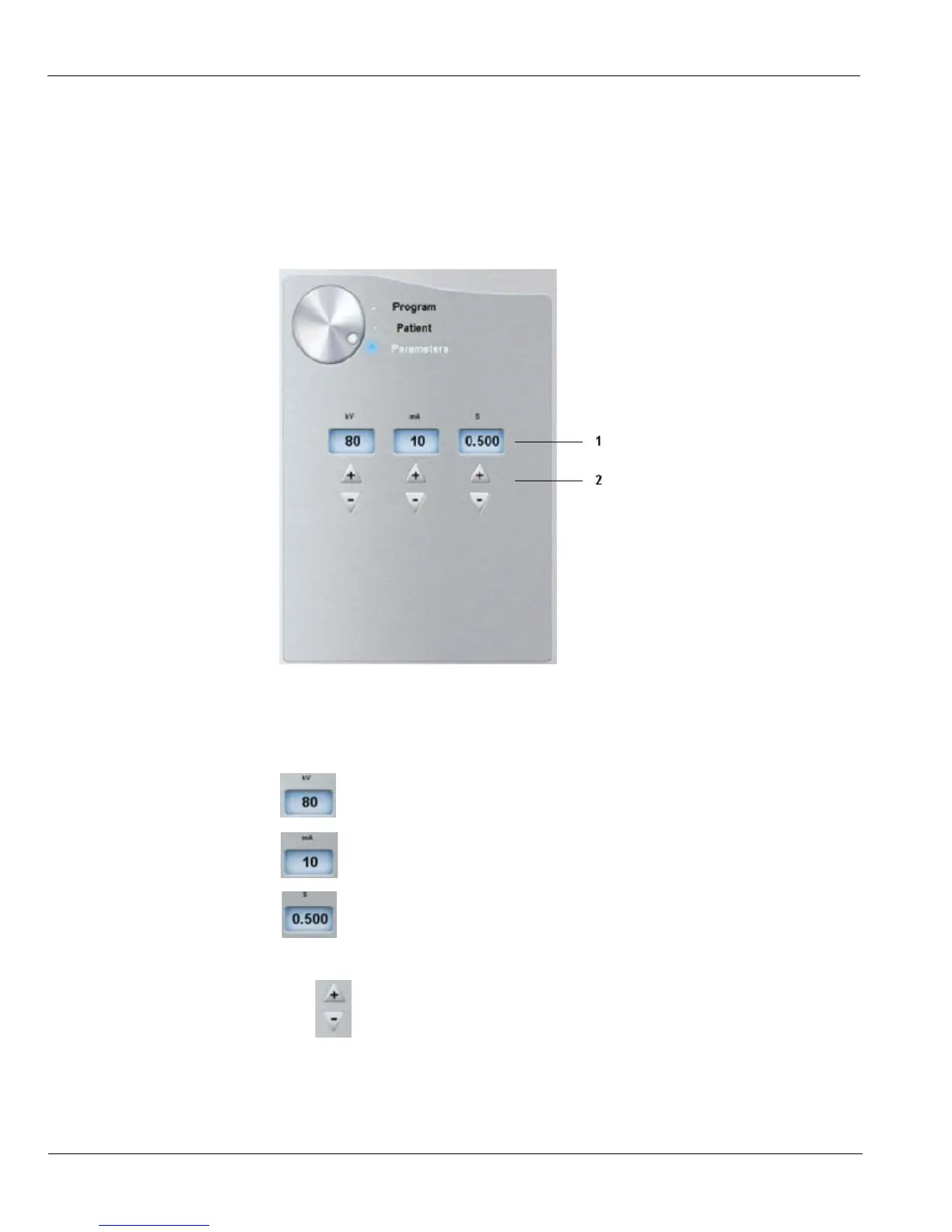
Cephalometric Parameter Pane
The cephalometric Parameter pane enables you to choose exposure parameters for the
radiological image acquisition. If the default parameter setting is not adapted to your
patient type, you can manually adapt the parameter settings to the patient type and save
this setting as the default setting.
Figure 3–4 Cephalometric Parameter Pane
1 Radiation dose options:
kV: Kilovolt
mA: Milliampere
S: Second
2
Fine-tuning buttons:
Click to fine-tune the kV, mA and the second.











 To Next Page