Cephalometric Acquisition Interface
CS 9300C User Guide (SM750)_Ed 01 3–5
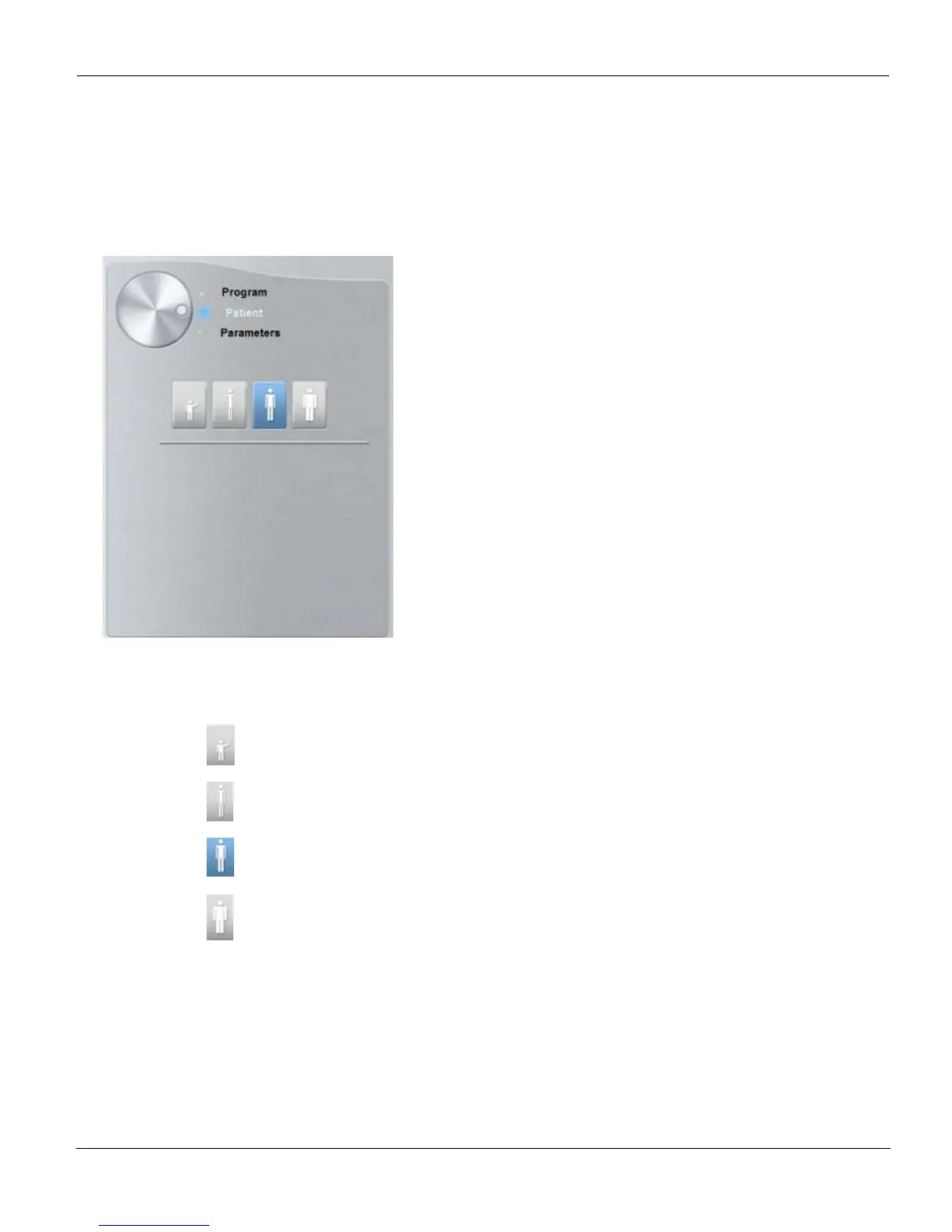
Cephalometric Patient Pane
The cephalometric Patient pane enables you to choose different patient parameters. The
selection of the patient parameters influences the quality of the image. The selected
parameters must be based on the patient age and morphology.
Figure 3–3 Cephalometric Patient Pane
Patient type parameters:
Click if the patient is a child.
Click if the patient is small.
Click if the patient is medium.
Click if the patient is large.











 To Next Page