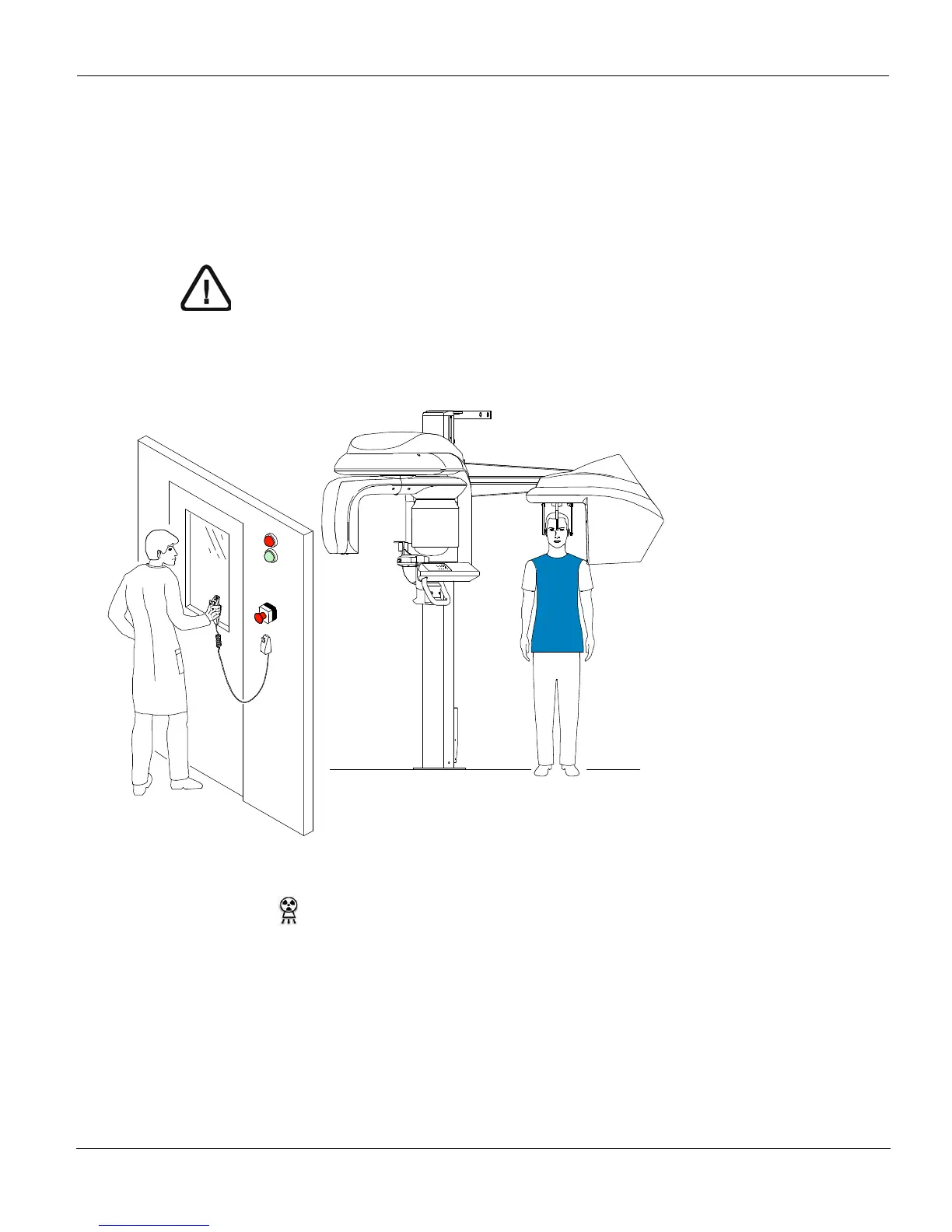
Acquiring a Lateral Image
CS 9300C User Guide (SM750)_Ed 01 5–7
Launching the X-ray
To launch the X-ray, follow these steps:
1. Leave the X-ray room and close the door. You must keep visual contact with the
patient during acquisition.
2. Launch the X-ray with the remote control. Press and hold the exposure button until the
end of acquisition. The
turns yellow, indicating X-ray emission. The image
appears on the Preview Screen of the Cephalometric Acquisition interface. When
the acquisition ends, the Cephalometric Acquisition interface disappears and the
acquired image is transferred automatically to the Imaging window.
3. Check the image quality, if satisfactory, remove the ear cones and the nasion support
and release the patient.
IMPORTANT
To stop the acquisition, if any problem, release the exposure
button of the remote control or press the red emergency stop
button.











 To Next Page