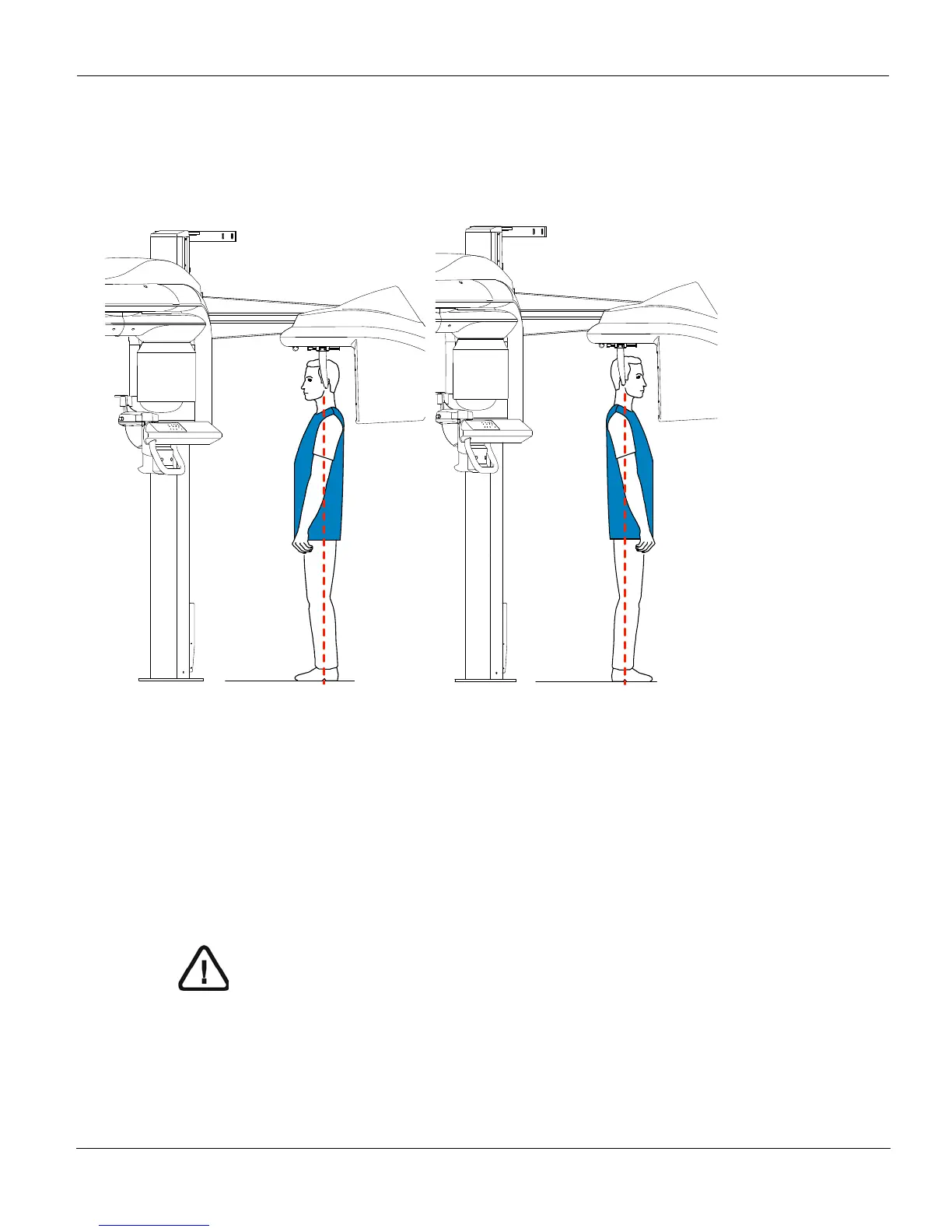
Acquiring a Frontal AP or PA Image
CS 9300C User Guide (SM750)_Ed 01 5–13
Launching the X-ray
To launch the X-ray, follow these steps:
1. Leave the X-ray room and close the door. You must keep visual contact with the
patient during acquisition.
Figure 5–7 Frontal AP Figure 5–8 Frontal PA
IMPORTANT
To stop the acquisition, if any problem, release the exposure
button of the remote control or press the red emergency stop
button.











 To Next Page