Basic Operating Tasks
AA2204_en | 2012-07-27 2–3
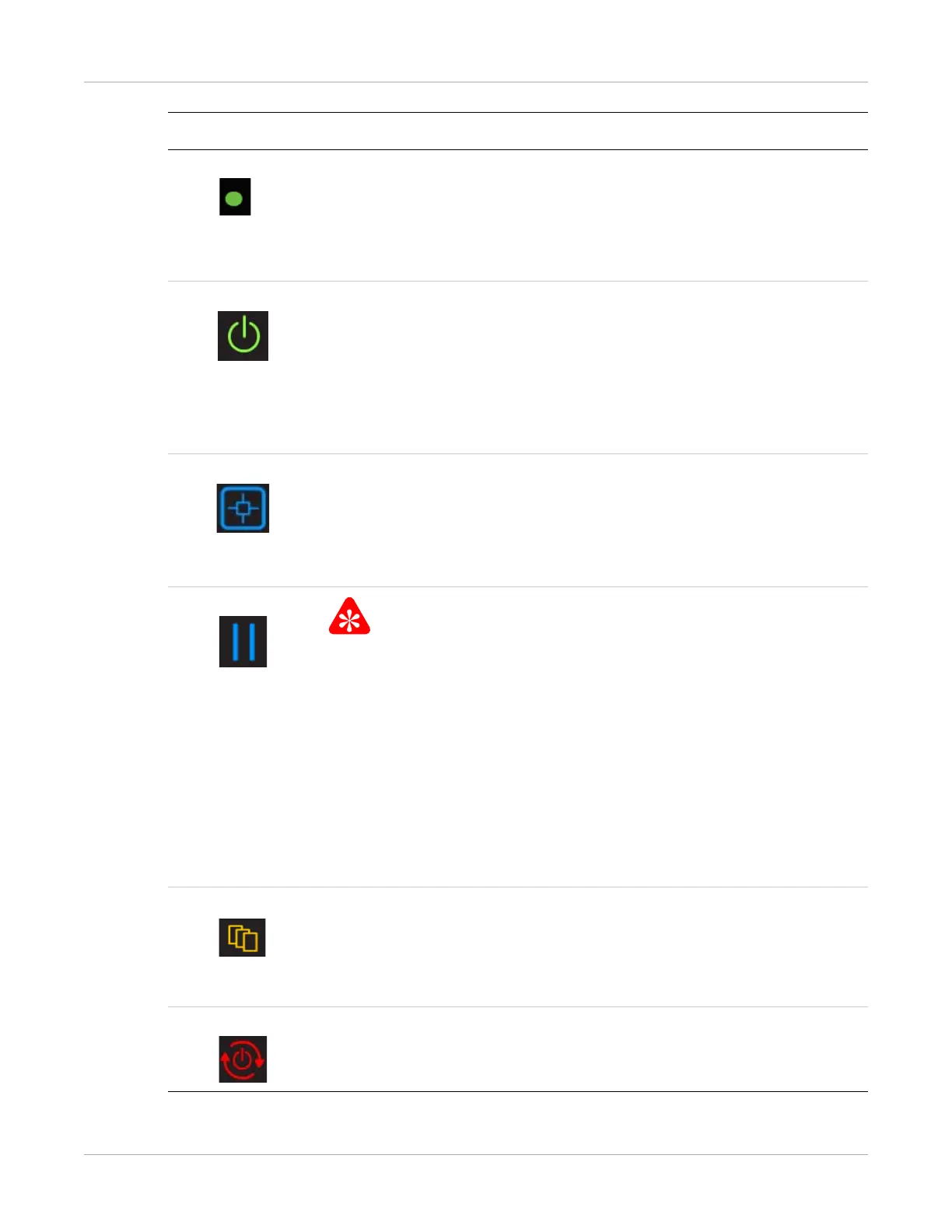
Indicator light The light indicates the active cartridge. For example, when printing from
the upper supply, the indicator light appears next to the upper film count.
• When green, operation is normal.
• When amber, the light indicates that there is an issue with the film
supply, such as a jammed film.
Power When the symbol is green, the power is on and the imager is ready to
print.
• The symbol flashes while the imager is processing, calibrating, or
making a test print.
• When the symbol is amber, the imager is not ready to print. Examples
are when the imager has just been started, when a film cartridge is
empty or jammed, and when a cover is removed.
Calibrate Press to initiate film calibration for the film cartridge (upper or lower).
• The symbol flashes while the calibration is in process, when making a
test print (upper or lower), and when the filter must be reset.
• When amber, there is an error such as a failed calibration. The
indicator light associates the error code to the film cartridge.
Pause
To avoid exposing the film to light, do not open the film supply until the
Pause symbol is off. Wait until the symbol is off to replace a cartridge.
• During most normal operation, including when the imager is idle, the
symbol is off.
• The symbol is on while the imager is processing images, test prints,
and during calibration.
• The symbol flashes when a film cartridge cover is being removed and
when the cartridge is open.
If the Pause symbol is on, you can press the symbol to temporarily pause
printing. Any jobs in progress finish printing, then the film cartridge cover
closes.
Film Size When this symbol appears, the requested print job requires a different
film size. The required film size flashes in the location of the error or
status code.
You can also press the symbol to delete the pending jobs that require a
different film size.
Restart Restart the imager. An error code also displays to indicate the reason for
the restart.
Symbol or code Description



 To Next Page