Basic Operating Tasks
2–4 AA2204_en | 2012-07-27
Related topics
Maintenance and Troubleshooting
Load a Different Film Size to Match a Print Request
Calibrate the Imager for the Loaded Film
Delete All Pending Jobs
Make a Test Print
Restart the Imager
Preventive Maintenance
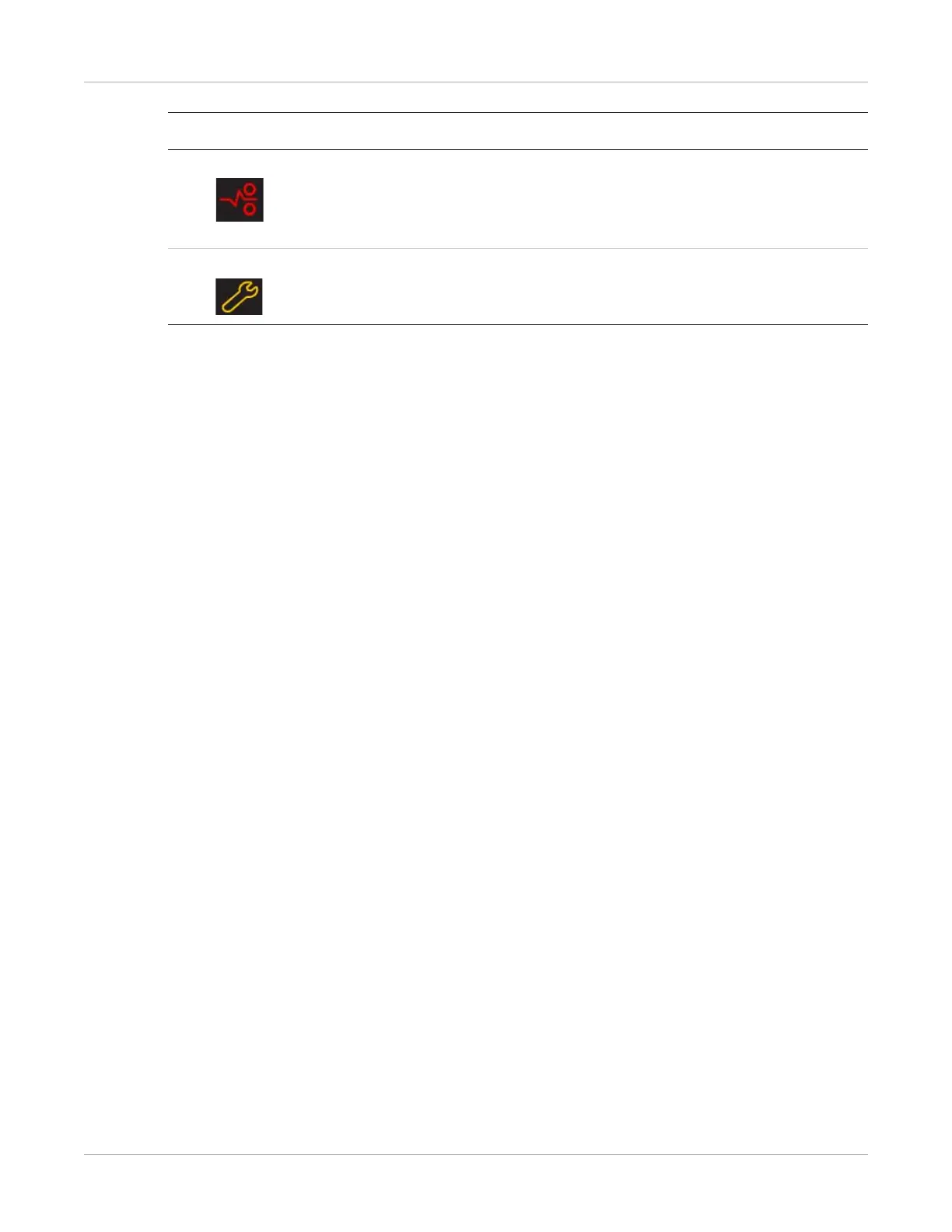
Film Jam Film is jammed from the upper or lower cartridge. The error code
confirms the film jam and gives direction on where to find the film inside
the imager. The indicator light associates the error code with the film
cartridge.
Maintenance Preventive maintenance is required. An error code also displays to
indicate the action to take.
Symbol or code Description



 To Next Page