68 4327 • X5 04/2015
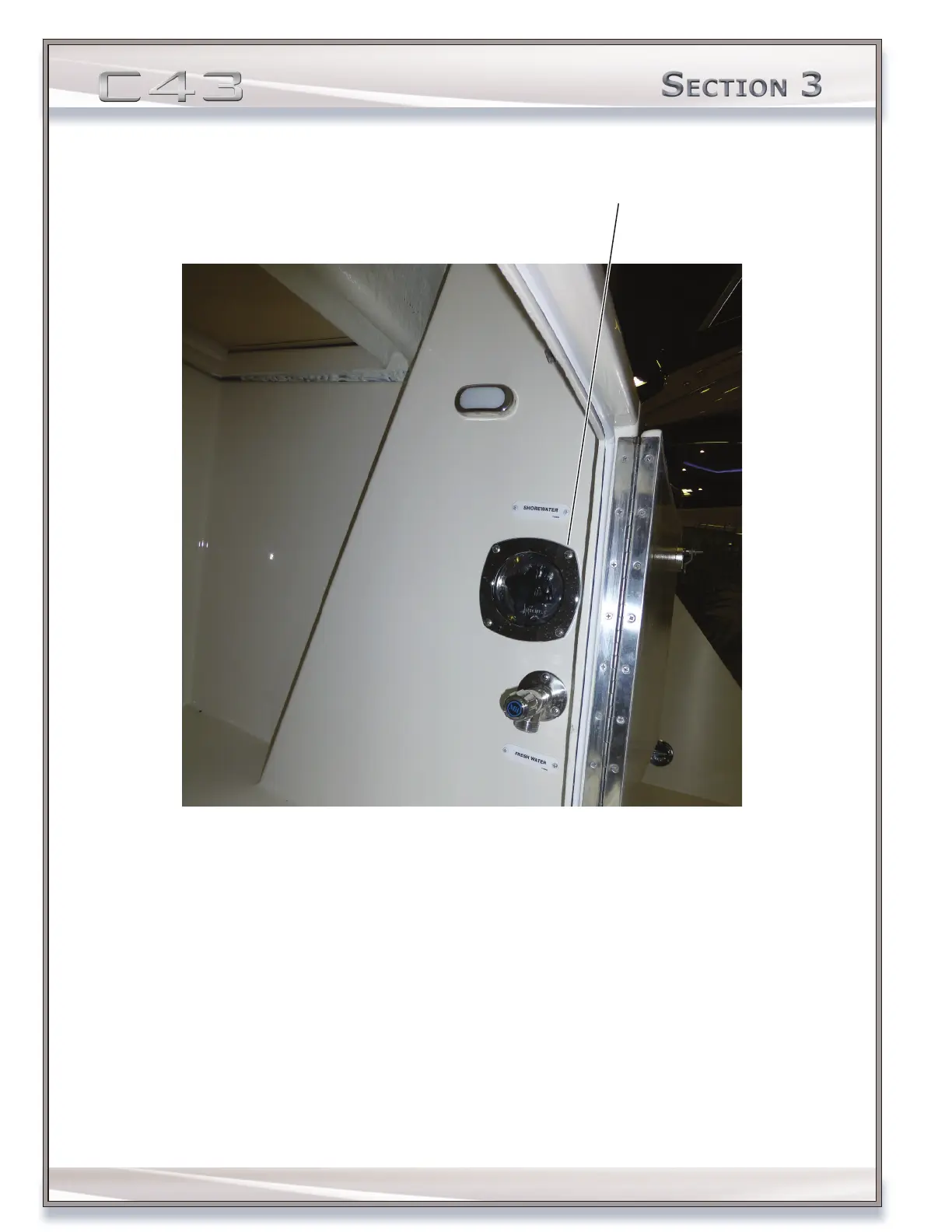
CONNECTING TO SHORE WATER
1. Locate the shore water tting, labeled SHORE WATER. The shore water tting is located in the transom port locker.
2. Attach one end of a water hose to the shore water tting.
3. Attach opposite end of the hose to the dockside water tap.
4. Close all sink and shower faucets.
5. Turn on the AUTOSUMP circuit breaker, located on the DC control center.
6. Partially open all cold water faucets including sinks, showers and transom hand shower.
7. Turn the dockside water tap ON.
8. Follow steps 6-10 on page 65 from the Pressurizing and Priming the Water System.
bIlge water PumPIng system
Check the function of all bilge pumps at regular intervals. Clear pump inlets from debris.
The bilge system on the C43 contains the following bilge pump quantities based upon region:



 To Next Page