72 4327 • X5 04/2015
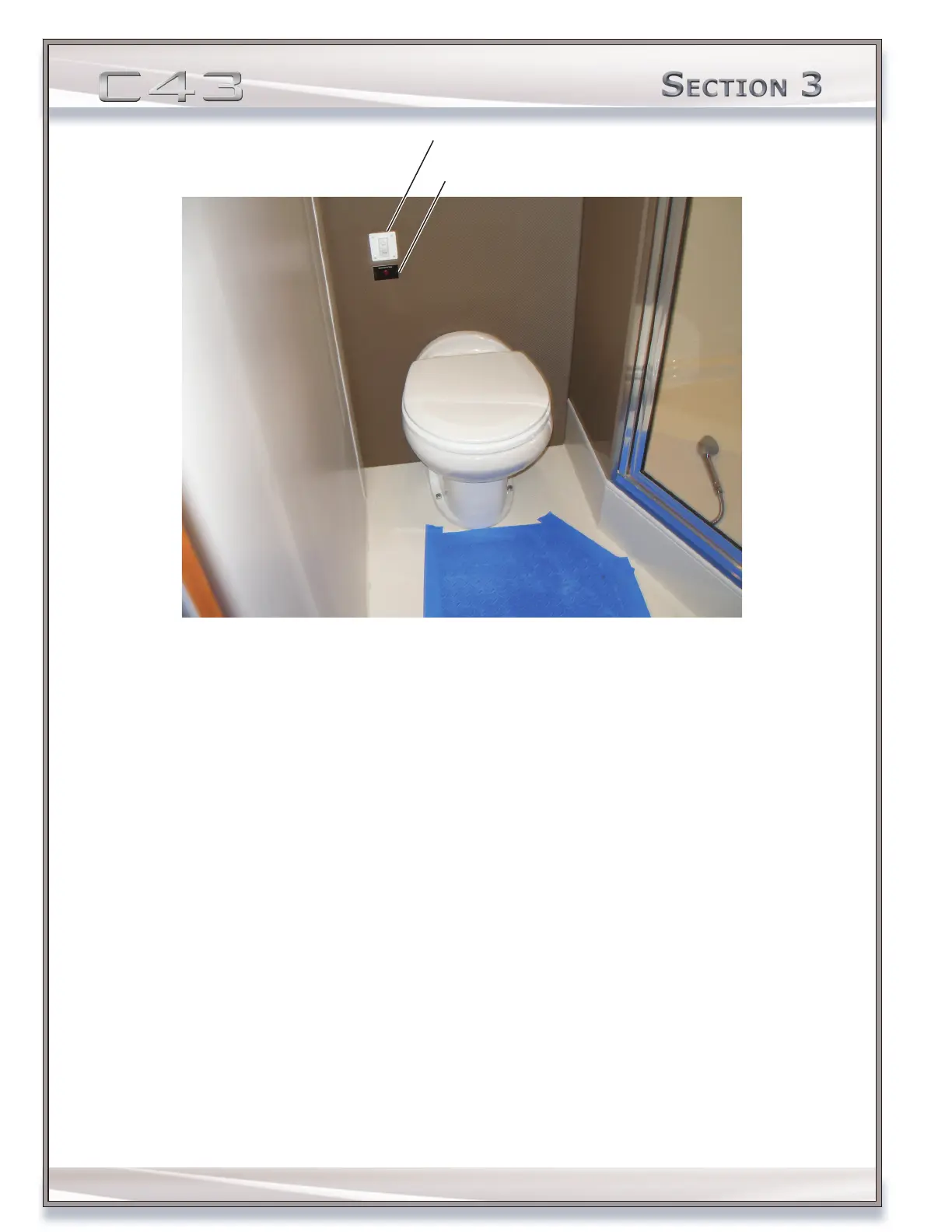
Waste System Warning Light
OPERATING THE TOILET SYSTEM:
1. Conrm DC power is available at DC control center.
2. Make sure the head circuit breaker is ON, located on the DC control center.
3. Check the level indicated on the tank monitor located on the DC control center.
4. Check the waste system warning light. Empty the waste tank if the indicator shows a reading of at least 3/4 full.
See EMPTYING THE WASTE TANK AND/OR OPTIONAL GRAY WATER TANK on page 72.
NOTE: A warning light in the master head will illuminate when the waste tank is 3/4 full. If the red indicator is not
lit, proceed to the next step.
5. Press the FLUSH button located on the wall-mounted FLUSH/ADD WATER control mechanism.
6. If the toilet bowl is dry, press the ADD WATER switch, which is located on the FLUSH/ADD WATER control
mechanism.
NOTICE: If the waste system is not going to be used for two or more weeks, ush 2-3 gal (8-11 L) of freshwater
through each head. Flushing water will ush the waste in the hoses to the tanks. Removing the waste from the
hoses will decrease odors onboard.
EMPTYING THE WASTE TANK AND/OR OPTIONAL GRAY WATER TANK
The sanitation system contains a single centrally located polyethylene waste tank. The waste tank can be accessed
through the galley hatch access oor panel, located amidships, in the companionway leading to the staterooms. It is
important to observe local regulation on discharge.



 To Next Page