E-119
5. Press E to exit the setting screen.
Note
• Auto DST (AT) can be selected only while
LON
,
PAR
,
BER
,
ATH
,
NYC
,
CHI
,
DEN
,
LAX
,
ANC
,
HNL
,
TYO
,
SEL
, or
HKG
is
selected as the Home City code. For more information, see “Daylight
Saving Time (DST)” below.
• You also need to enter the Timekeeping Mode in order to configure the
following setting.
Power saving on/off (“To turn Power Saving on and off” on page E-128)
Do this:
Press A
.
Use A (+) and C (–).
To do this:
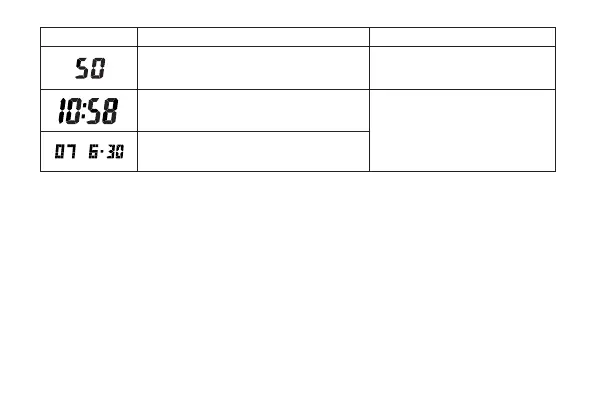
Reset the seconds to
00
Change the hour or minutes
Change the year, month, or day
Screen



 To Next Page