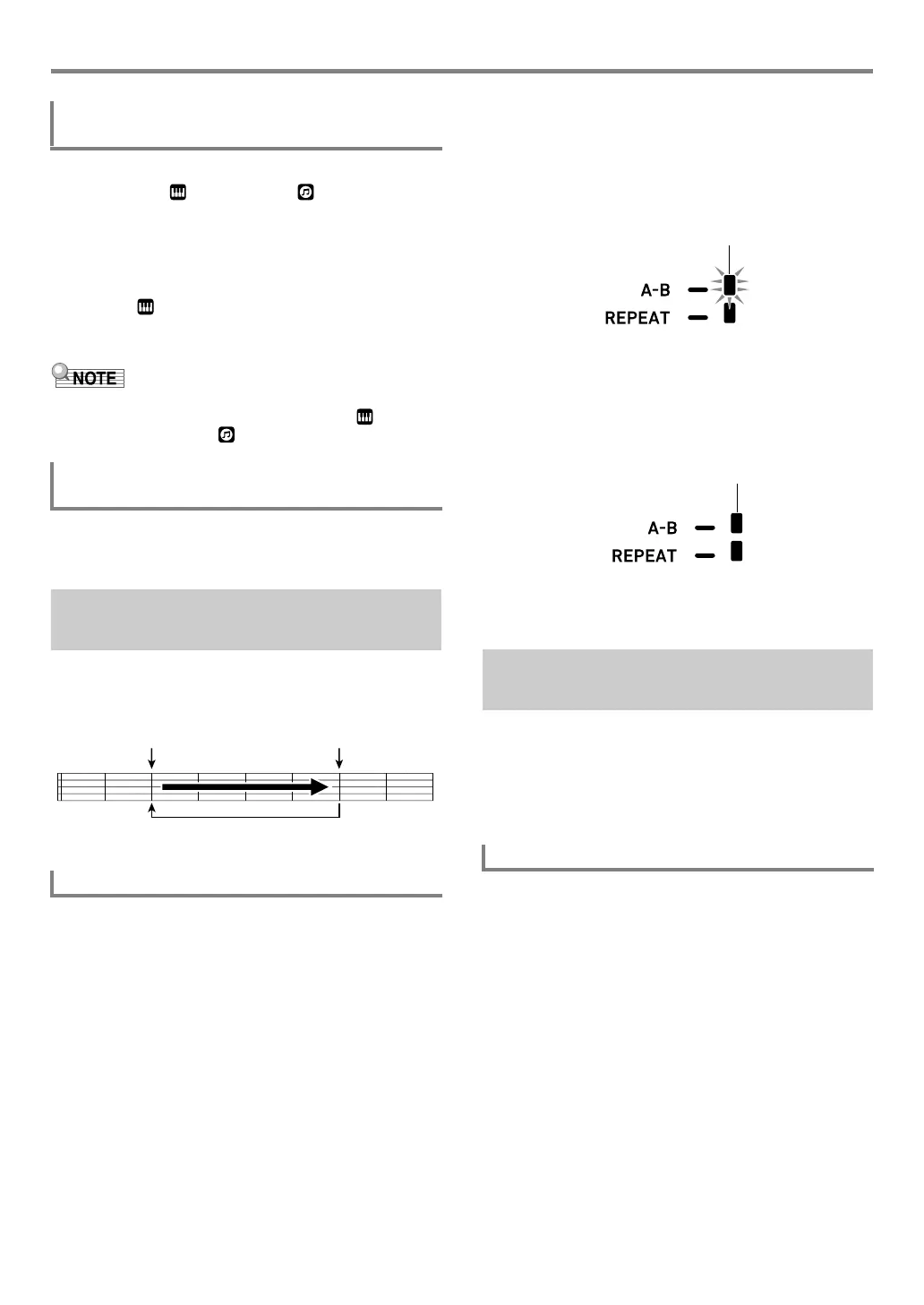
Playing a Built-in Song or a Song on a USB Flash Drive (Song Bank Mode)
EN-40
1.
In the Song Bank mode, press 5 TONE.
This displays (tone indicator). (song bank
indicator) will also remain on the display.
2.
Use the bm number keys, bn [–] and [+], or the
bl dial to select the number of the tone you
want to assign to keyboard play.
• While is displayed, you can perform the split and/or
layer tone selection operation. For more information,
see “Selecting a Tone” (page EN-18).
• To change a tone number you selected using the procedure
above, press 7 SONG BANK. This causes to
disappear, leaving only displayed.
Perform the procedure under “To configure function settings
with the bk FUNCTION button” (page EN-112) and configure
the following setting: Song Volume (Song Vol) (page EN-115).
To loop a range of measures in a song, you need to specify
the start measure and end measure of the section you want to
repeat.
1.
If there is no indicator mark next to [REPEAT],
press bp REPEAT to display it.
2.
Perform steps 1, 2, and 3 under “To select a
single built-in song for playback” (page EN-39)
to start song playback.
3.
When playback reaches the beginning of the
section you want to loop, press bq A-B.
This will make the beginning of the measure that is
playing when you press bq A-B the beginning of the
loop, and cause the indicator mark next to [A-B] to start
to flash.
4.
When playback reaches the end of the section
you want to repeat, press bq A-B again.
This will make the end of the measure that is playing
when you press bq A-B the end of the loop, and cause
the indicator mark next to [A-B] to stop flashing.
5.
To return to normal playback, press bq A-B.
This causes the indicator mark next to [A-B] to disappear.
You can mute one of the hand parts of a song for playback.
Then you can practice by playing the muted part on the
keyboard. The following types of songs can be used for such
practice: built-in songs,* or CMF format (one type of CASIO
MIDI file) songs* stored on a USB flash drive.
* These songs have part channel information (page EN-41).
1.
Press 7 SONG BANK.
2.
Use the bm number keys, bn [–] and [+], or the
bl dial to select a song number.
3.
Press ck PLAY/STOP to start song playback.
To select a tone for keyboard play in the
Song Bank mode
To adjust the balance between song and
keyboard volume
Looping Playback of Specific
Song Measures (A-B Repeat)
To loop a specific phrase
Start End
These measures are repeated.
Playing Back with One Hand’s
Part Muted
To play back with one hand’s part muted
CTX5000_3000_EN.book 40 ページ 2018年2月26日 月曜日 午後3時56分




 To Next Page