33
B: Search guidelines by name or type.
C: New guidelines.
D: Delete guidelines.
E: Edit guidelines. Edit the guideline name or zero the offset values.
F: Apply the selected guideline.
G: Set the guideline U-Turn method.
H: Here it can record the current AB line azimuth and offset value.
4.2.1.2 New
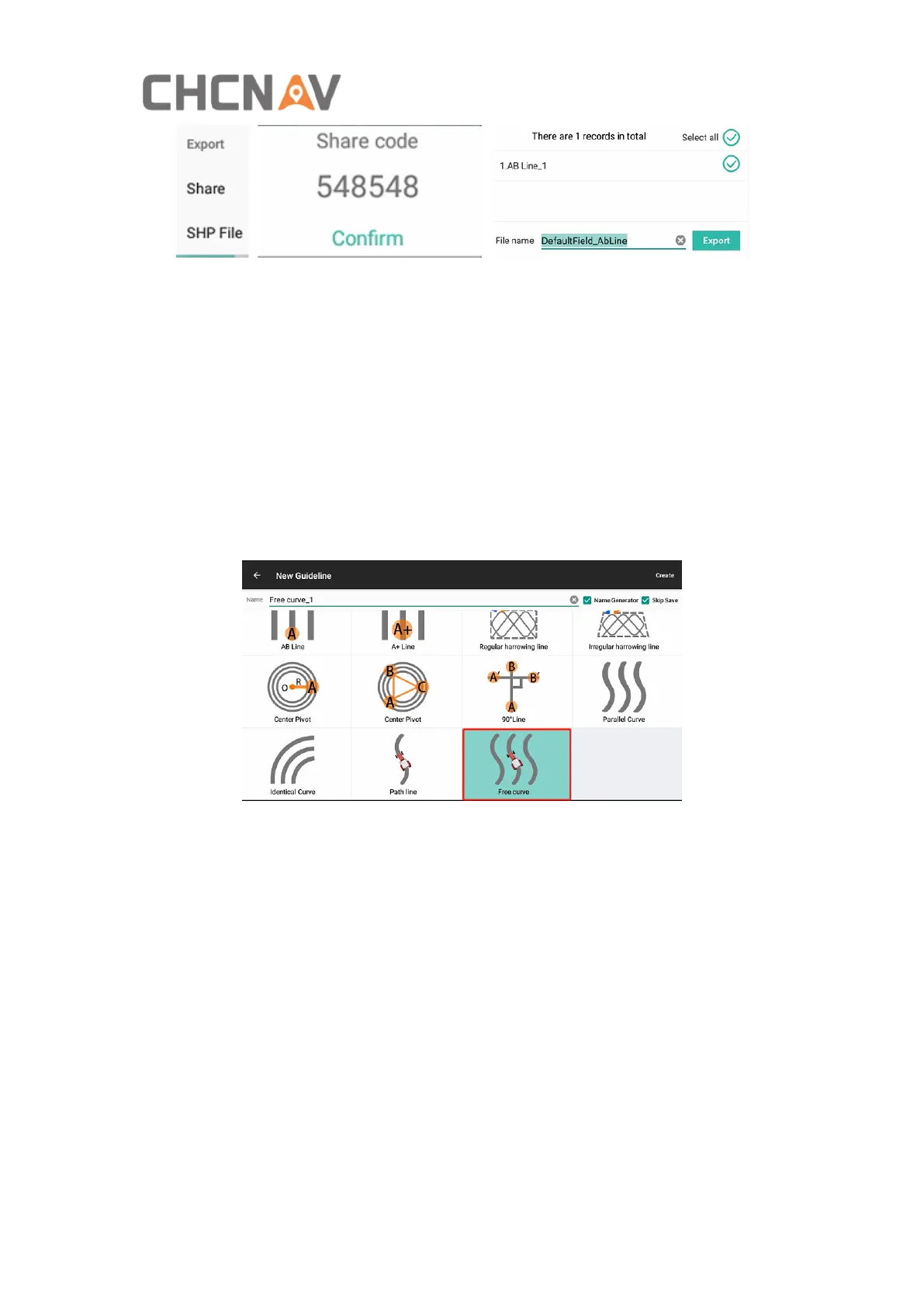
In this interface, select the type of guidelines, then click Create to return to the main
interface and follow the instructions to complete creation.
AB Line: Create a guideline by locating two points. The current location will be used
as point A, then drive the vehicle to the other end of the field as point B.
A+ Line: The current position will be used as point A to create the A+ line, which uses
the heading of the vehicle as azimuth. This feature is recommended to be used for
special scenarios which requests fast line creation.
Regular/Irregular harrowing line: Harrowing in fields. It can be applied to the case
that the user need fuel-efficient target-ground routes.
Center Pivot(two/three points): The circular curve can be applied to the case where
the vehicle drives a circular automatically, like cutting grass.
90° Line: Rotate the AB line or A+ line for 90° so there must be an existed AB Line or



 To Next Page