46
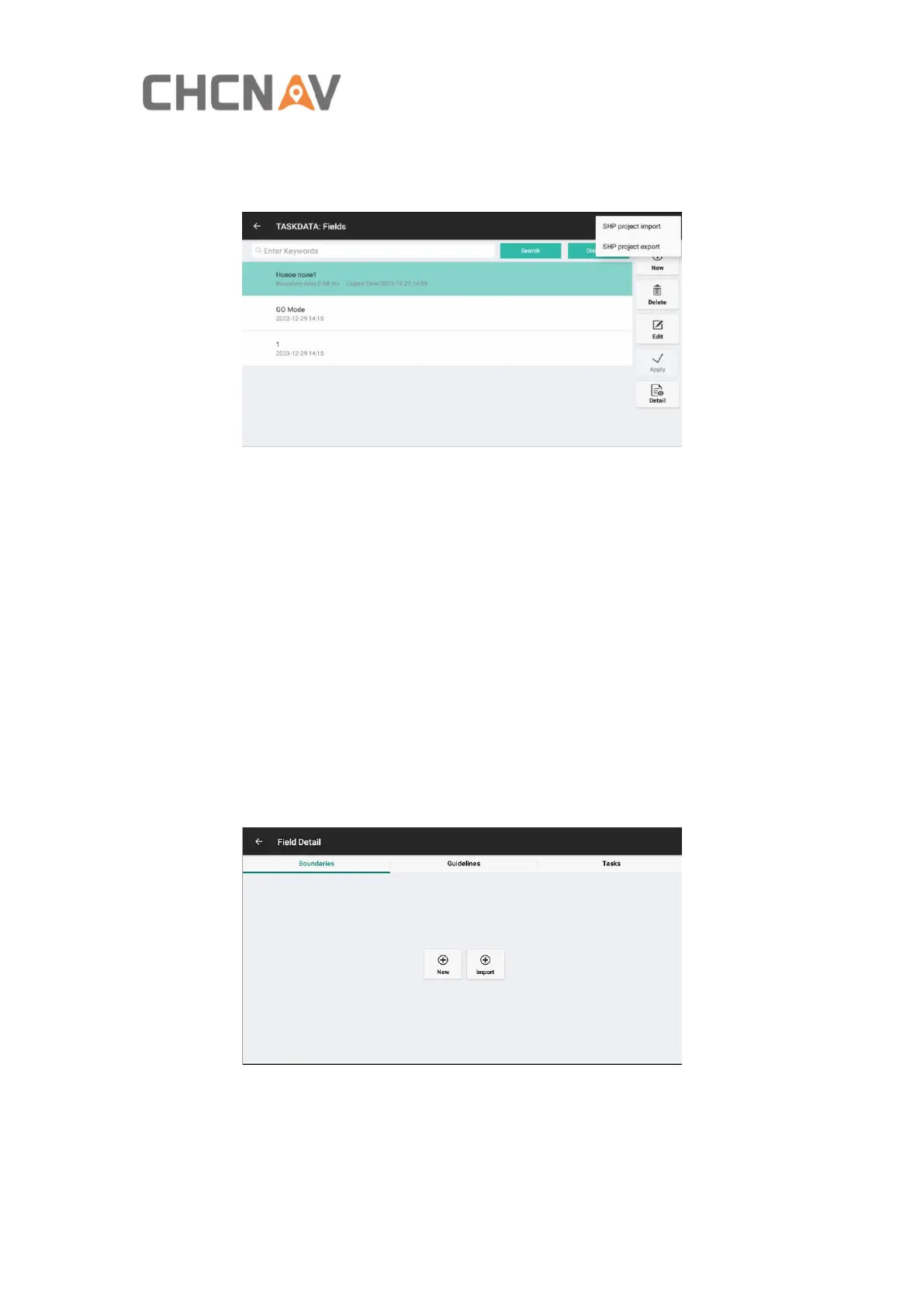
farm SHP file export/import. The exported SHP files are stored in
ES-CHCNAV-AgNav3.0-Shp Export-Field.
B: Search fields.
C: Click this button to switch to displaying fields sorted by Distance or by Create
Time.
D: New fields.
E: Delete fields. The currently applied field and the last field cannot be deleted.
F: Edit fields, edit the field name/operator.
G: Apply the selected field.
H: Enter the Field Detail interface to create boundaries, guidelines and view task
reports.
4.2.2.3 Field Detail
1 Boundaries
New: Click New to create the boundary, and select the planning way in the following
interface then click Plan.



 To Next Page