45
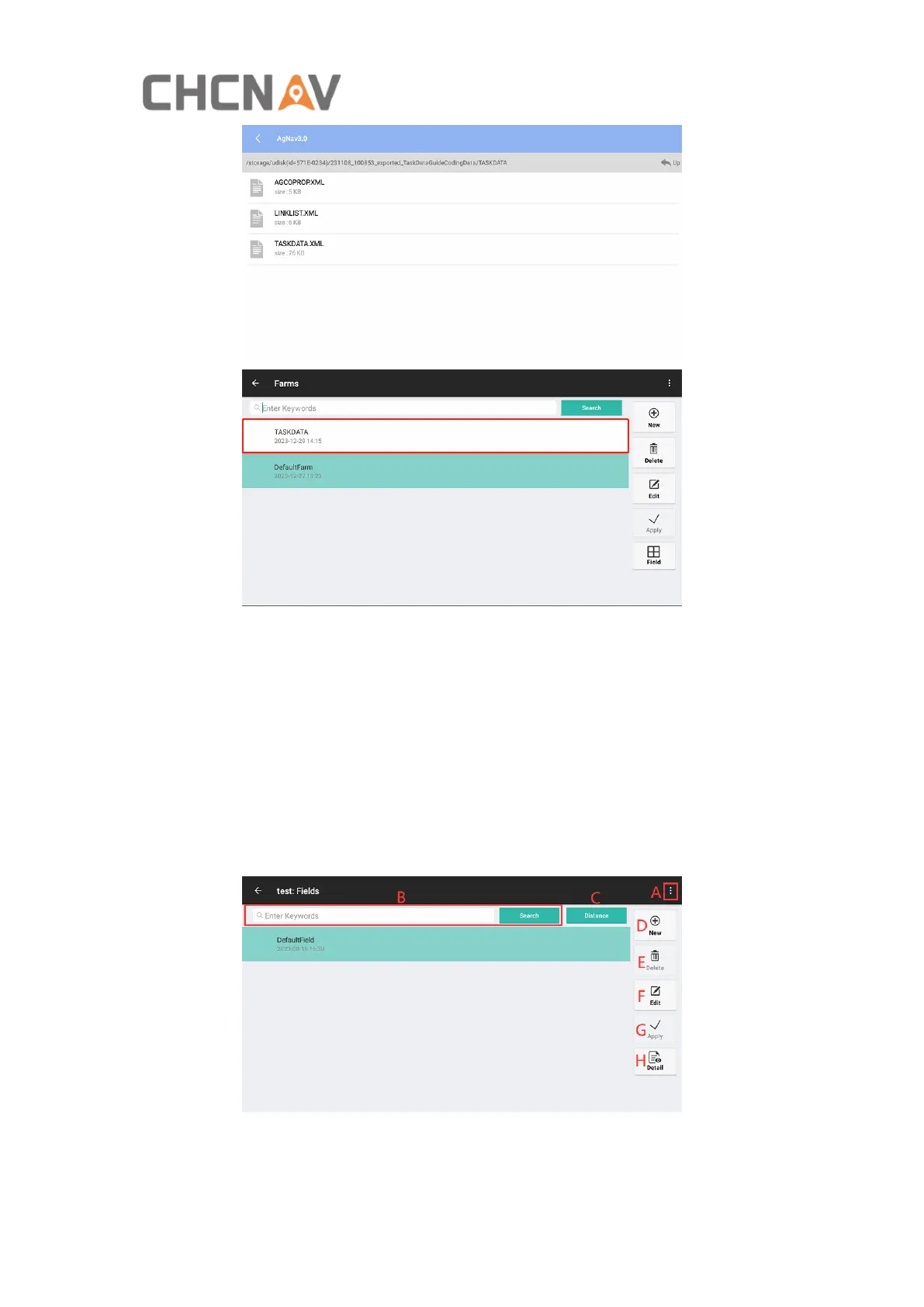
B: Quickly search farms by the keywords if there are many farms.
C: New farms.
D: Delete farms. The currently applied farm and the last farm cannot be deleted.
E: Edit farms, edit the farm name.
F: Apply the selected farm.
G: Enter to the field creation interface.
4.2.2.2 Field
A: Click this button to Import/Export farms with SHP file, it has similar procedure as



 To Next Page