22
3.2.10 Radio antenna installation
The installation of the radio antenna is not mandatory; it is only required when
customers are using the NX510 built-in radio mode. Typically, we recommend to
install the radio antenna on the vehicle's roof for better reception of base station
signals.
a) Place the magnetic radio antenna on the top of the vehicle in areas containing
metal, ensuring to keep the rubber protector at the bottom of the antenna. If
the vehicle roof is made of plastic, alternative methods such as double-sided
adhesive installation should be used.
b) Connect the radio antenna cable to the radio port on the PA-3 receiver.
3.2.11 ER-2 external Rx radio installation
For the NX510PRO and NX510PLUS models, which do not include a built-in radio, if
customers want to use the internal radio mode, it is necessary to connect an external
ER-2 Rx radio to receive data from the base station.
a) Before install the radio module, please turn off the power of the NX510 system.
b) The ER-2 product package includes external radio module, radio antenna, wiring
harness.
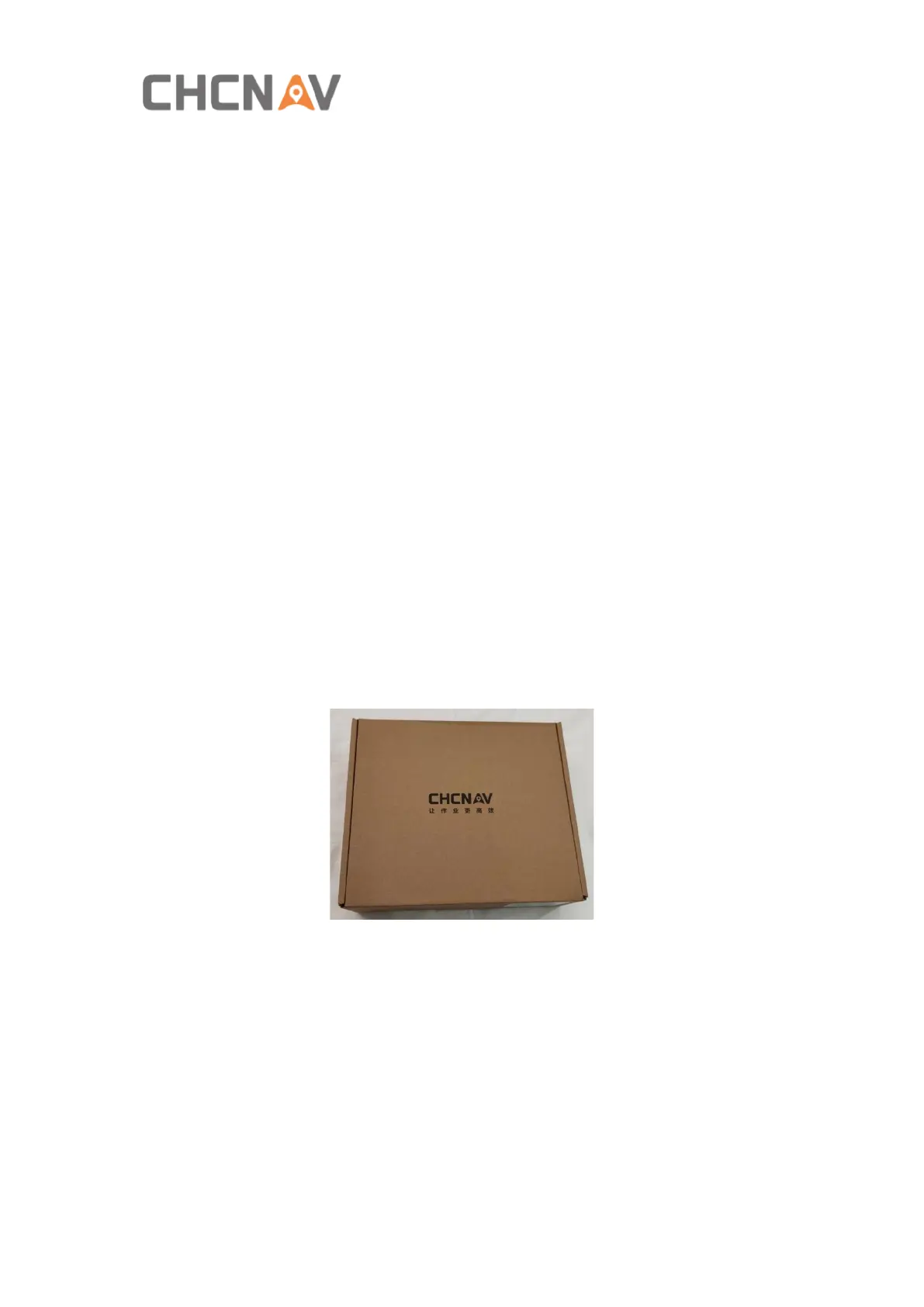
Package box:
ER-2 radio module:



 To Next Page