49
C: Delete task. The currently applied task and the last task cannot be deleted.
D: Edit task.
E: Apply the selected task.
F: Click to view the detailed report.
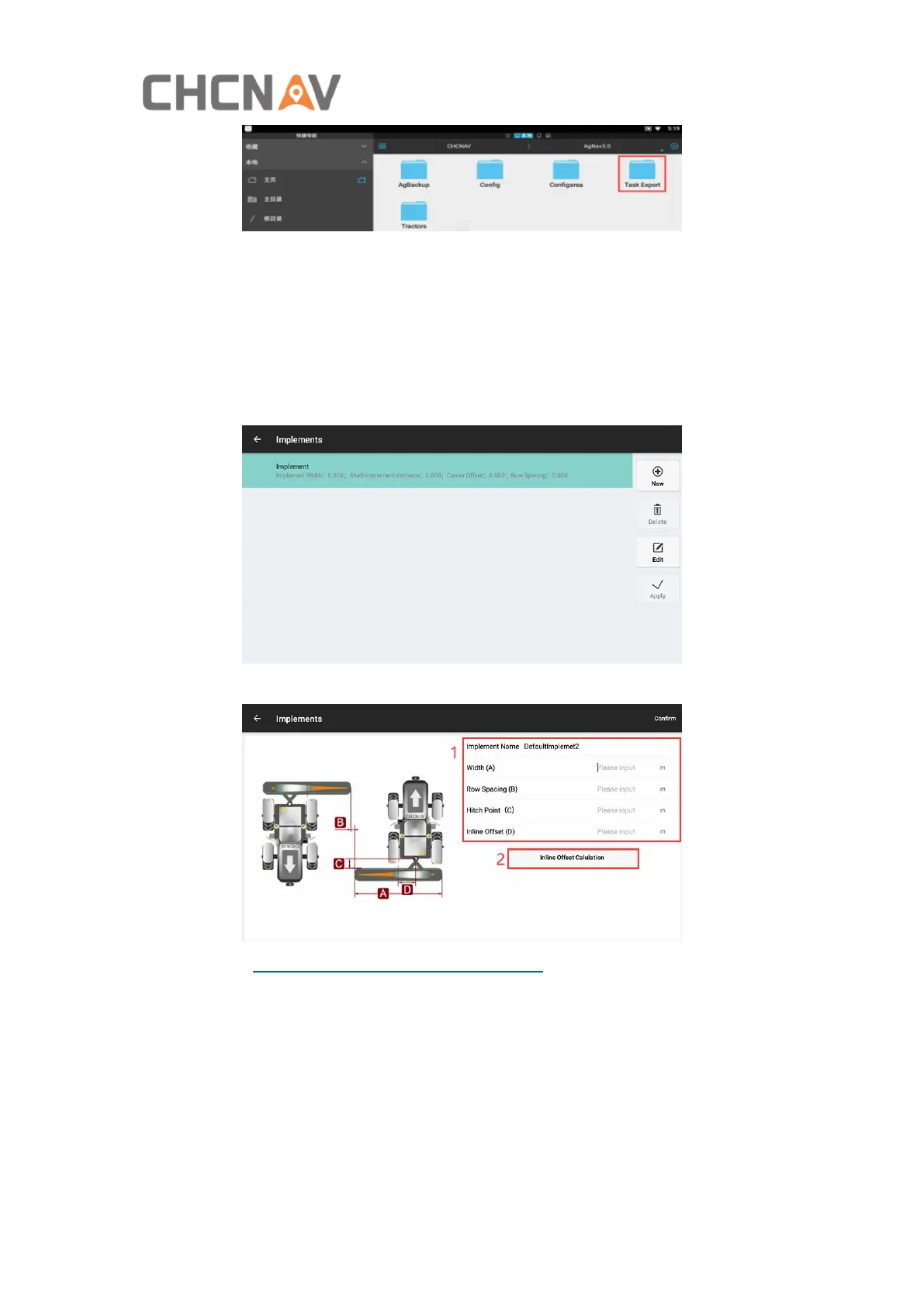
4.2.3 Implements
Click New/Edit, then can set the implement’s parameters.
Please refer to Main interface - 9 Implement settings for details.
4.2.4 Tractor Manager
It is available to manage different vehicles in this interface.



 To Next Page