76
4.2.9 Satellite Settings
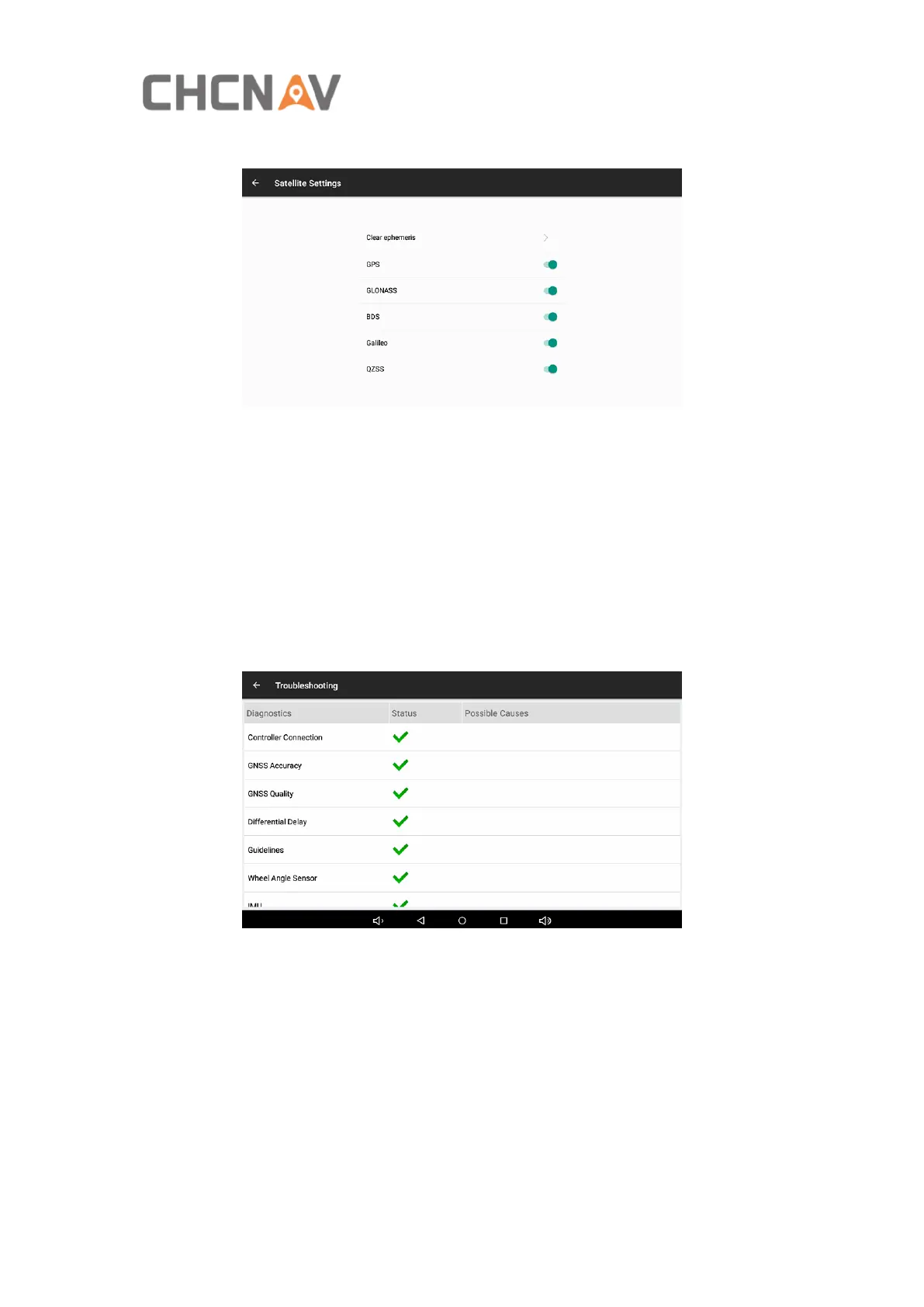
Clear ephemeris: Click Clear ephemeris, the receiver will reset and track satellites
again.
Multiple constellations enable/disable: Click the green switch behind the
constellations to turn it on or off.
4.2.10 Troubleshooting
Check the failure status of each hardware modules and software functions in this
interface.
This interface can also be accessed by the icon in the lower right corner of the main
interface when there is a fault.



 To Next Page