101
5 Quick Guide
5.1 Power On
Press the rocker switch once, the system will boot if the green indicator light is on.
Note: Pls do not turn the steering wheel when turn on the system because the motor
will initialize internally.
5.2 Receiver Settings and Check
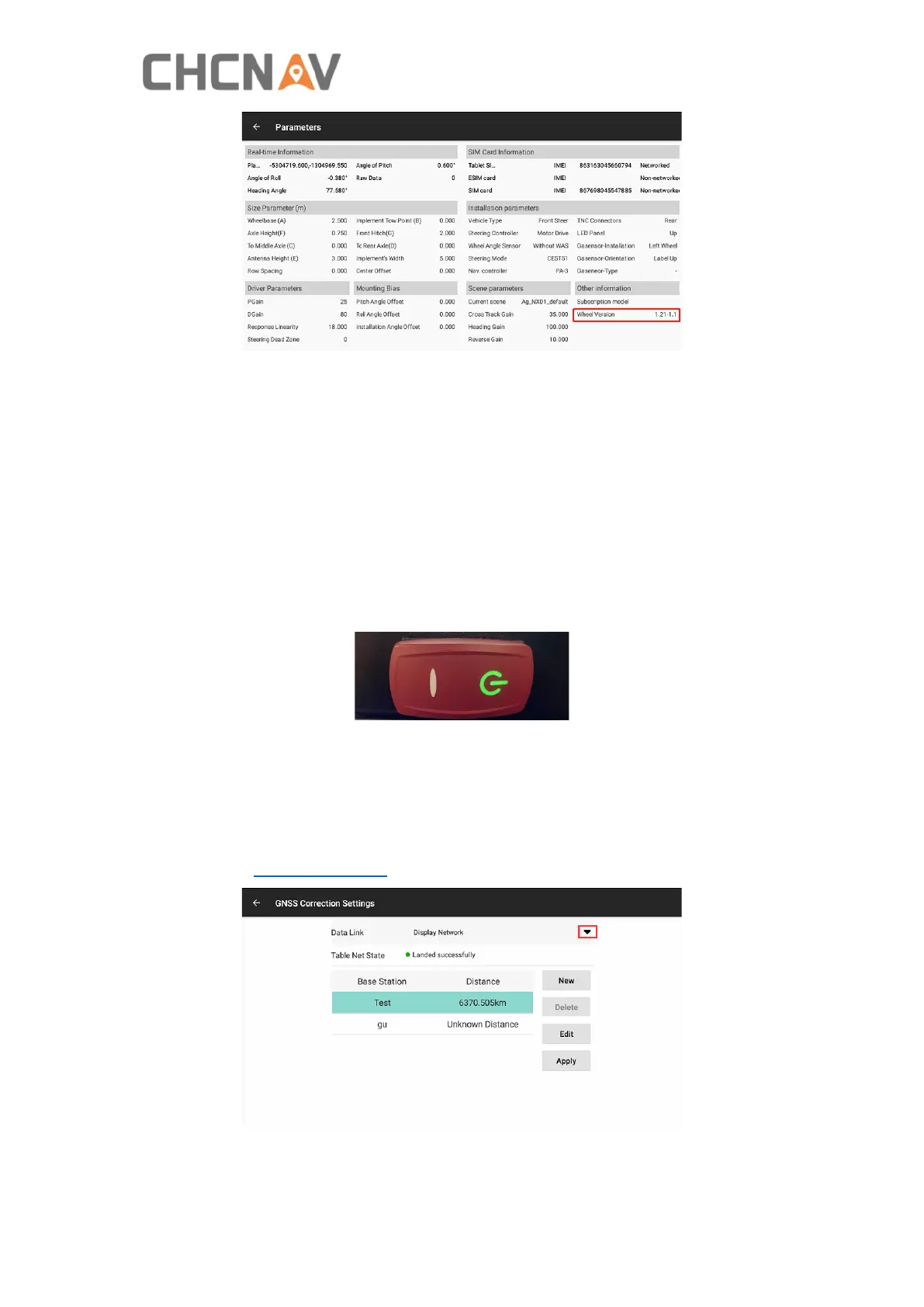
Click the status bars in the upper left corner to enter the GNSS Correction Settings,
please refer to 4.2.8 GNSS Mode for details.
Then check the status bars, when they are both grey, the system is ready to use.



 To Next Page