47
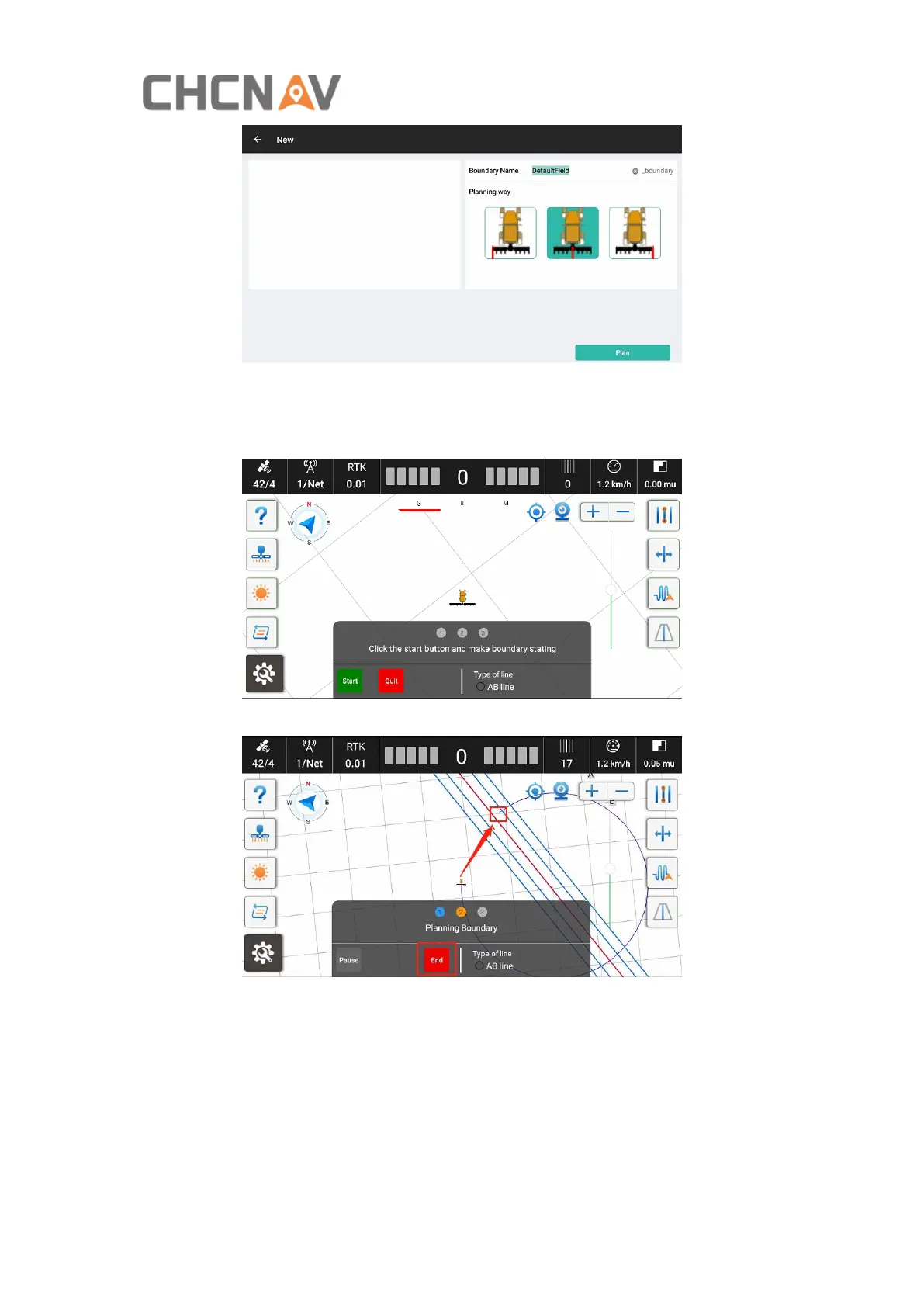
The software will return to the main interface to start creating, please follow the
instructions to complete.
a) Click Start to create boundary.
b) Drive the vehicle around the field and back to the starting point. Then click End.
After set the boundary, it can generate headlines according to the operational
requirements.



 To Next Page