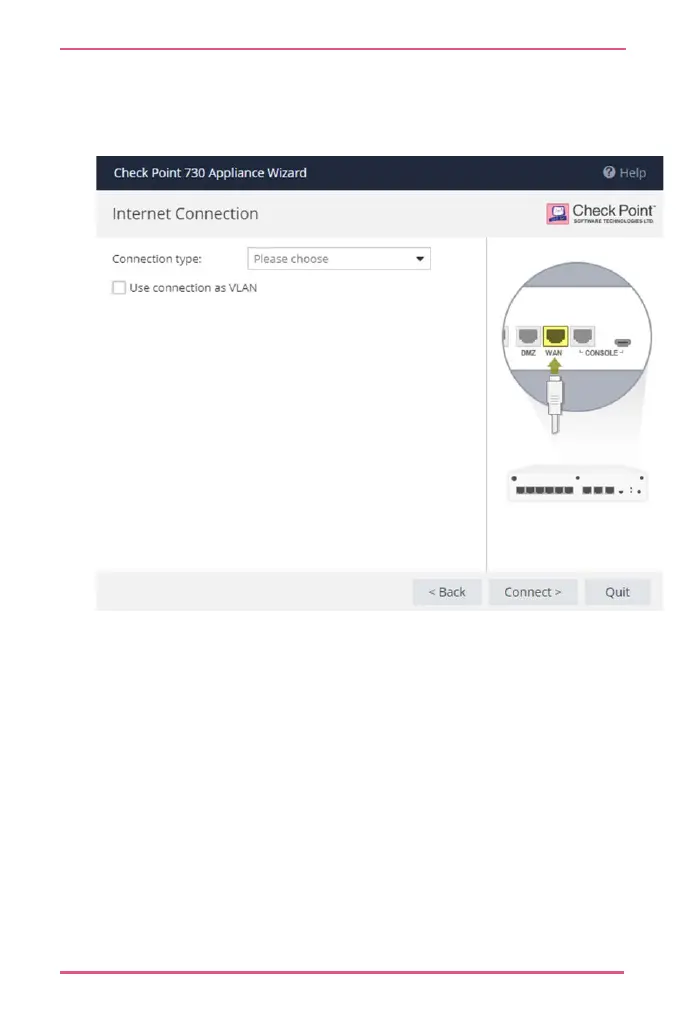
The Internet connection page of First Time Configuration
Wizard opens. Configure your Internet connection and click
Connect.
The settings are automatically downloaded and installed.
A new window opens and shows the installation status. It
may take several minutes until the installation is complete.
When you reconnect to the WebUI or click Refresh, you may
see one of these:
• Login page - This means the process ended successfully
and your settings are installed.
• Welcome page of the First Time Configuration Wizard - The
process is still running. The settings are installing or they
do not exist in the cloud.










 To Next Page