ECO 3 EXPERT Ultrasound Diagnostic System
Page 39 / 191
Left-to-Right of the up row: hard disk, cable network, USB.
Hard disk: press this icon to show the capacity of disc to used save data or USB flash disk in
current system
Cable network: show the present situation of cable network; press this icon to show the IP
address of current system.
USB: show whether this system connects USB flash disk or not, press this icon to show USB
safely remove interface.
Left-to-Right of the down row: Case, Task Sequence, battery gauge.
Case: press this icon to change case.
Task Sequence: press this icon to show task and its situation, to terminate the task, delete, and
so on.
Battery gauge: show the connecting situation of the battery, just press this icon to show the
present State of charge and discharge, remaining electric quantity and available time.
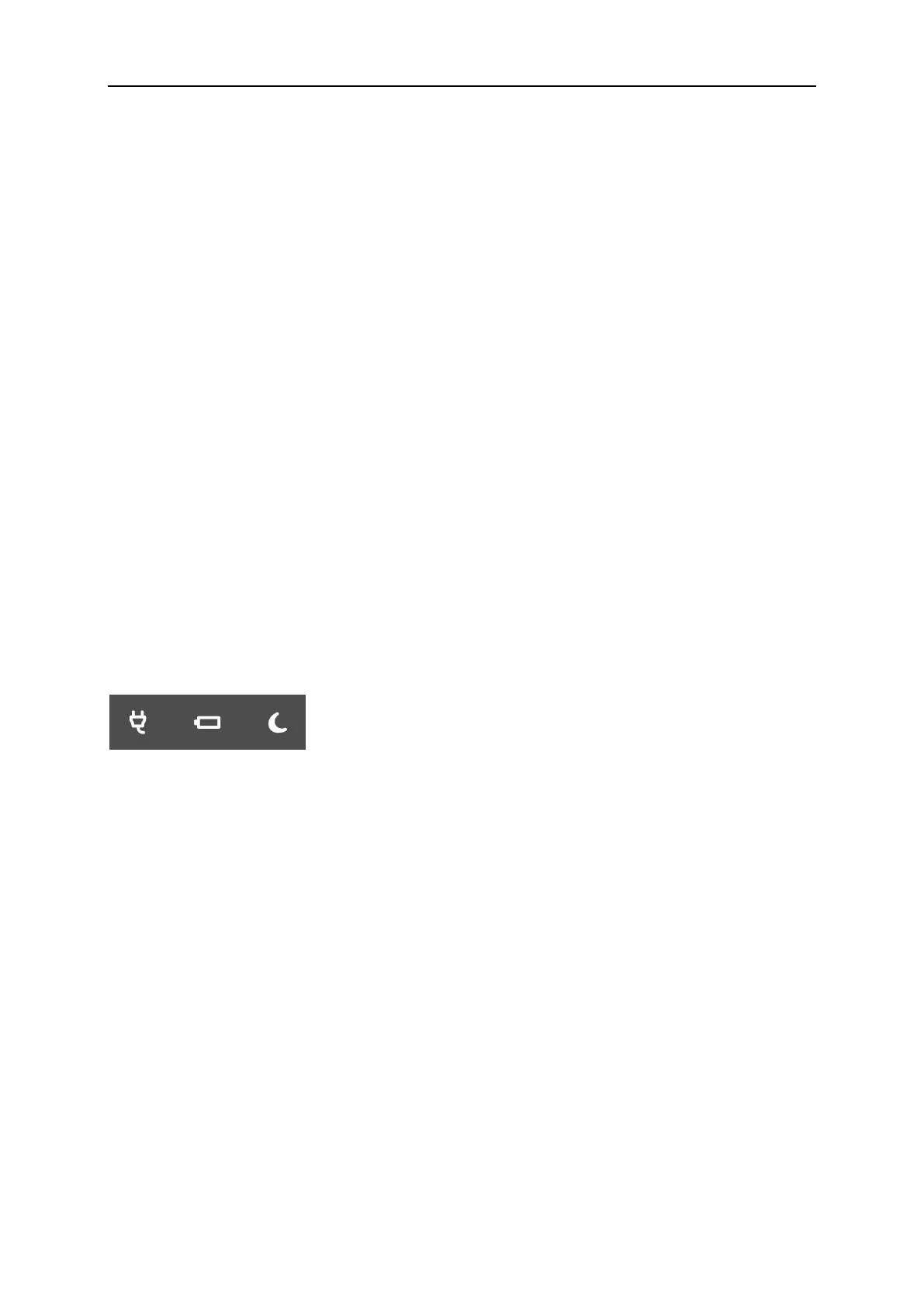
4.5.12 Indicator Light
From left to right: Adapter Indicator, Charge Indicator, and Sleep Indicator.
Adapter Indicator: when the main unit connects to the adapter with power supply, the indicator
lights, otherwise extinguishes.
Charge Indicator: When the battery is charging, the indicator lights, once the battery is charged,
the indicator goes out.
Sleep Indicator: When the main unit is in sleep mode, the indicator lights, otherwise
extinguished.



 To Next Page