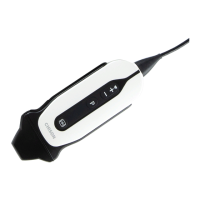
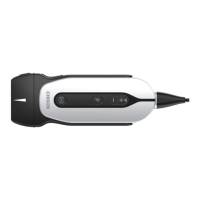
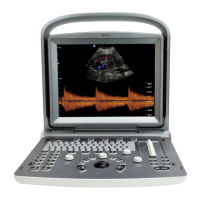
ECO 6 Digital Color Doppler Ultrasound System
96
Option: None, Repeated, & Next
After choosing the Repeat and Sequential, choose one
measurement or calculation to activate the measurement rule
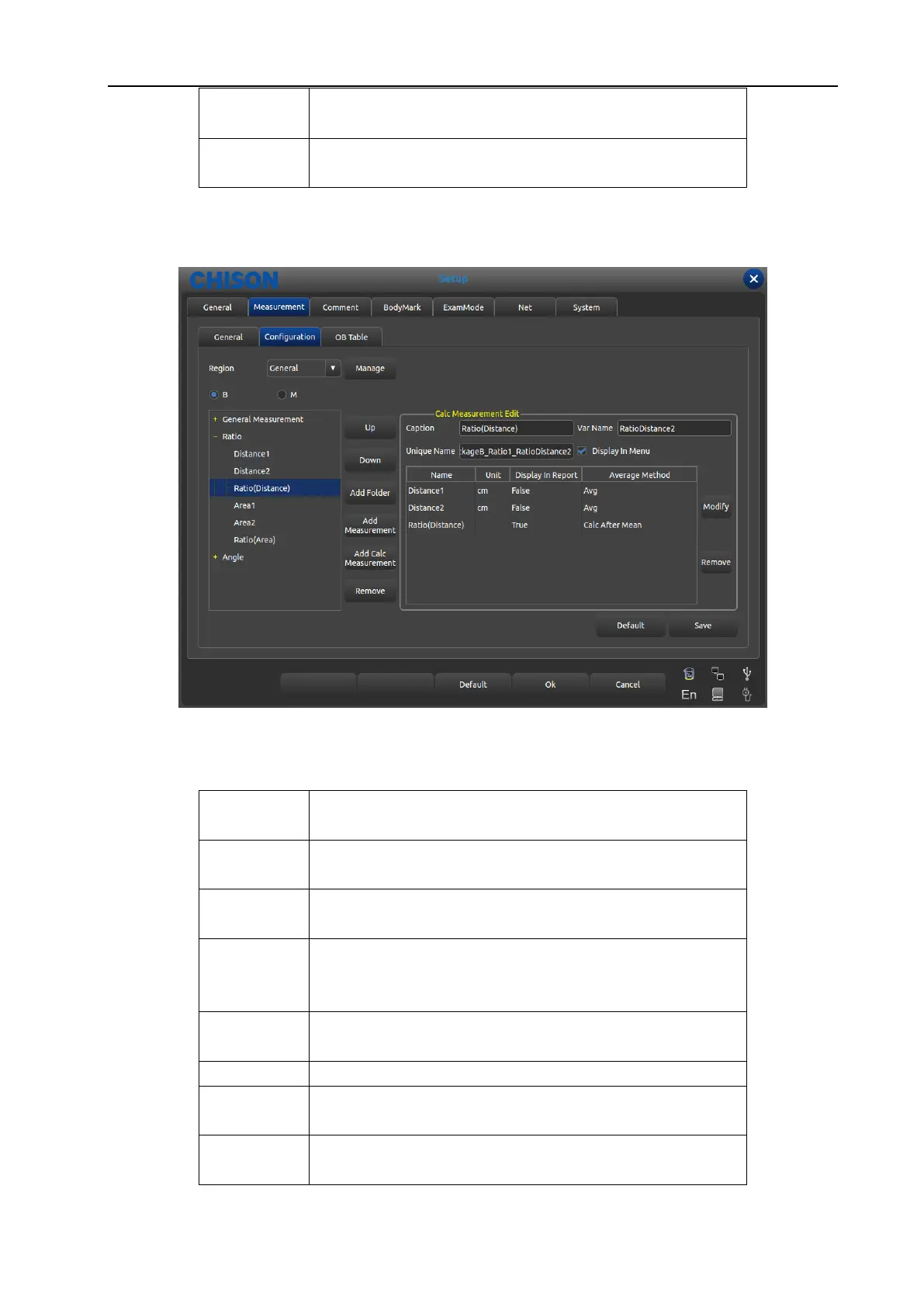
7.2.2.2 Interface Description-Measurement Manipulation
Fig. 32 Interface for Edition of Measurement Formula
Sheet 3 Measurement Edit content description
Display the name of selected term that is display names in the
measurement menu
The name of built-in selected measurement menu, user don’t
need modify while display order according to the names
Built-in code, user don’t need modify
Check the required item and it will display on the measurement
menu. The item without checking will not display on the
measurement menu.
Measurement operation of specific measurement display in
results
Data unit which measurement operation produces
Whether display in the result or not.
Whether display in the report or not.
WWW.CFS.IT - CFS PRODOTTI MEDICALI SRL


 To Next Page