ECO 6 Digital Color Doppler Ultrasound System
47
5.12.9 Set the Position of Default Comment
Operation:
1. Press [Save Home Pos.] to move cursor to the initial position;
2. Press [Load Home Pos.] to set the initial position;
5.13 Set Body Mark
5.13.1 General Description
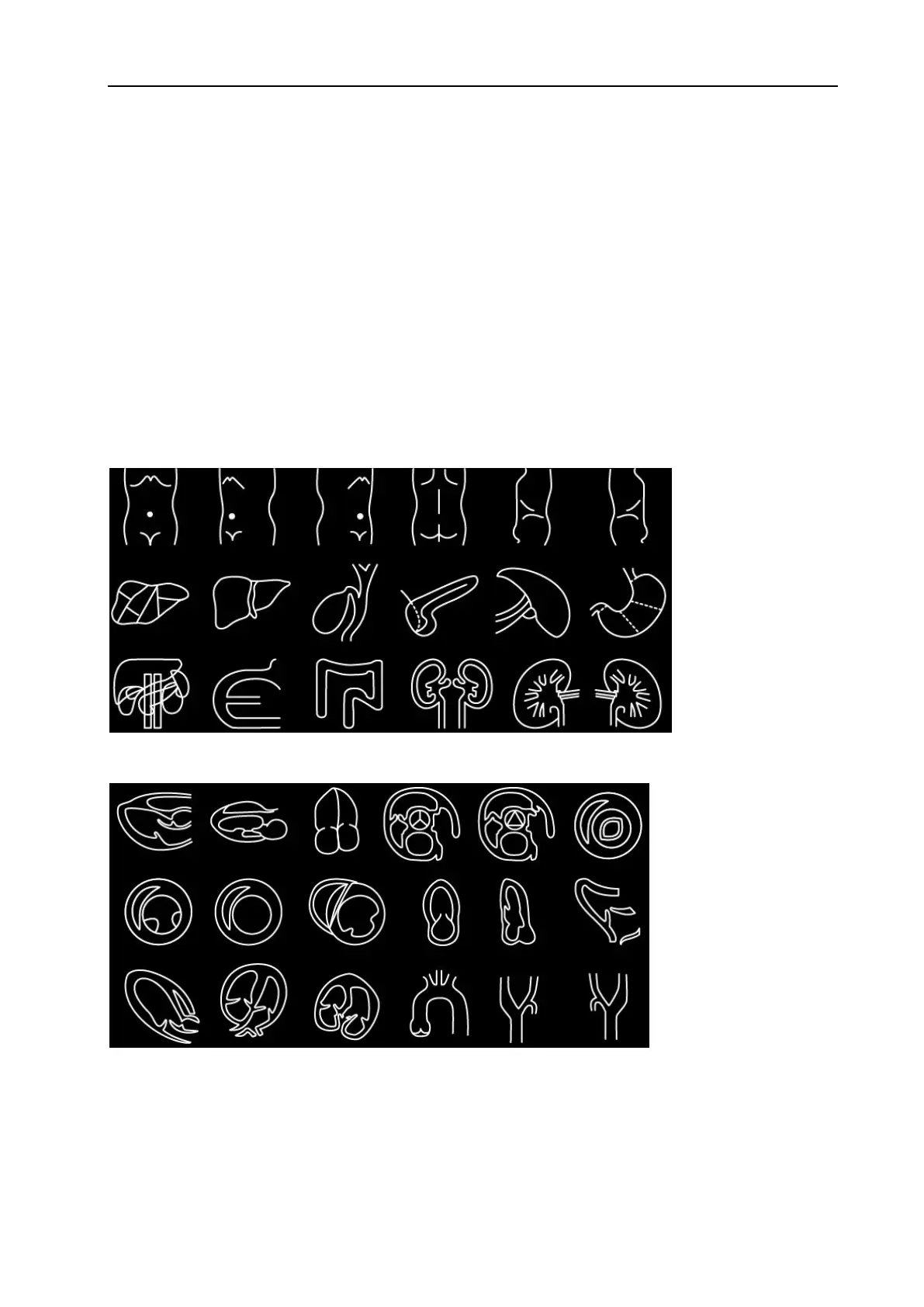
The body mark indicates patient’s examination position and the direction of probe scan on the image.
Body marks are divided into: obstetric, abdomen, gynecology, heart and small parts etc., each has different
body mark. Each type of body mark automatically is corresponding to current examination mode.
Icon:
Fig. 11 Abdomen Mark
Fig. 12 Cardiac Mark
WWW.CFS.IT - CFS PRODOTTI MEDICALI SRL



 To Next Page