ECO 6 Digital Color Doppler Ultrasound System
29
This multifunction key is work with trackball. The function switches with the unit
status. Such as, call the annotation and back in measuring.
Press this key can exit measurement, dialog, and menu.
Press this key to show or hide the cursor.
Press this key to change the menu.
Press MENU-knob for second time to select the item and adjust the parameters.
Press MENU-knob for third time to exit from current item. Rotate the MENU-
knob to select the item.
Press this key to enter into distance measurement.
Press this key to enter into trace measurement.
Press this key to enter into measurement software package.
This multifunction key is work with trackball. The function switches with the unit
status. Such as, set the cursor position, body mark position, comment position,
toggle trackball function, selected the menu, and confirm the input.
Trackball is the main operation tool on screen. Position calipers in measurement,
the function of the trackball is different under diverse working status.
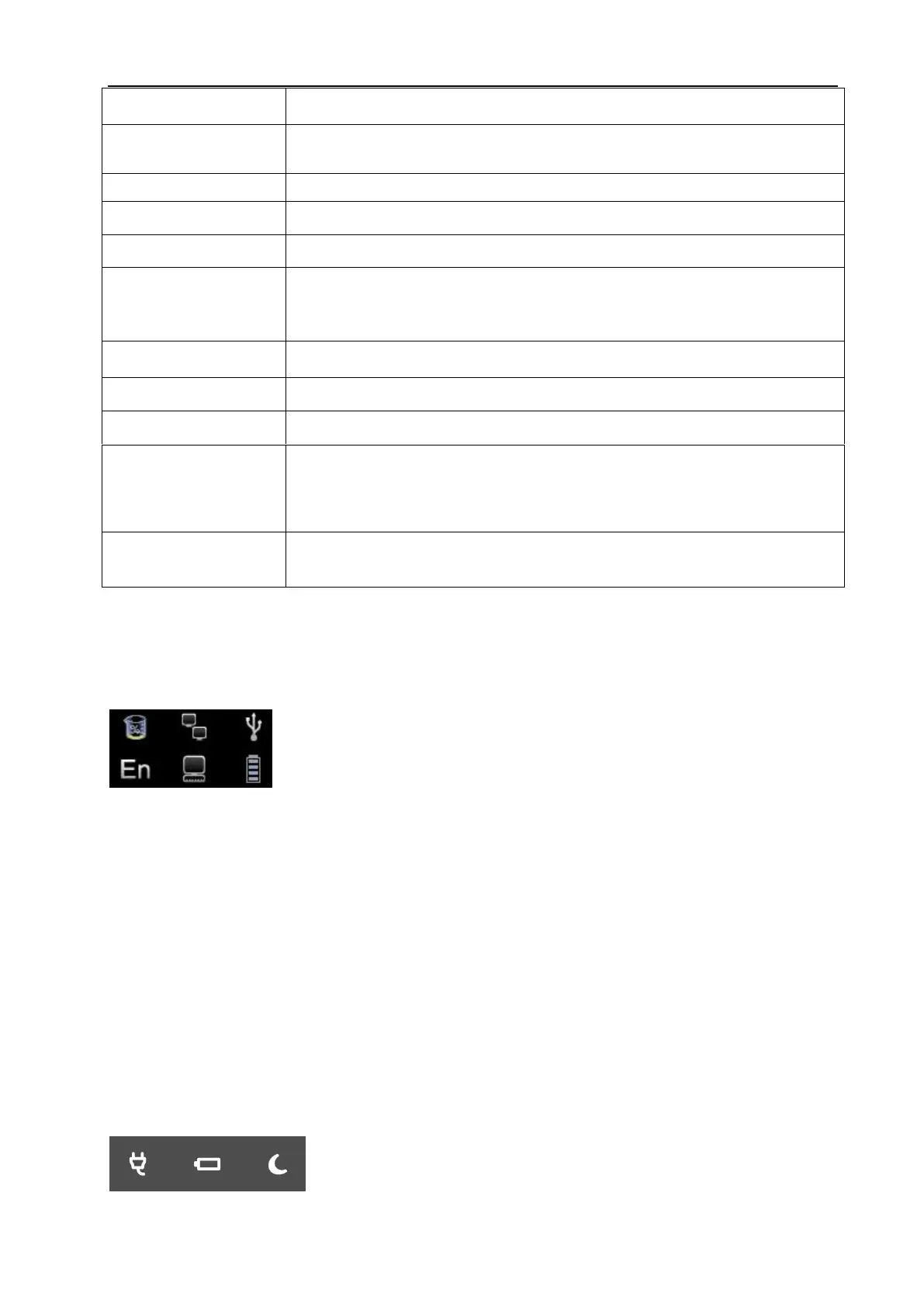
4.7 Information Area Indicating Machine Status
Left-to-Right of the up row: hard disk, cable network, USB.
Hard disk: press this icon to show the capacity of disc to used save data or USB flash disk in current system
Cable network: show the present situation of cable network; press this icon to show the IP address of
current system.
USB: show whether this system connects USB flash disk or not, press this icon to show USB safely remove
interface.
Left-to-Right of the down row: Case, Task Sequence, battery gauge.
Case: press this icon to change case.
Task Sequence: press this icon to show task and its situation, to terminate the task, delete, and so on.
Battery gauge: show the connecting situation of the battery, just press this icon to show the present State of
charge and discharge, remaining electric quantity and available time.
4.7.1 Indicator Light
WWW.CFS.IT - CFS PRODOTTI MEDICALI SRL



 To Next Page