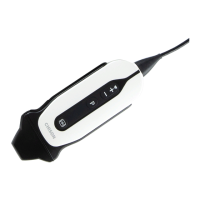
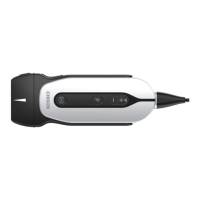
ECO 6 Digital Color Doppler Ultrasound System
99
Enter into interface to edit formula when selecting calculation
item
The minimum value displays in result zone and report
The maximum value displays in result zone and report
Data unit which measurement operation produces
Whether display in the result or not.
Whether display in the report or not.
Whether send the data to DICOM SR or not.
7.2.2.5 Formula Edit-Normal
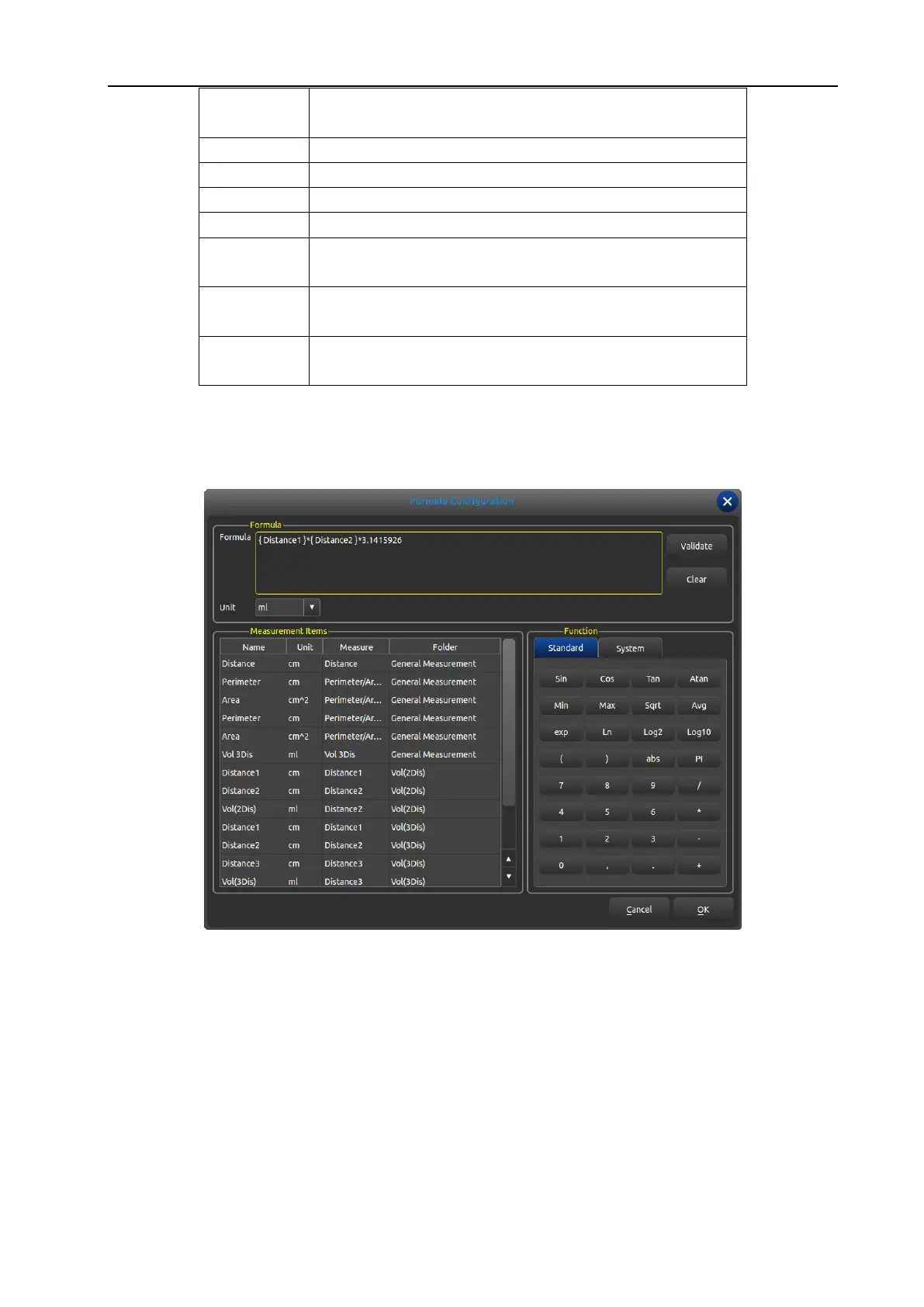
It is necessary to enter into the following interface when creating measurement operation except OB.
Fig. 35 Interface for Edition of Measurement Formula
Formula: edit formula in input box via keyboard and built-in formula.
Validate: press this button to check whether the formula is right or not after editing formula.
Clear: clear the content in the input box.
Unit: select the unit of calculation consequence.
Measurement Items: display all available measurement operation in the measurement menu.
Function: built-in formula, number input and some parameters that system needs such as BSA, SPSA etc.
Cancel: cancel editing formula and close the interface.
OK: save edited operation and close the interface.
WWW.CFS.IT - CFS PRODOTTI MEDICALI SRL


 To Next Page