Ground Bond Tester 19572 User’s Manual
4-4
4.4 SYSTEM Setup
4.4.1 How to Enter SYSTEM Menu
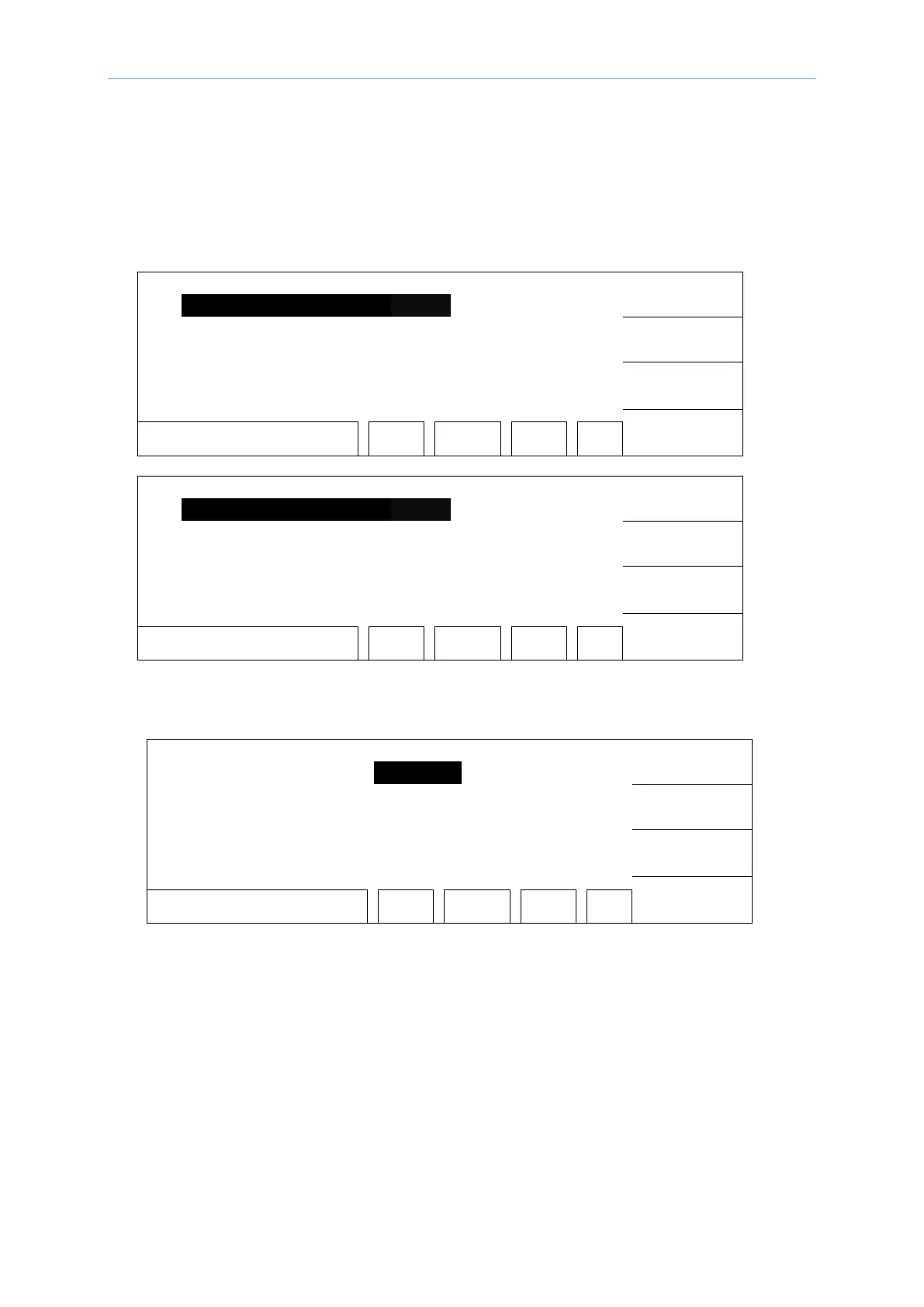
1. Under power on screen, press Function Key [MENU] to display the menu below:
UP
DOWN
SELECT
EXIT
SELECT FUNC. RMT LOCK
OFST ERR
UP
DOWN
SELECT
EXIT
SELECT FUNC. RMT LOCK
OFST ERR
2. Move the highlight to “SYSTEM” by using Function Key [UP], [DOWN]. Press Function
Key [SELECT] to enter SYSTEM SETUP menu, display the menu below:
UP
DOWN
ENTER
EXIT
1-16 RMT LOCK
OFST ERR
4.4.2 Operation Method
1. Enter SYSTEM SETUP screen, press function Key [ENTER] to move the highlight to the
parameter you want to set.
2. Press function Keys [UP], [DOWN] to set this parameter.



 To Next Page