Panel Description
4-5
System parameter setting description table
LOW / MEDIUM /
HIGH / OFF
(0: CONT.)
When test result is PASS,
sets the time of “Pass
4.5 Memory Management
4.5.1 How to Enter Memory Process
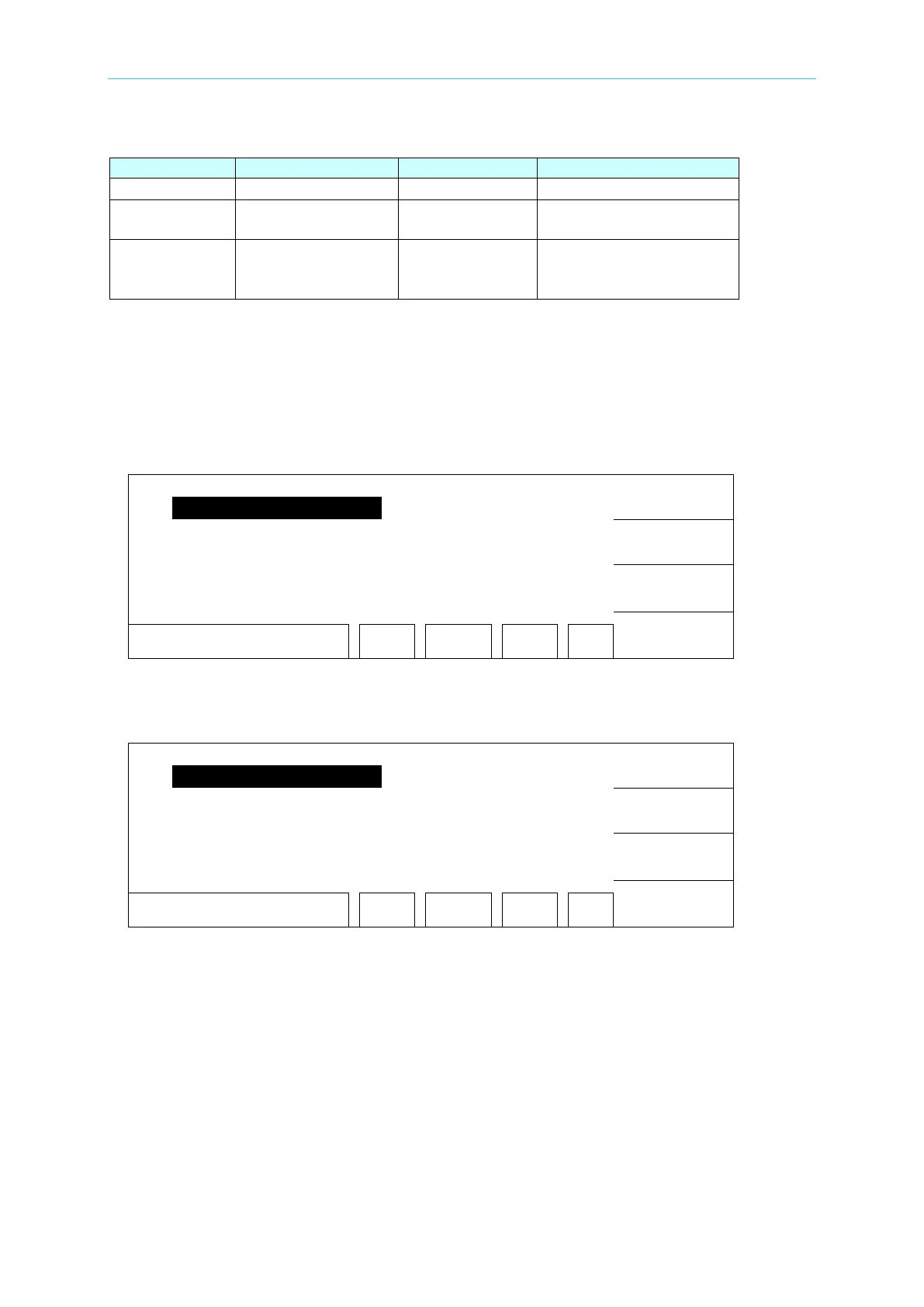
1. In power on menu, press Function Key [MENU] to display the menu below:
UP
DOWN
SELECT
EXIT
SELECT FUNC. RMT LOCK
OFST ERR
2. Move the highlight to “Memory” by using Function Key [UP], [DOWN]. Press
Function Key [SELECT] to enter Memory management mode and is shown as below
menu.
STORE
RECALL
4.
( 0 )
DELETE
EXIT
SELECT FUNC. RMT LOCK
OFST ERR
3. At the same time, follows the instruction of Function Key can recall, store or delete this
memory.
4. The value in ( ) means the test step numbers included in the memory.
4.5.2 Delete Memory
If you want to delete the test parameter stored in the memory. Please follow the procedures
below to process.
1. When the status list shows “SELECT FUNC.”, press Function Key [DELETE].
2. By using Function Key [UP], [DOWN] to select the test parameter data of the memory



 To Next Page