Ground Bond Tester 19572 User’s Manual
4-12
4.10 User Password Setting
1. In Power On Menu, press Function Key [MENU] to show the menu below:
UP
DOWN
SELECT
EXIT
SELECT FUNC. RMT LOCK
OFST ERR
2. Use Function Key [UP] and [DOWN] to move the highlight to “CHANGE PASSWORD”
and press Function Key [SELECT] to enter the password menu.
3. Use Function Key [A] and [B] to input the OLD PASSWORD (default is AAAA). After
pressing [ENTER], use Function Key [A] and [B] to input NEW PASSWORD (the
maximum is 10 characters). After pressing [ENTER], use Function Key [A] and [B] to input
CONFIRM PASSWORD (same as NEW PASSWORD) and press Function Key
[ENTER]. Press [EXIT] after completing the setting.
4.11 Remote Control
The REMOTE outlet for remote control switch is located at the rear panel. You can plug in the
control line to use external signal for controlling the device output externally.
Be aware when using remote control as it is done by external signal and using carefully to
avoid the tester error operation to cause any danger. Other control circuit usually does remote
control. Be careful that it is the switch to control the mass current output, so you must connect
the control line do not get near the power terminal and noise to avoid causing any danger.
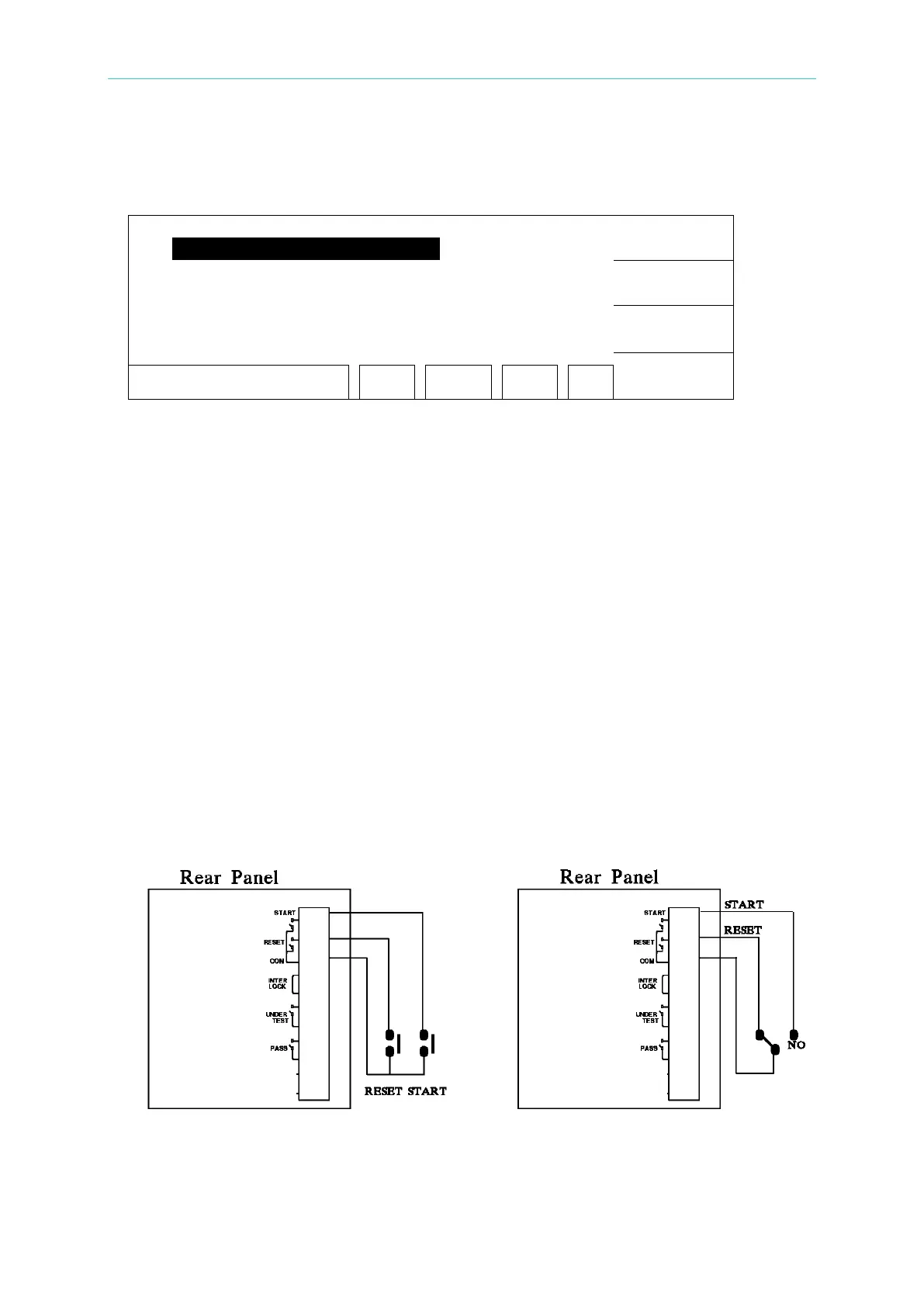
1. For single control of START and STOP signals follow Figure 4-1 listed below to connect
them to the REMOTE position on front panel of the main system.
Figure 4-1 Figure 4-2
2. If it is connected as Figure 4-2 shows, the system routine is in STOP state as the NC is



 To Next Page