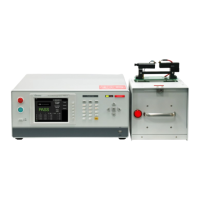
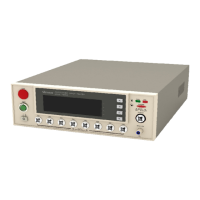
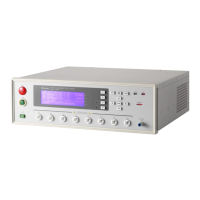
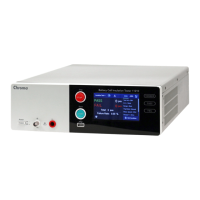
Panel Description
4-7
4.6.2 Operation Method
1. After entering PRESET menu, move the highlight to the parameter to be set by pressing
[ENTER].
2. Press Function Keys [UP] or [DOWN] to set the parameter.
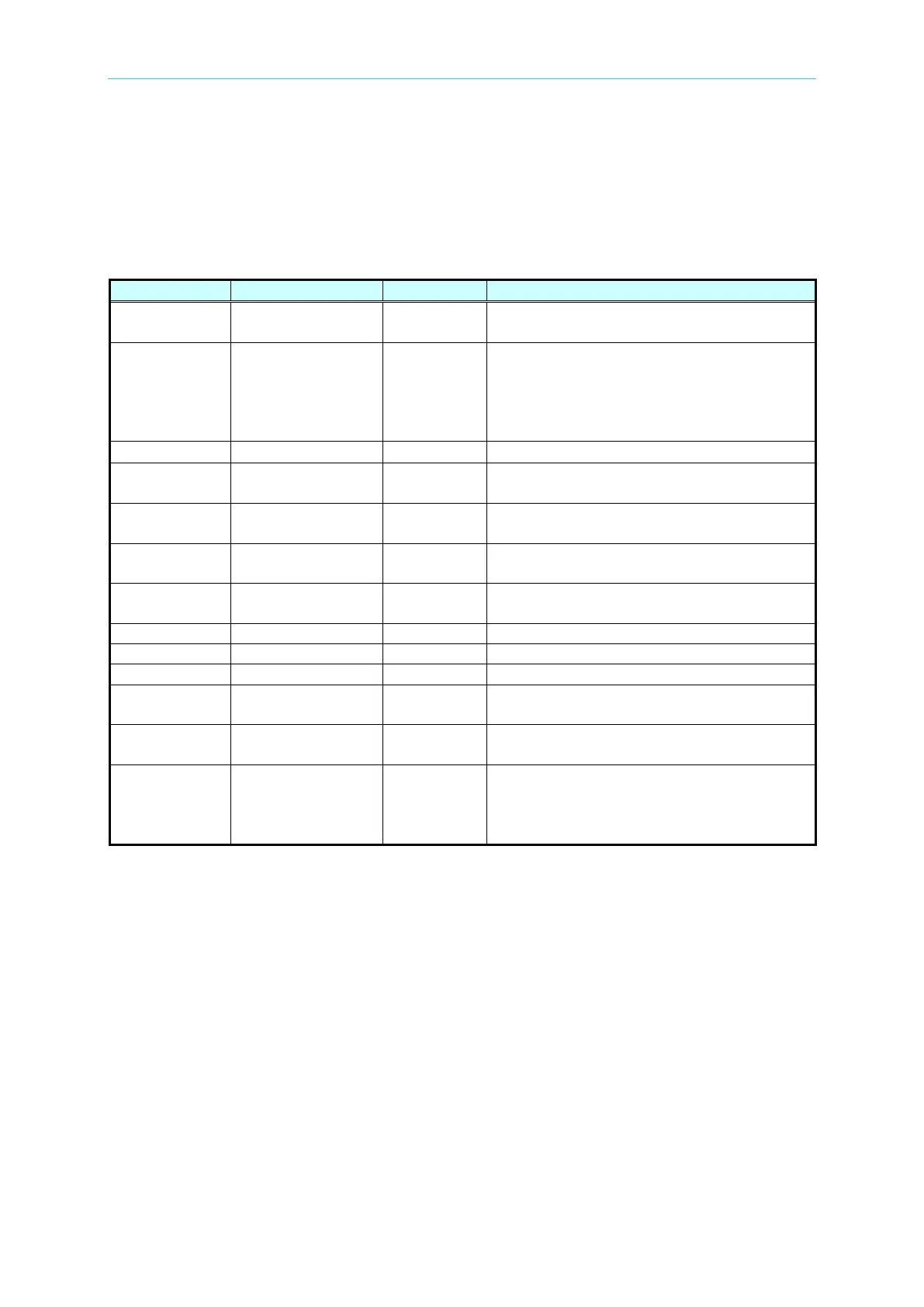
Preset parameter functions table:
When the test result is PASS, set the
buzzer continuous time.
It sets interval time between test
procedures.
Key: It sets test procedure interruption
(Please press [START] to continue when
It sets not to judge time.
It sets output voltage frequency when
testing ground conduction.
It sets output voltage for ground conduction
test.
It sets if software automatic gain
compensation function is open.
It sets if continue the next step after NG is
occurred.
It sets if test screen to be displayed.
It sets if open parameter memory function.
It sets start test wait time.
It sets product part number.
It sets product lot number.
characters
It sets product serial number format and *
indicates changeable character. The
product serial number should be 5
characters at least and can’t be all *.
4.7 PROGRAM Setting
4.7.1 Test Procedure Setting
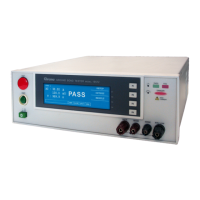
1. In power on menu, press Function Key [PROGRAM] then enter PROGRAM setting menu,
the menu display as below:


 To Next Page