Panel Description
4-11
UP
DOWN
SELECT
EXIT
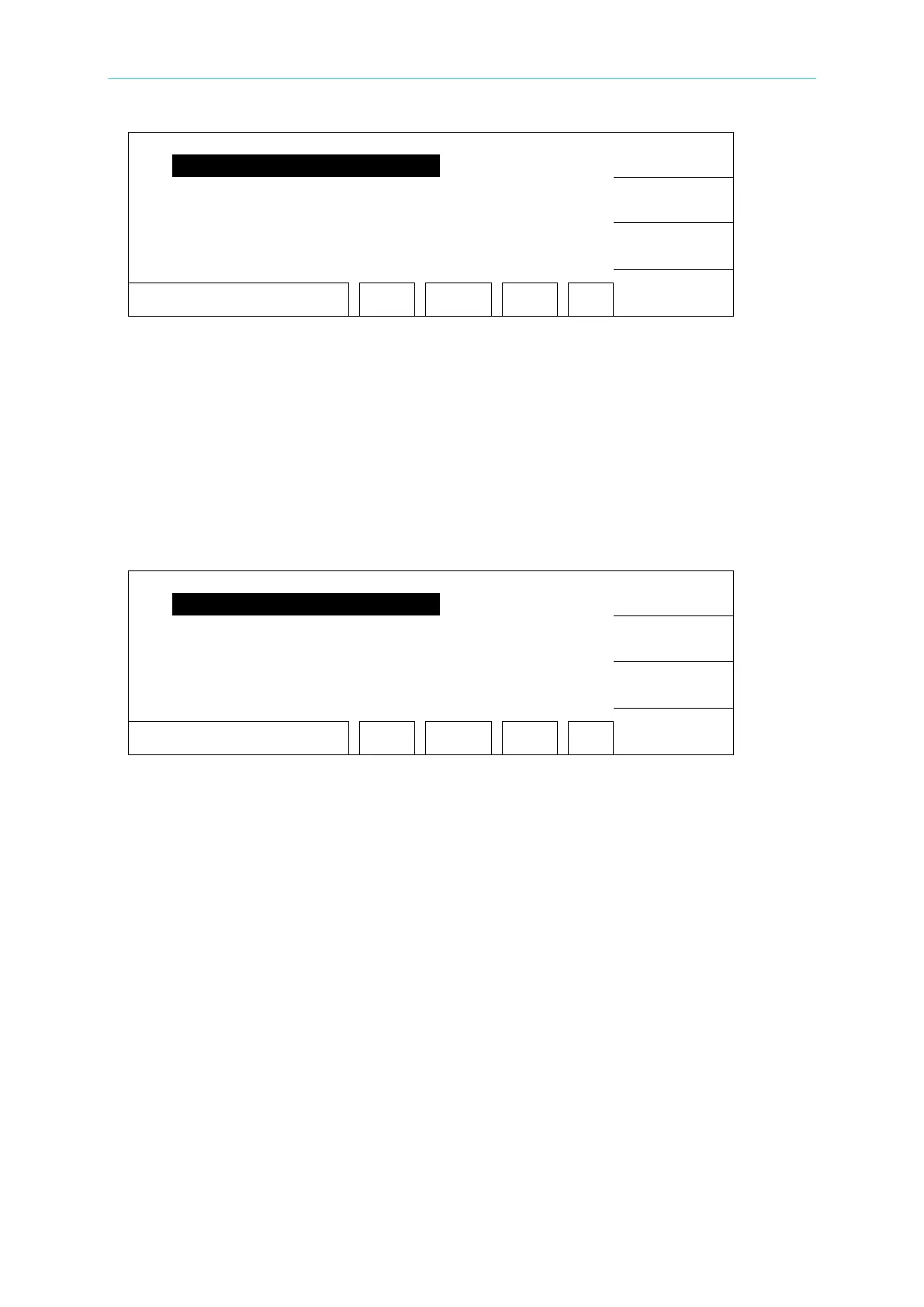
SELECT FUNC. RMT LOCK
OFST ERR
3. Use Function Key [UP] and [DOWN] to move the highlight to “ KEY LOCK”, and press
Function Key [SELECT] to enter KEY LOCK setting menu.
4. Use Function Key [A] and [B] to input the PASSWORD (default is AAAA.)
5. Press [ENTER] will prompt a selection window, and “LOCK” is highlighted. The user can
press Function Key [YES] or [NO] to select if lock the MEMORY RECALL function as well.
4.9.2 Canceling KEY LOCK
1. In Power On Menu, you can release KEY LOCK if ”LOCK” is highlighted.
2. Press Function Key [MENU], the menu shown below:
UP
DOWN
SELECT
EXIT
SELECT FUNC. RMT LOCK
OFST ERR
3. Move the highlight to “KEY LOCK” by using Function Key [UP] and [DOWN]. Press
Function Key [SELECT] to enter KEY LOCK release menu.
4. Use Function Key [A] and [B] to input the PASSWORD (default is AAAA).
5. Press Function Key [ENTER], ”LOCK” will not be highlighted means KEY LOCK function
has cancelled.



 To Next Page