Programmable AC Source 61605 User’s Manual
3-18
item in OPTION of AC Source 61501 - 61504, thus A615003 can be
activated.
3.7.5 THREE PHASE MODE
When users need a three-phase AC power, it's allowed to assemble three AC sources to be a
three-phase AC power. The user can set 3-PHASE MODE on OUTPUT functional list (see
3.7). The AC source setting as MASTER sends SYNchronized signal to SLAVEs to position
phase angle. The SLAVEs also use the signal to trigger and shut down the output. To
send synchronized signal, users have to use a special cable. One terminal of the cable is
connected to SYN (in rear panel, BNC connector), it’s the MASTER. Another terminals
connects to /Remote-Inhibit of TTL signal (in rear panel, 9-Pin D-Type connector, see
Appendix A), it’s the SLAVE. For more information about the cable, please consult your
dealer.
The procedure of using THREE PHASE MODE:
1. Connect the N terminals of AC source outputs. (For 3-phase, Y connection).
2. Connect the cable for synchronism.
3. Power on all AC sources. Keep all in output quit state.
4. Set the 3-PHASE MODE = MATER, DEGREE = 0. And set another AC source
3-PHASE MODE = SLAVE, DEGREE = 240 or 120. Press
PAGE/EXIT twice to MAIN
PAGE. Set the voltage and frequency on each AC source. It is better for all AC sources
set the same frequency.
5. Press OUT/QUIT at MASTER to start output. Press OUT/QUIT again to quit the output.
OUT/QUIT of SLAVE is no use when 3-phase mode.
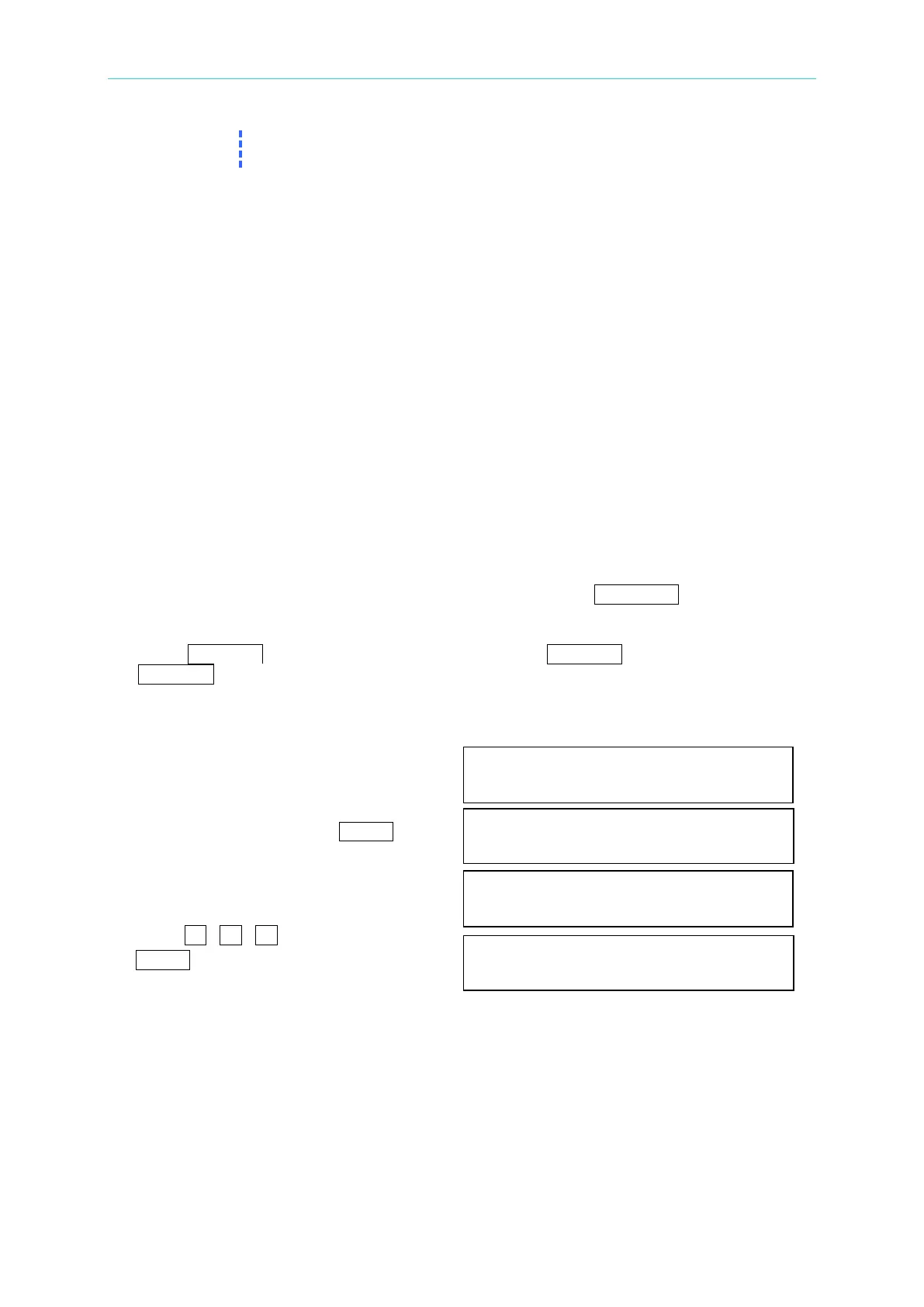
To change THREE PHASE MODE from OFF to SLAVE as below:
1. Move the cursor to the command line
of “3-PHASE MODE=”. 3-PHASE MODE
= OFF_
2. Turn RPG to change the option from
OFF to SLAVE, then press ENTER. 3-PHASE MODE = SLAVE
3. The cursor moves to the command line
of “ DEGREE =” automatically. DEGREE = 0.0_
4. Press 1 , 2 , 0 , then press
ENTER. DEGREE = 120.0
The following is connection diagram, these models’ connection methods are the same
although the rear is Model 61604. This is for your reference.



 To Next Page