Remote Operation
*RST This command resets the AC source to the initial states. It’s better to wait
about 3 second to send the next command.
*SAV<n> Save the values into the specific group in memory.
Parameter 1 - 3
*SRE This command sets conditions of the Service Request Enabled Register. If
one or more of the enabled events of the Status Byte Register is set, the MSS
and RQS of Status Byte Register are set too.
*SRE? This query returns the Service Request Enabled Register.
*STB? This query returns the Status Byte Register.
Bit configuration of Status Byte Register
ESB = event status byte summary
QES = questionable status summary
RQS = request for service
MSS = master status summary
MAV = message available
*TST? This command queries the self-test result of the AC source.
7.6.2 Instrument Command Dictionary
The commands are listed in alphabetical order. Commands followed by question marks (?)
take only the query forms. When commands take both the command and query forms, they
are noted in the query syntax descriptions.
7.6.2.1 FETCH & MEASURE Sub-system
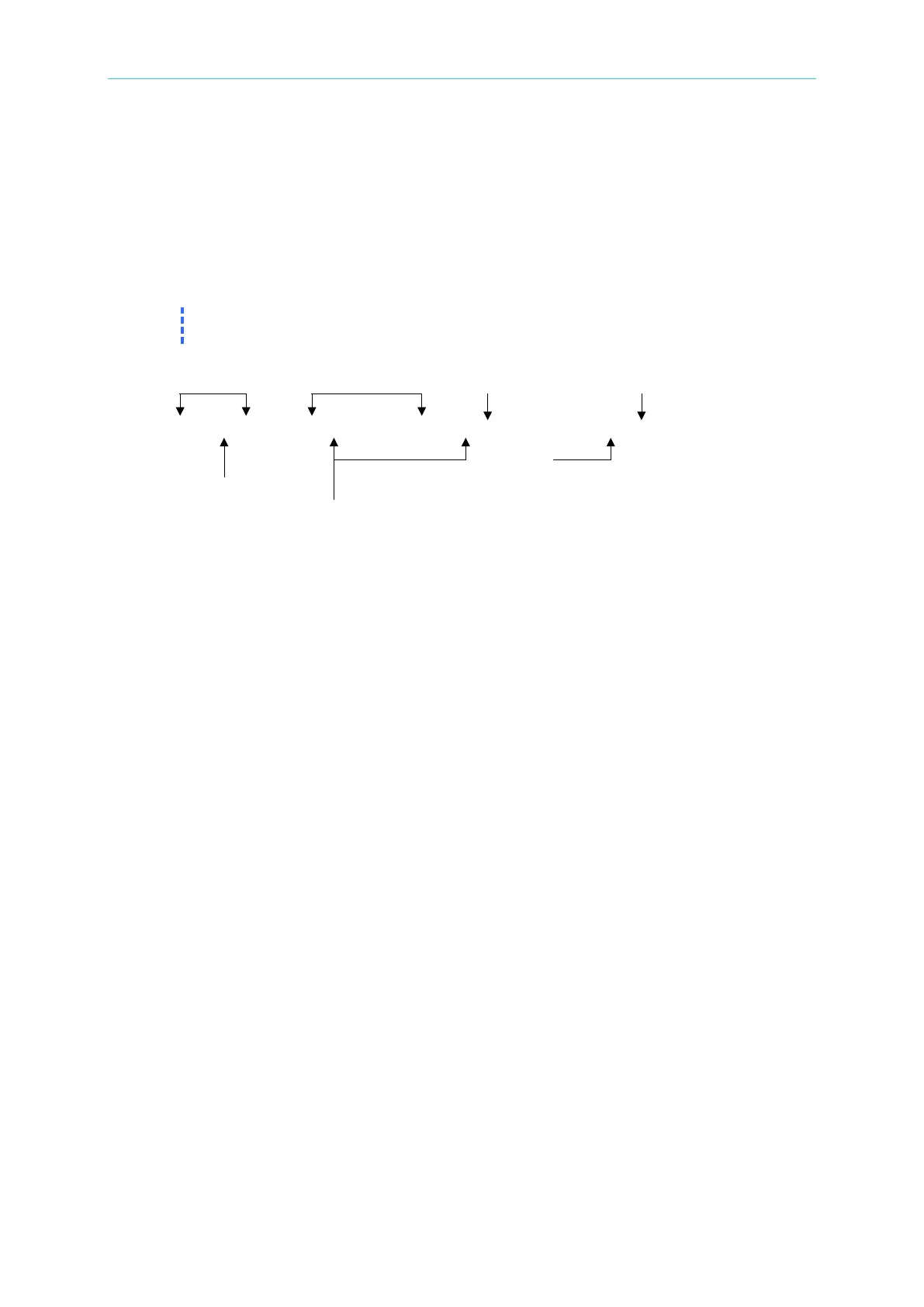
FETCh | MEASure
[ : SCALar]
: CURRent
: AC? Query the rms current
: DC? Query the DC current level
: AMPLitude : MAXimum? Query the peak current
: CREStfactor? Query the current crest factor
: INRush Query the inrush current
: FREQuency? Query the frequency
: POWer
: AC
[: REAL]? Query the true power
: APParent? Query the apparent power
: REACtive Query the reactive power
: PFACtor? Query the power factor



 To Next Page