Local Operation
3-13
3.6.4 POWER ON STATUS
The AC Source allows users to set the output state when the power is switched on. Users
can set POWER ON STATUS on CONF functional list (see 3.6). After setting, users should
save them before powering off (see 3.8.2). Users also can pre-set voltage of each phase
individually if V_SET = INDIVIDUAL (see 3.7.1).
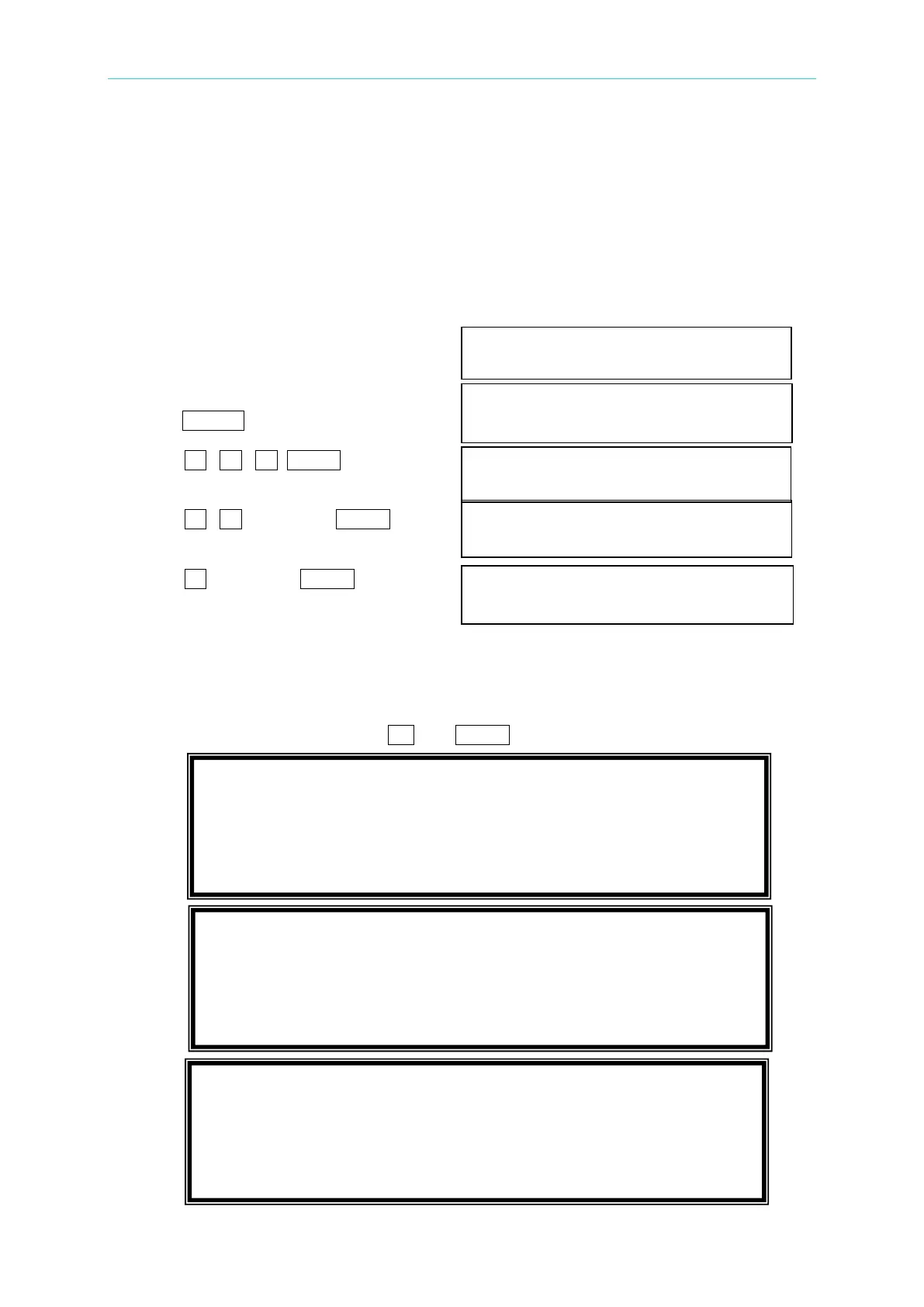
To set the output to ON, 230 Vac, 50Hz and 0Vdc when power-on.
1. Move the cursor to the line of “POWER POWER ON STATUS: Output = OFF_
ON STATUS : Output =”.
2. Turn the RPG to set output ON, then POWER ON STATUS: Output = ON
press ENTER.
3. Press 2 , 3 , 0 , ENTER to set Vac = 230.0 Freq=60.0_ Vdc = 10.0
Vac=230.
4. Press 5 , 0 , then press ENTER to Vac = 230.0 Freq=50.0 Vdc = 10.0
set Freq=50.
5. Press 0 , then press ENTER to set Vac = 230.0 Freq=50.0 Vdc = 0.0
Vdc = 0.
3.7 OUTPUT Functional List
On CHOICE PAGE (see 3.4), press 3 and ENTER to choose the OUTPUT functional list.
1. SETUP 2.CONF 3.OUTPUT 4. MANUAL CALI
5.
LIST 6. PULSE 7.
STEP
8. INTERHAR
DEG ON= 0.0 DEG OFF= IMMED
Vdc= 0.0
V_SET= INDIVIDUAL [ OUTP ]
DEG ON= 0.0 DEG OFF= IMMED
Vdc1= 0.0 Vdc2= 0.0 Vdc3= 0.0



 To Next Page