Calibration
4-3
4.2.1 Output Voltage and Voltage Measurement
Calibration
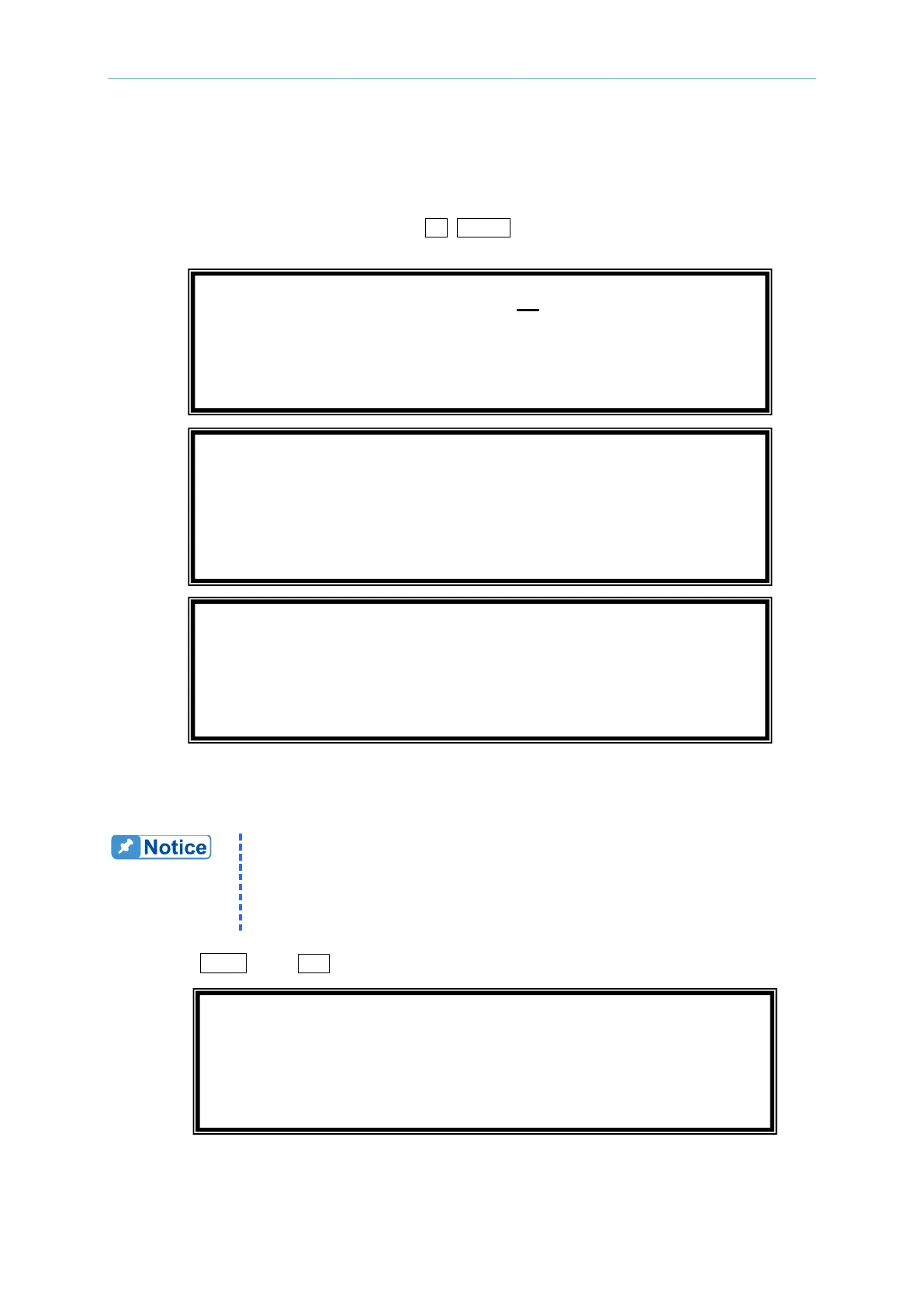
On CALIBRATION CHOICE page, press 1 , ENTER to do the output voltage and voltage
measurement calibration.
In the step A of V OUT AND MEAS. ACCURACY CALI, users should enter the AC Source's
DC output voltage measured by digital voltage meter (DVM) in mV. Then, monitor the
reading of DVM, keyin the DC output voltage repeatedly until DC output is less than ±10 mV.
1. The Vdc offset may be positive or negative. The positive of DVM
connects to the line of AC Source output, and the negative of DVM
connects to the Neutral of AC Source output. See
Figure 4-1.
2. The load must be off at all steps of V OUT AND MEAS. ACCURACY
Then press SHIFT, then to change to next step.
In the step B of V OUT AND MEAS. ACCURACY CALI, the display shows the offset of Vac
and Vdc measured by AC Source. They are produced by internal components. Wait two
CALIBRATION CHOICE = 1
1. V OUT AND MEAS. 2. I MEAS.
1. V OUT AND MEAS. ACCURACY CALI 150V RNG
A. KEYIN THE MEASURED Vdc
Vdc offset = _ mV
1. V OUT AND MEAS. ACCURACY CALI 150V RNG
B. WAIT TWO SECONDS THEN ( ENTER )
Vac = 0.00 V Vdc = 0.00 V
Please Remove Load Before Calibrating



 To Next Page