Calibration
4-1
4. Calibration
4.1 Introduction
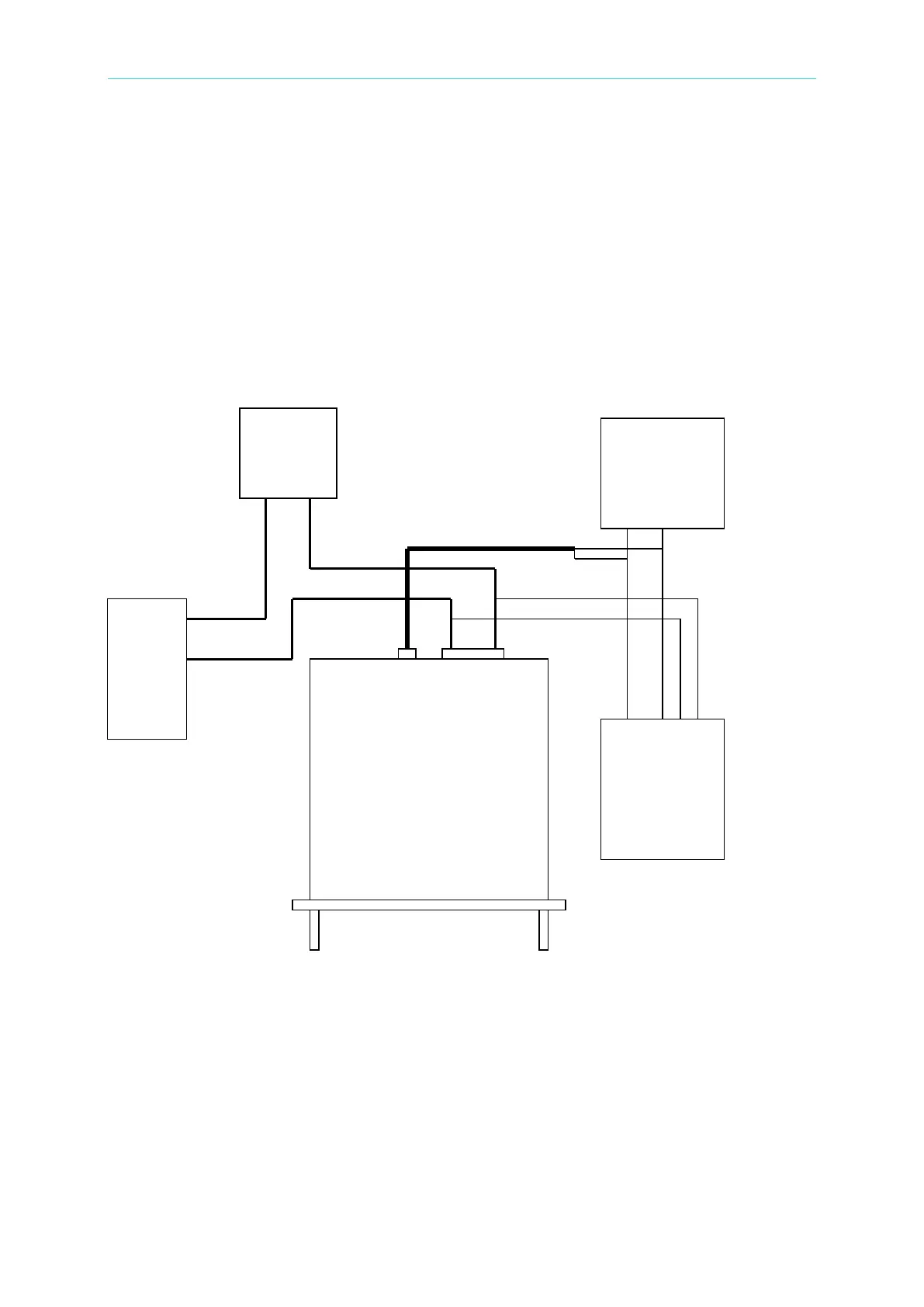
The AC Source built a simple way to calibrate the 3-phase output and measurement accuracy
without opening the cover. Users can do it for each phase following the procedures step by
step. A voltage meter, current meter, suitable load and +5V DC Source are needed during
calibration. Please refer to Figure 4-1 for the connections of these instruments. There are
three items need to calibrate. But it is not necessary to calibrate all of them at once. Users
can choose one item only as need.
Figure 4-1
4.2 MANUAL CALI Functional List
Users can choose “4. MANUAL CALI” in CHOICE PAGE to enter the calibration procedure.
Before showing the calibration items, users must enter a password for safety reason. The
password is shown in this manual, in order to confirm the users read the manual before
performing the calibration.
Meter
Meter
Source



 To Next Page