Local Operation
3-15
3.7.2 Output Degree
The AC Source can control the transition angle of the waveform when it is out or quits.
Users can set DEG ON and DEG OFF to achieve it in OUTPUT functional list (see 3.7.)
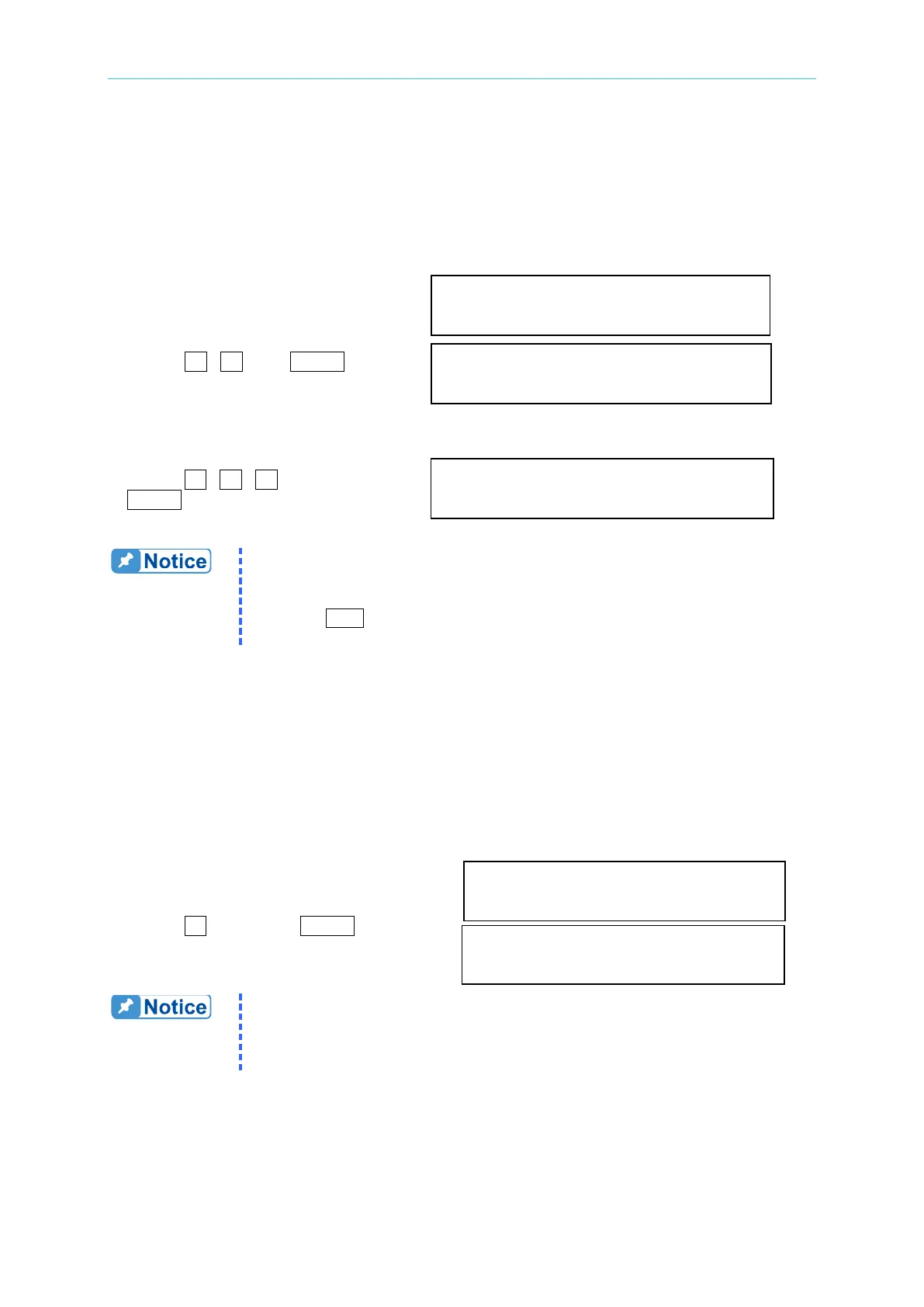
The procedures for setting output phase angle DEGREE ON = 90 and OFF=180 are
described as below:
1. Move the cursor to the command line DEG ON = 0.0_ DEG OFF= IMMED
of “ON = ”.
2. Press 9 , 0 , then ENTER to DEG ON = 90.0 DEG OFF= IMMED_
change the value to "90.0".
3. The cursor moves to the command line
of “OFF= ” automatically.
4. Press 1 , 8 , 0 , then press DEG ON = 90.0 DEG OFF= 180.0
ENTER to change the value to "180.0".
1. The output or quit phase angle of waveform is set for Phase 1 (Φ1).
The other phases will follow Phase 1 to out or quit at the same time.
2. If "OFF=IMMED", the output voltage quits immediately when users
press
QUIT. But if the degree is set, the output voltage will last till
the set degree. Keyin “OFF= 360” became “OFF= IMMED”.
3.7.3 Vdc Output
The AC Source can program output voltage that contains DC component by setting Vdc on
OUTPUT functional list (see 3.7). Users can also set DC component of each phase
individually if V_SET = INDIVIDUAL (see 3.7.1).
The procedures of setting Vdc = 2V are described as below:
1. Move the cursor to the command line
of “Vdc = ”. Vdc = 0.0_
2. Press 2 , then press ENTER
to change the value to “2.0”. Vdc = 2.0
The DC component of AC Source output is applied to do certain voltage
tests. The AC Source does not have numerous output capacitors; some
features like voltage ripple and load transient are not similar to DC
3.7.4 Phase Angle Setting
For a 3-phase AC power system, the phase angle in between is 120°. The AC Source of



 To Next Page