Programmable AC Source 61705 User’s Manual
5-8
5.4 Step Mode (Optional Function)
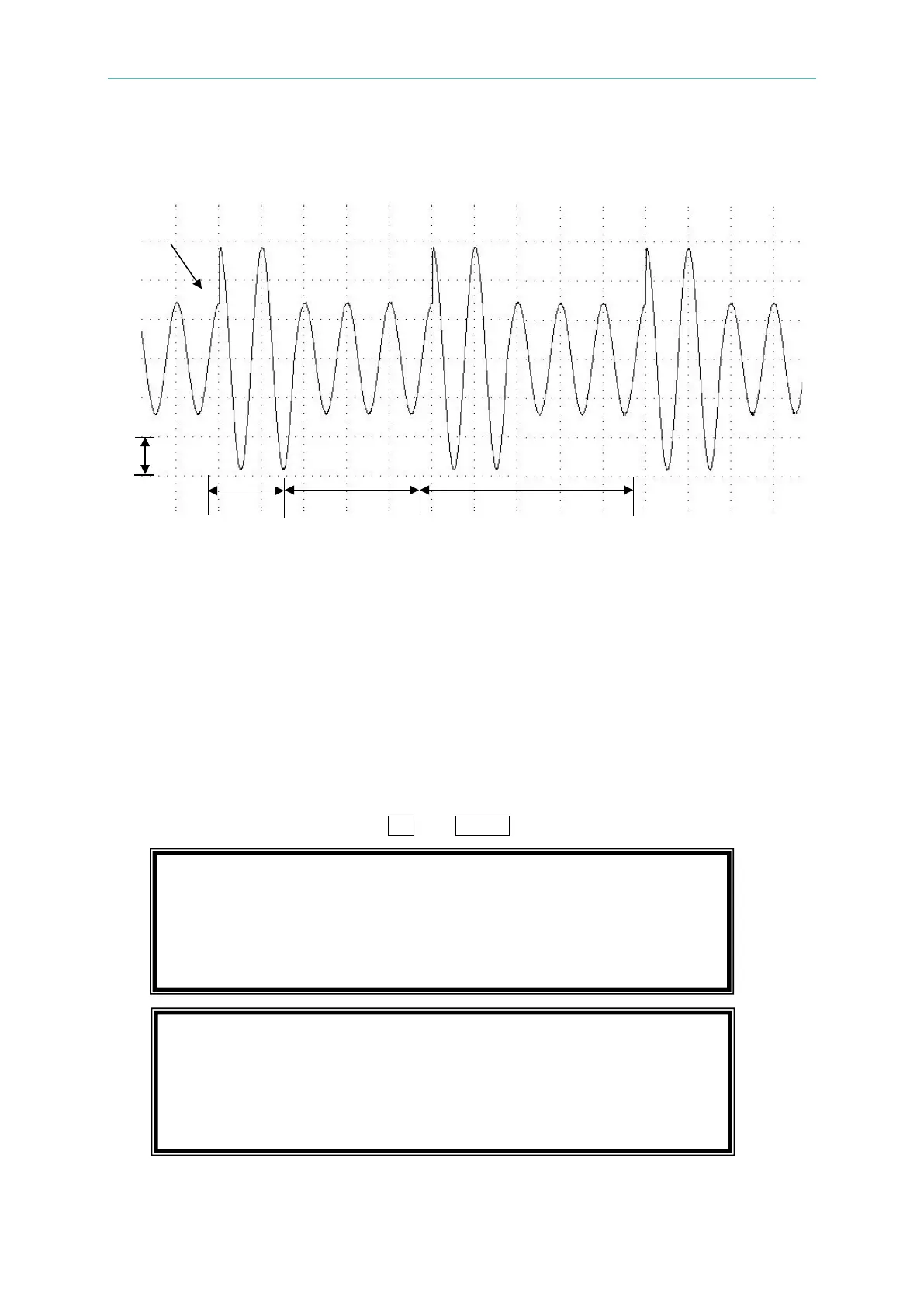
The STEP mode offers an easy and automatic change function to change output waveform in
a regular level and time. But the variation between two steps changes rapidly, not gradually.
The waveform programming is to set an initial waveform, specify the dwell time and change of
each step, and the number of change step. After execution, the output wave will keep at the
last step.
On CHOICE PAGE (see 3.4
), press 7 and ENTER to choose the STEP functional list.
PAGE CHOICE = 7_
1. SETUP 2.CONF 3.OUTPUT 4. MANUAL CALI
5.
LIST 6. PULSE 7.
STEP
8. INTERHAR
COUNT = 0 DWELL = 0.0 ms [ STEP ]
Vac = 0.0 F = 60.00 Vdc = 0.0
dV = 0.0 dF = 0.00 dDC = 0.0
<SHIFT> <ENTER> to Execute
°



 To Next Page