Calibration
4-5
2. See the above display, if PAGE/EXIT is pressed without saving the
result, the calibration result still works till turning off the power.
4.2.2 Current Measurement Calibration
On CALIBRATION CHOICE page, press 2 , ENTER to do the current measurement
calibration.
In the above step A of CURRENT MEAS. ACCURACY CALI, the display shows the offset of
Iac and Idc measured by AC Source. They are produced by internal components. Wait two
seconds to press
ENTER, then Iac = 0.00A, Idc = 0.00A.
Press SHIFT, then to change to next step.
In the above step B of CURRENT MEAS. ACCURACY CALI, press ENTER then AC Source
will output 12.5VAC. Users should apply suitable load to output and make the output current
measured by current meter (or power analyzer) for about 1.6A (for 61705). The different
model shows different current value in display. If the output current is ok after applying load,
press
ENTER, then the AC Source will output 125VAC. The output current will be 10 times of
step B, 16A. Keyin the exact value of current measured by current meter. The output
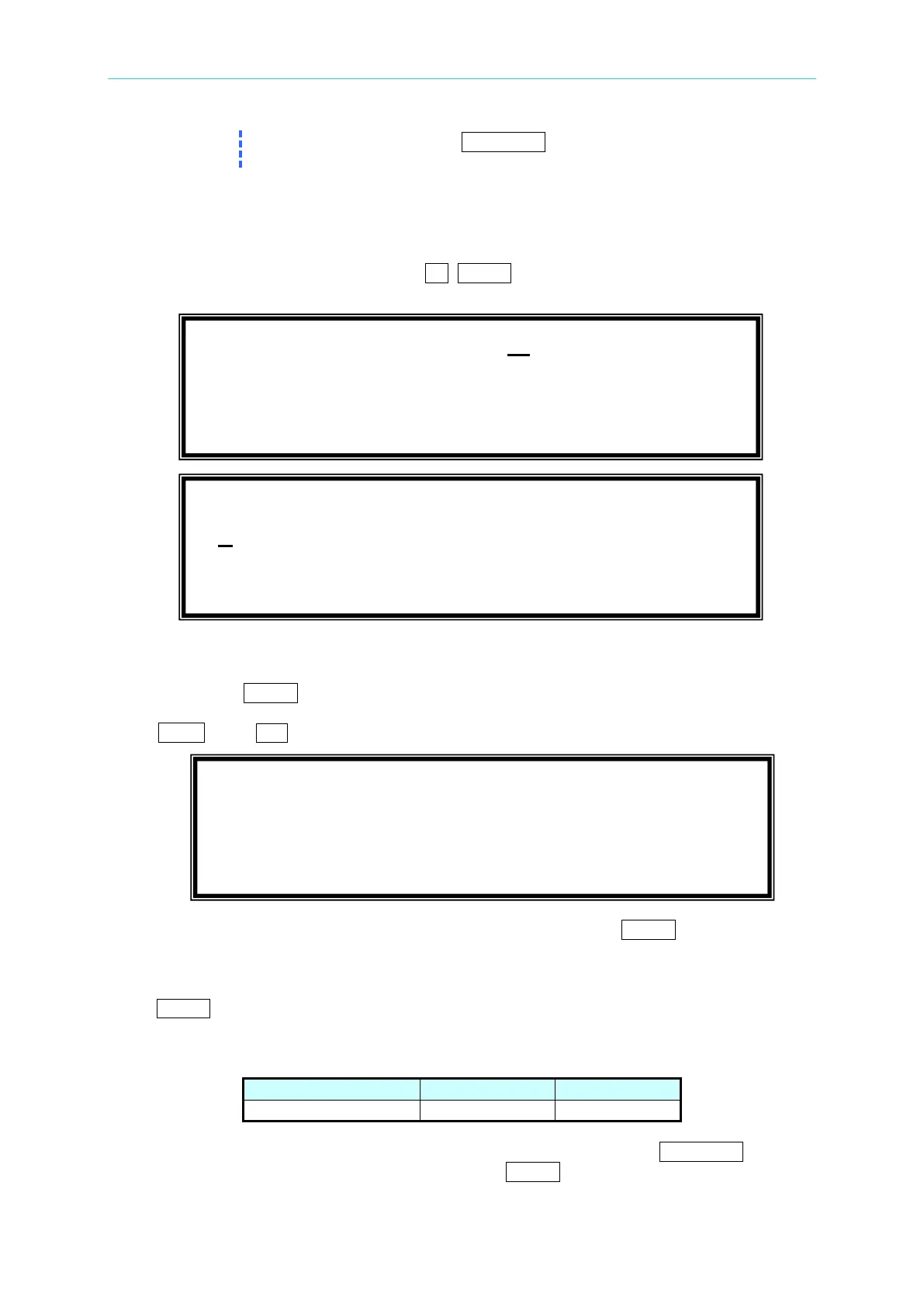
currents of step B and step C are shown as below:
Step C is the final step of CURRENT MEAS. ACCURACY CALI. Press PAGE/EXIT to exit
that page. The display will show as below. Press ENTER to save the calibration result.
CALIBRATION CHOICE = 2
1. V OUT AND MEAS. 2. I MEAS.
1. CURRENT MEAS. ACCURACY CALI 150V RNG
A. WAIT TWO SECONDS THEN ( ENTER )
Iac = 0.00 A Idc = 0.00 A
1. CURRENT MEAS. ACCURACY CALI 150V RNG
B. ( ENTER ) THEN CHECK CURRENT IS 1.6A
C. ( ENTER ) THEN KEYIN CURRENT MEAS. 16A
0.00 A



 To Next Page