39 EN
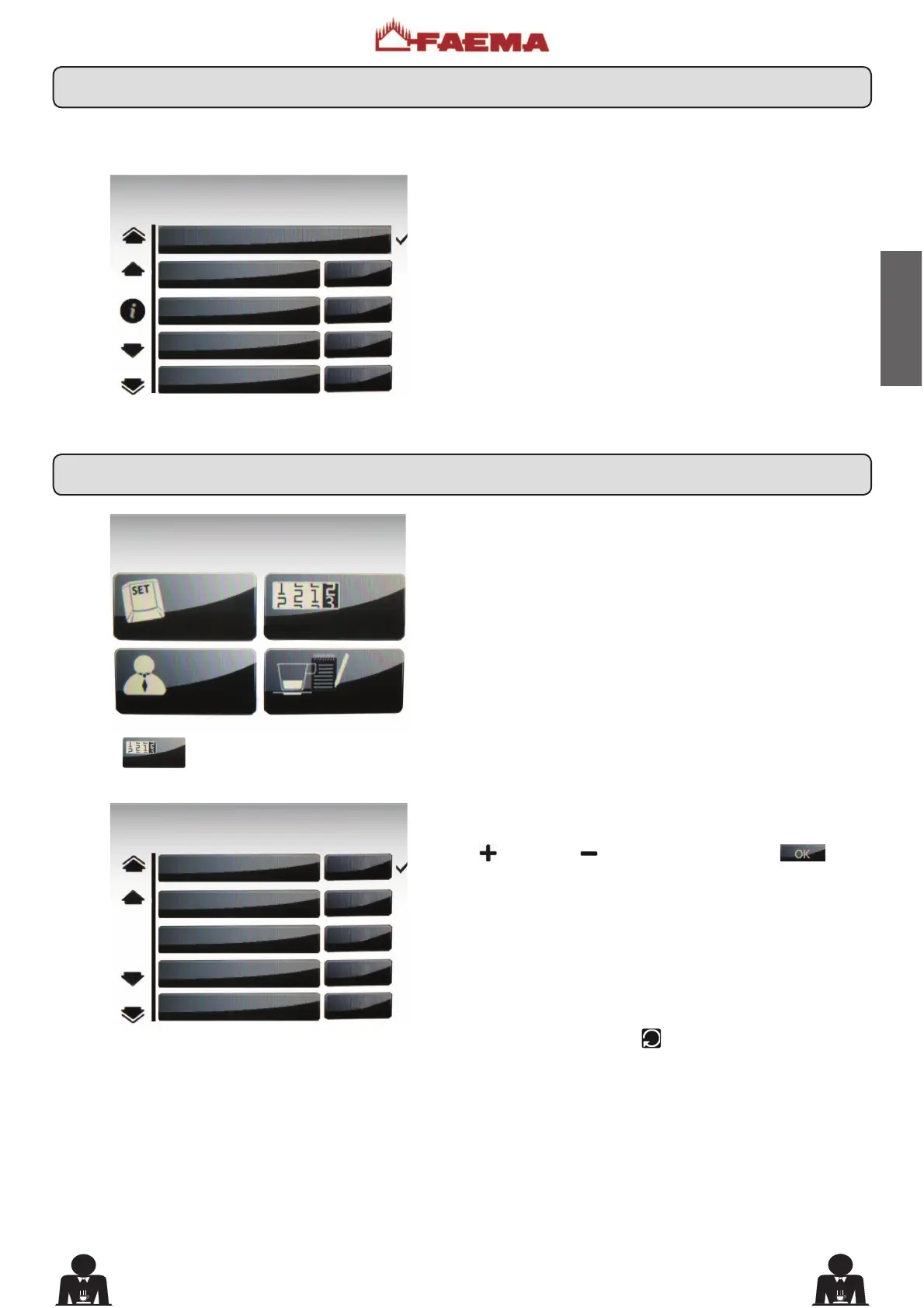
Press one of the mixed soluble dispensing keys. The di-
splay appears as follows:
The following mixed soluble selection parameters can be
PRGL¿HG
- repetition (it represents the number of distributions of
the selected drink, from 001 to 099);
- Milk dose (milk dispensing time: 0 ÷ 60 seconds, with
increments of 0.1);
- emulsion ((foamed milk dispensing time, 0 ÷ time set in
the milk dose);
- cold milk dose (cold milk dose; the setting of this parameter
makes it possible to obtain warm milk; setting between 0
to 20 with increments of 0.1 seconds);
- label (the text indicating the beverage that appears on
the key);
- icon (the picture of the beverage that appears on the key).
Press the
key to view the counters.
The following message will appear on the Touch Screen:
To zero the count: go to the parameter, press the "plus"
or "minus" , keys, and then press the key to
FRQ¿UP]HURLQJ
The total number of coffees and cycles CANNOT be zeroed.
The total number of grindings of the grinding units (MM1
and MM2) can only be zeroed by the installation technician
if a grinder is replaced.
Press the key RES (24) to return to the previous menu.
KEY MENU
type 1 mixed solub.
Repetition 1
Milk dose 7.0
Emulsion 3.0
cold milk dose 5.0
COUNTERS MENU
N°coffee 23
N°milk 12
N°water 10
N°steam 0
N°steam+air 0
CUSTOMER PROG.
KEY MENU
COUNTERS MENU
CUSTOMER PROG.
PERSONALIZATION
17.6 Key menu - Mixed soluble selection
18. Meter display and reset











 To Next Page